
While importing alert rules, only the repos from the alert rules exported from Lopoint are selected.
Go to Settings >> Knowledge Base from the navigation bar and click Alert Rules.
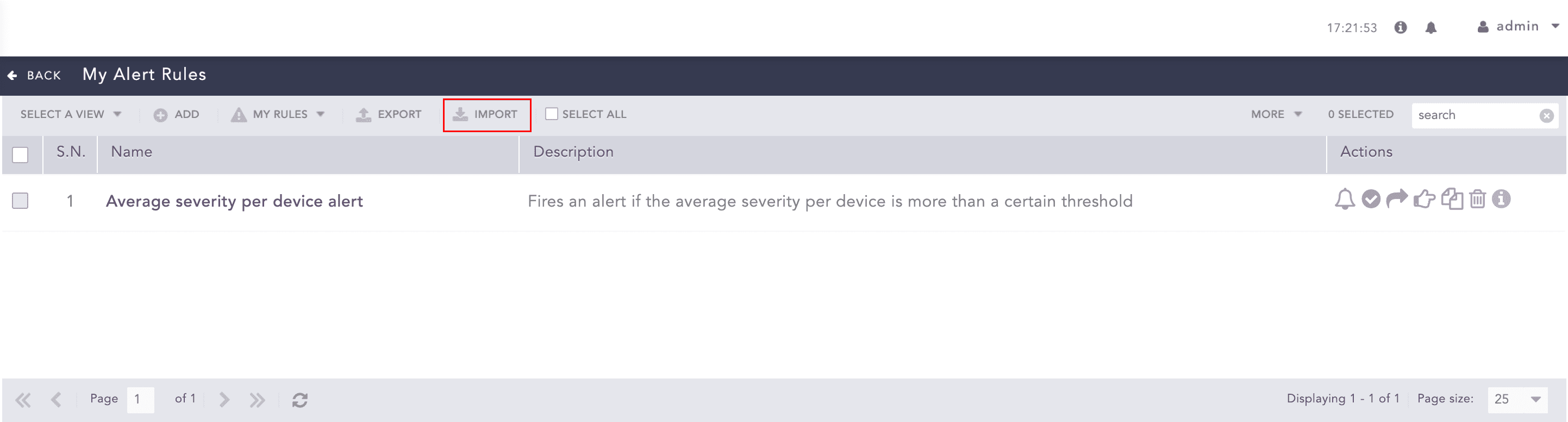
Importing Alert Rules
Click IMPORT.
Browse to the Alert Rules. You can only import alert rules exported from Logpoint with .pak extension.
Click Submit.