
Search permission groups allow you to define and manage user access to specific repositories and column templates. This enables the use of multiple repositories within the same AAHC instance.
A user belonging to a search permission group can search only the repos and column templates specified in that group.
Go to Search Group from the navigation bar.
Click Create Group.
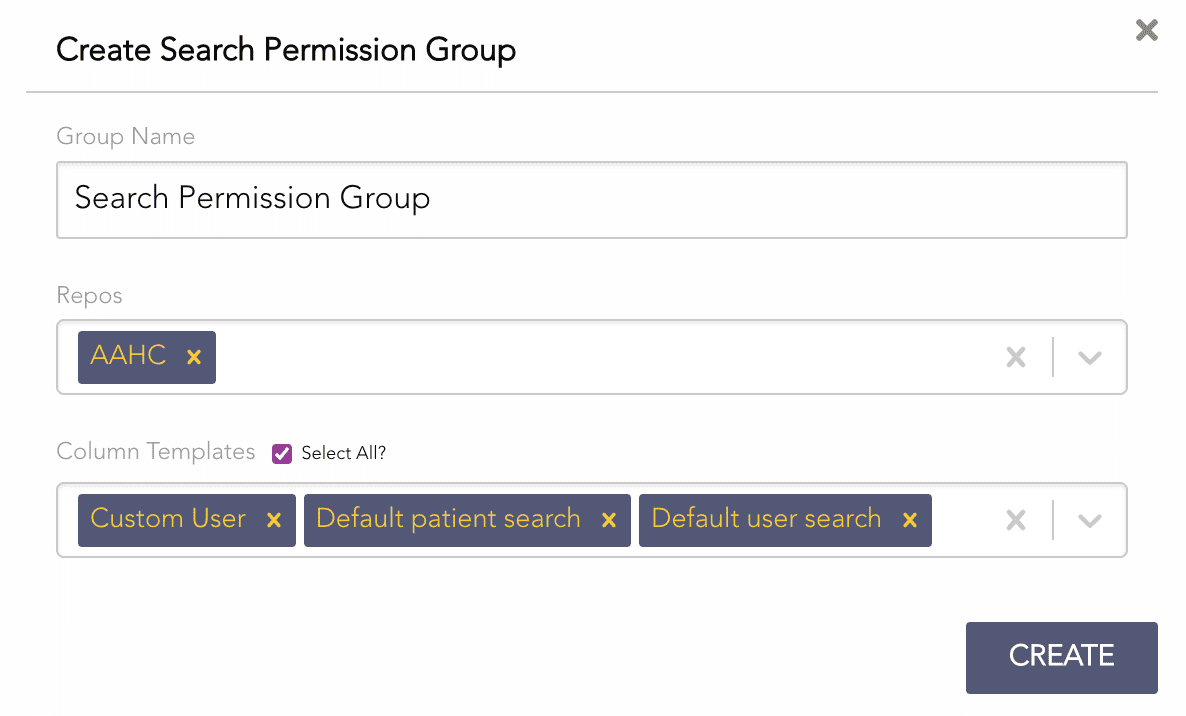
Creating a Search Permission Group
Enter a Group Name.
Select the Repos.
Select the Column Templates. Select All to select all the column templates.
Click CREATE.
AAHC has a default search permission group. The default group has the repos that were selected in the earlier version and the default column templates. The admin and super admin users can edit the default search permission group.

