
The Cybereason search template provides dashboards consisting of predefined search queries with criteria and conditions to search for particular events and patterns in the incoming logs. There are two dashboards: Malops Overview and Malops Detection.
The Malops Overview dashboard provides a comprehensive view of detected malops, including information about the involved users, a timeline of malop events and the overall detection count.
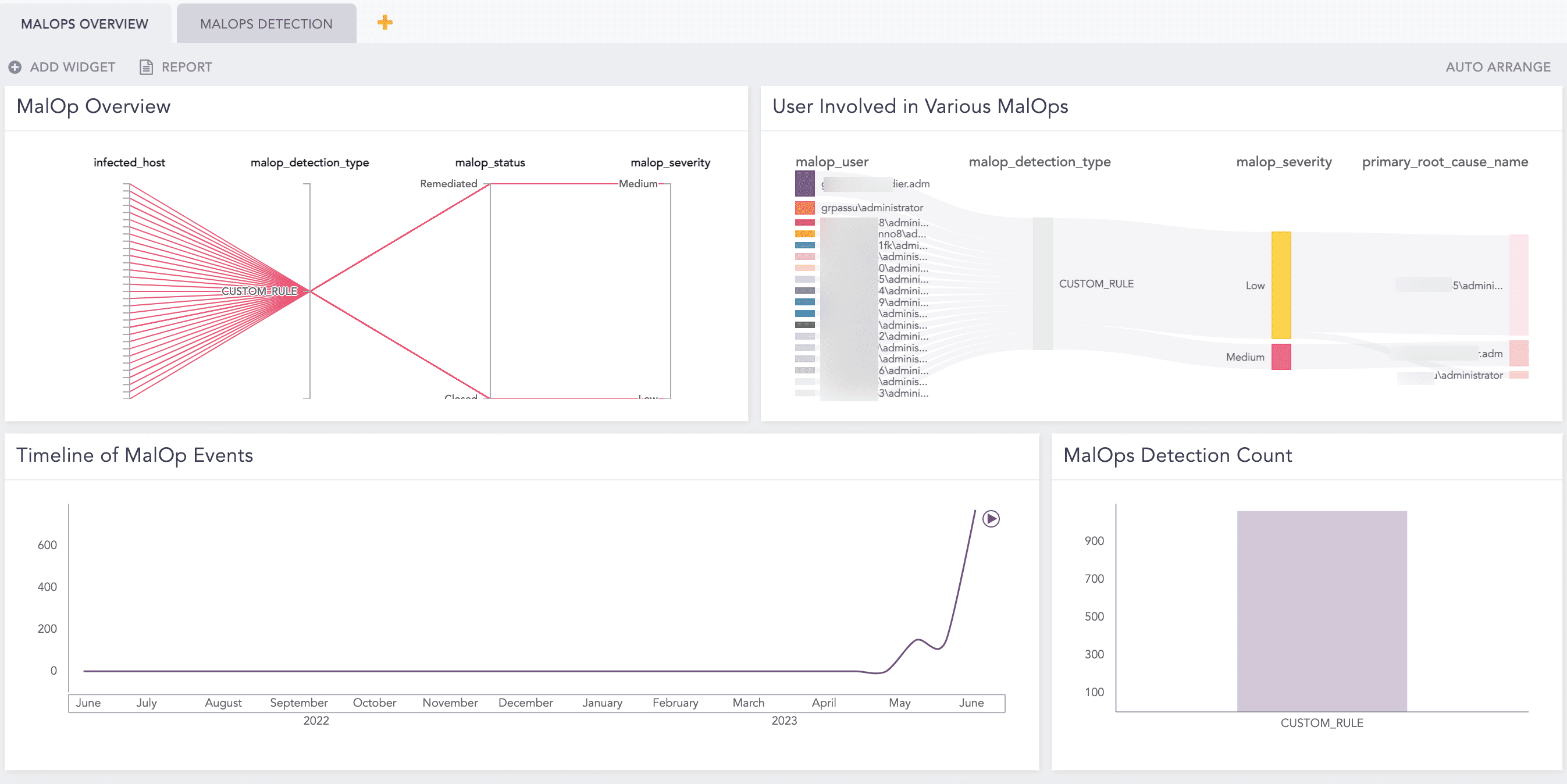
Malops Overview
The Malops Detection dashboard provides in-depth insights into individual malops. It includes details such as a list of hosts with the highest malop detection, the primary root cause of the malop, administrative users with a significant number of malops and users who have experienced a high volume of malop events.
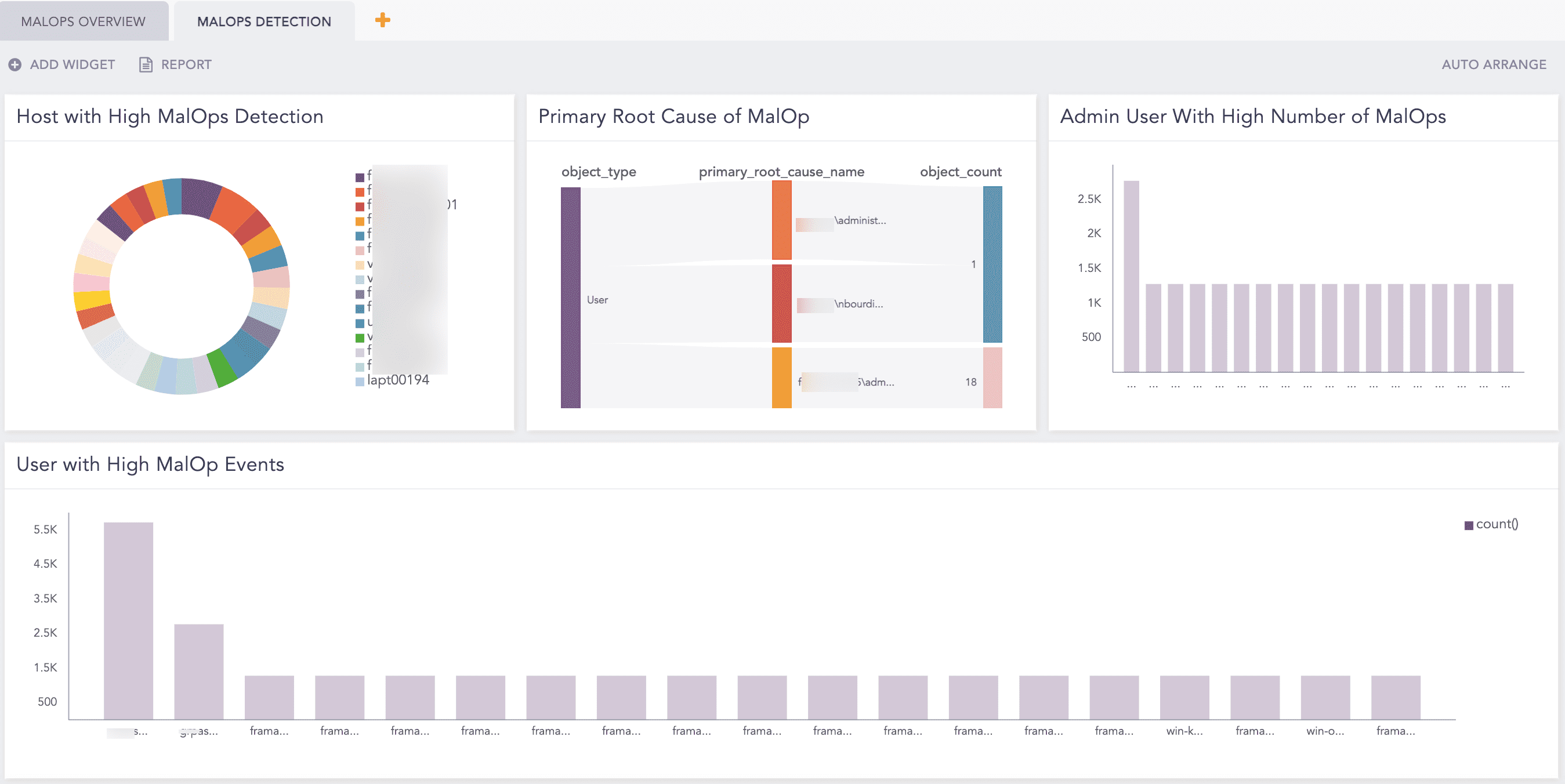
Malops Detection
Go to Search Templates from the navigation bar.
Select VENDOR SEARCH TEMPLATES from the drop-down.
Click the clone icon from Actions.

Cloning Cybereason Search Template
Logpoint forwards you to MY SEARCH TEMPLATE.
Click CybeReason MalOps.

Cybereason Search Template
Logpoint forwards you to Search Template View.
Click Update to access the dashboards of the search template.