
Widgets are panels that you can use to monitor the logs in real-time. You can personally set up a widget and add it to a Dashboard of your choice. For example, if you want to monitor the firewall activities of devices, create a widget with the search queries related to the firewall.
Go to Dashboard from the navigation bar.
Select a Dashboard and click Add Widget.

Add Widget
Enter a Name for the widget.
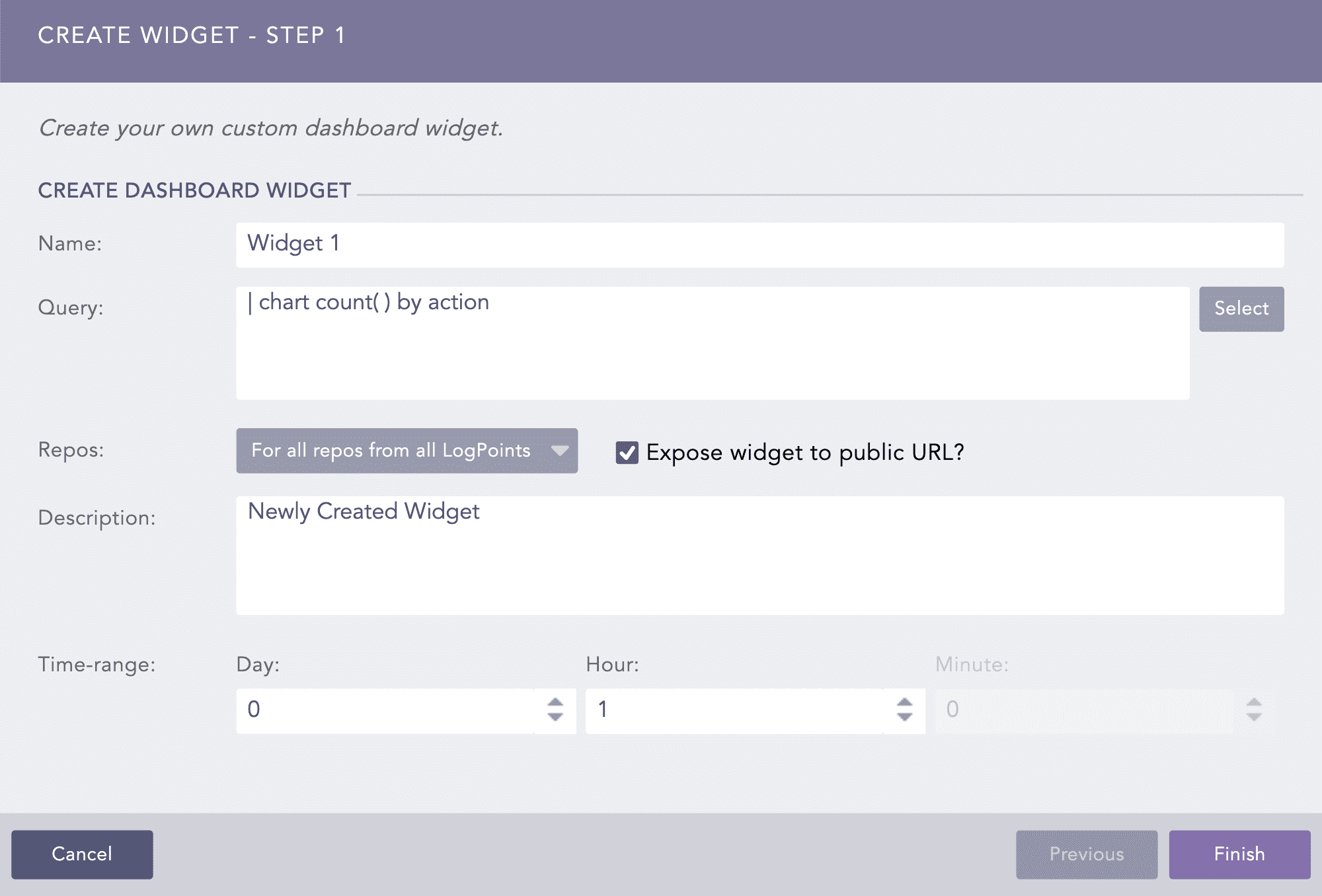
Create Widget
Enter a Query. Alternatively, click Select to choose any query from the Advanced Query Picker.
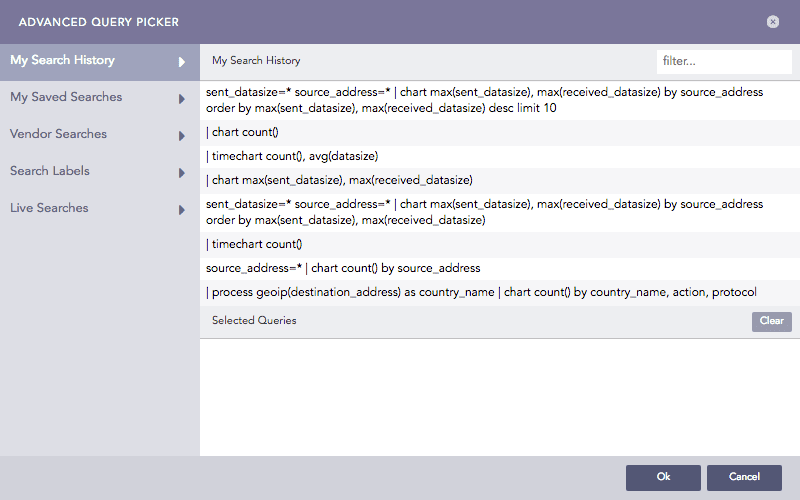
Advanced Query Picker
If you choose the Advanced Query Picker, select a query from the lists provided.
Choose the Repos from where you want to generate the logs.
Select a Limit for the number of logs to be generated.
Enable Expose widget to public URL? to share the widget publicly.
Note
When exposed to public, the widget has an additional option titled Open public URL. Clicking this opens the search result in a new window.
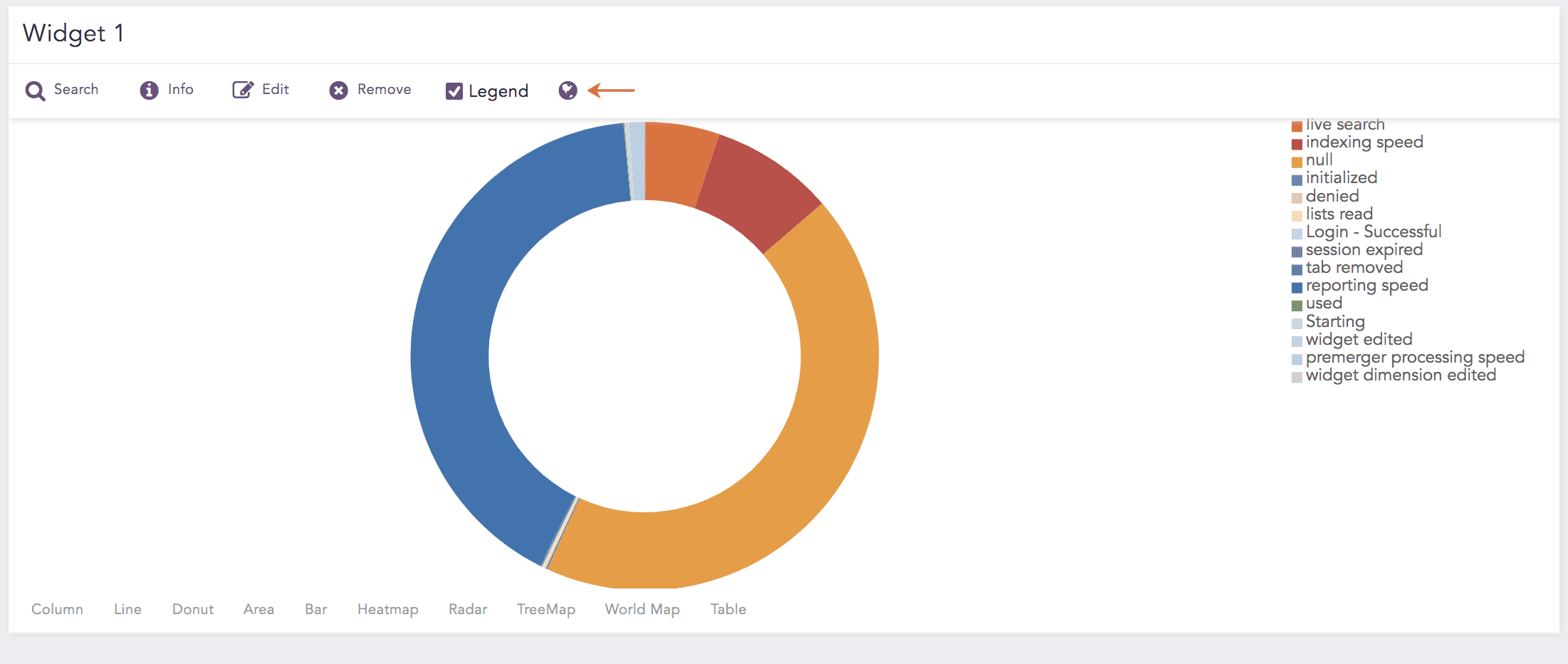
Open Public URL
The user the widget is shared with does not need the credentials to view the shared widget.
Provide a Description for the widget.
Select a Time Range for the logs in the repos.
Note
You can set a time range of either only minutes or only day and hour.
The maximum limit of the time range for the day field is 30.
Click Finish.
Note
In the Data Privacy Module enabled systems, the users who Can Request Access can view the values only in the encrypted form. The values cannot be decrypted to their original form.
Warning
While configuring repos for a new dashboard, make sure you select just the concerned repos, else, it might impede the system performance.

Create Report Option
You can generate reports from a particular dashboard. These reports are the replica of the positioning and placement of activities as set in the widget(s). From here, you can neither schedule nor change the layout of the report.
To create a report using a Dashboard, refer to Creating Reports content from Reports guide.

