
Go to Settings >> Knowledge Base >> Dashboards.
Select VENDOR DASHBOARD from the drop-down.
Click the Use icon from Actions.
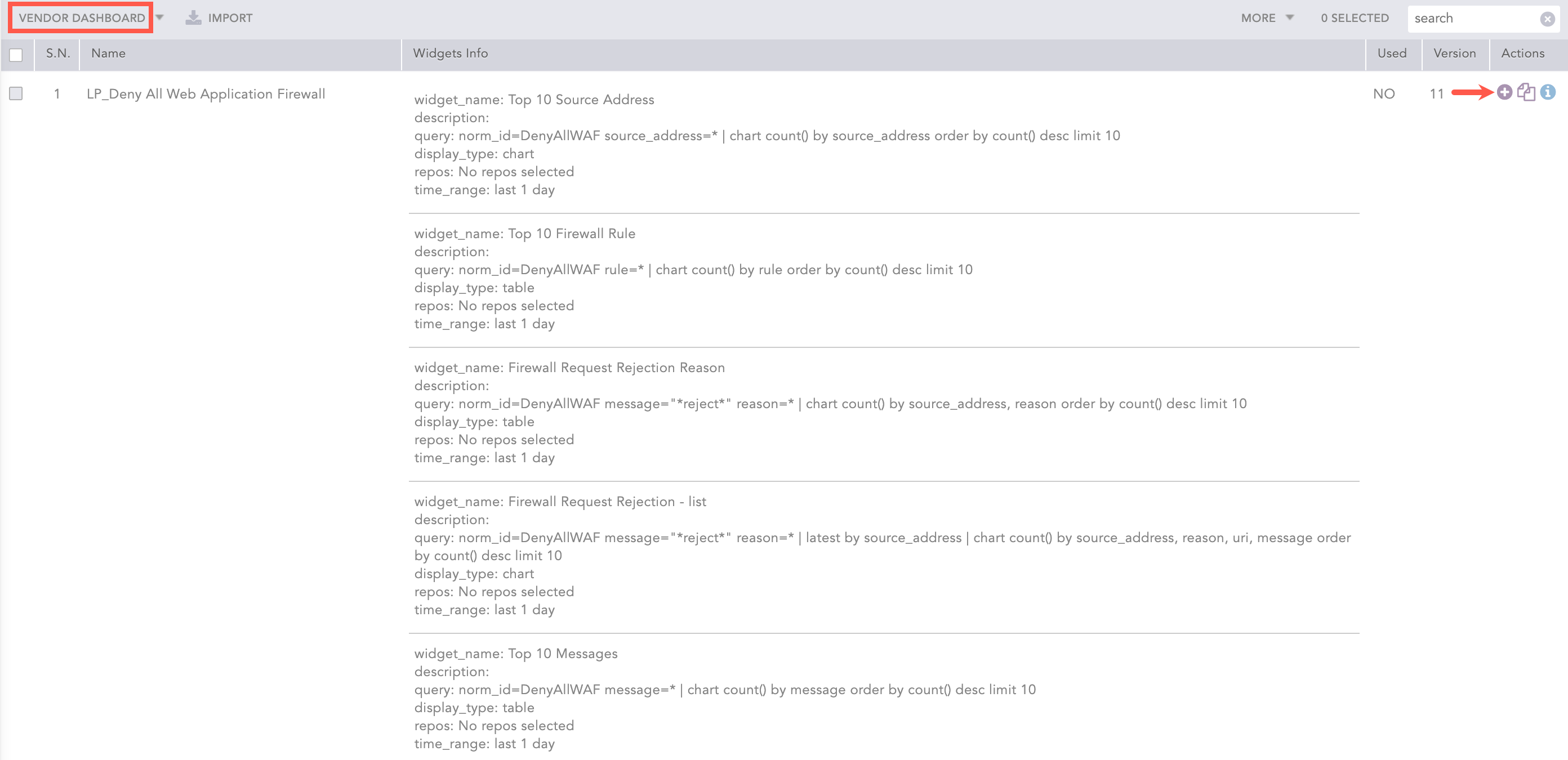
Adding the Deny All WAF Dashboard
Click Choose Repos.
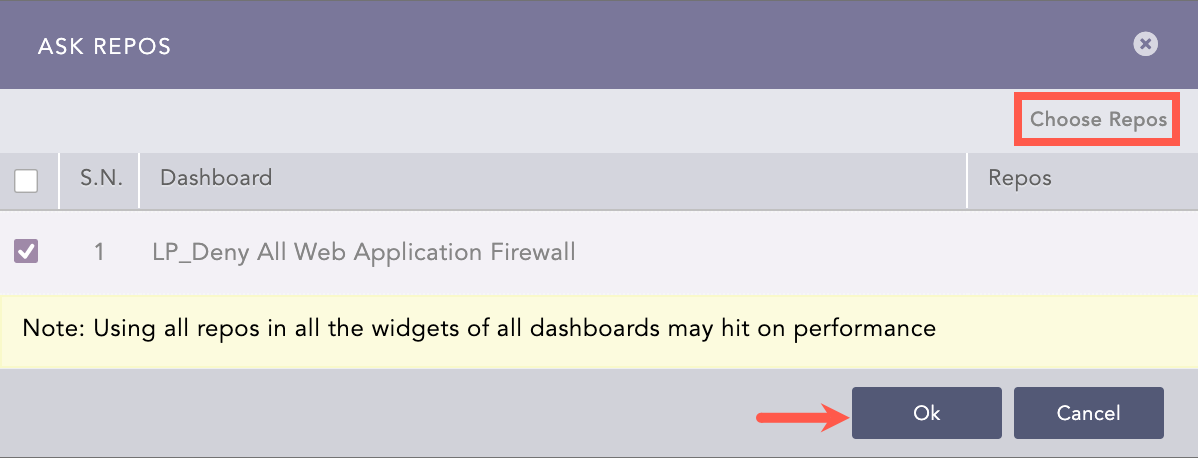
Selecting Repos
Select the repo and click Done.
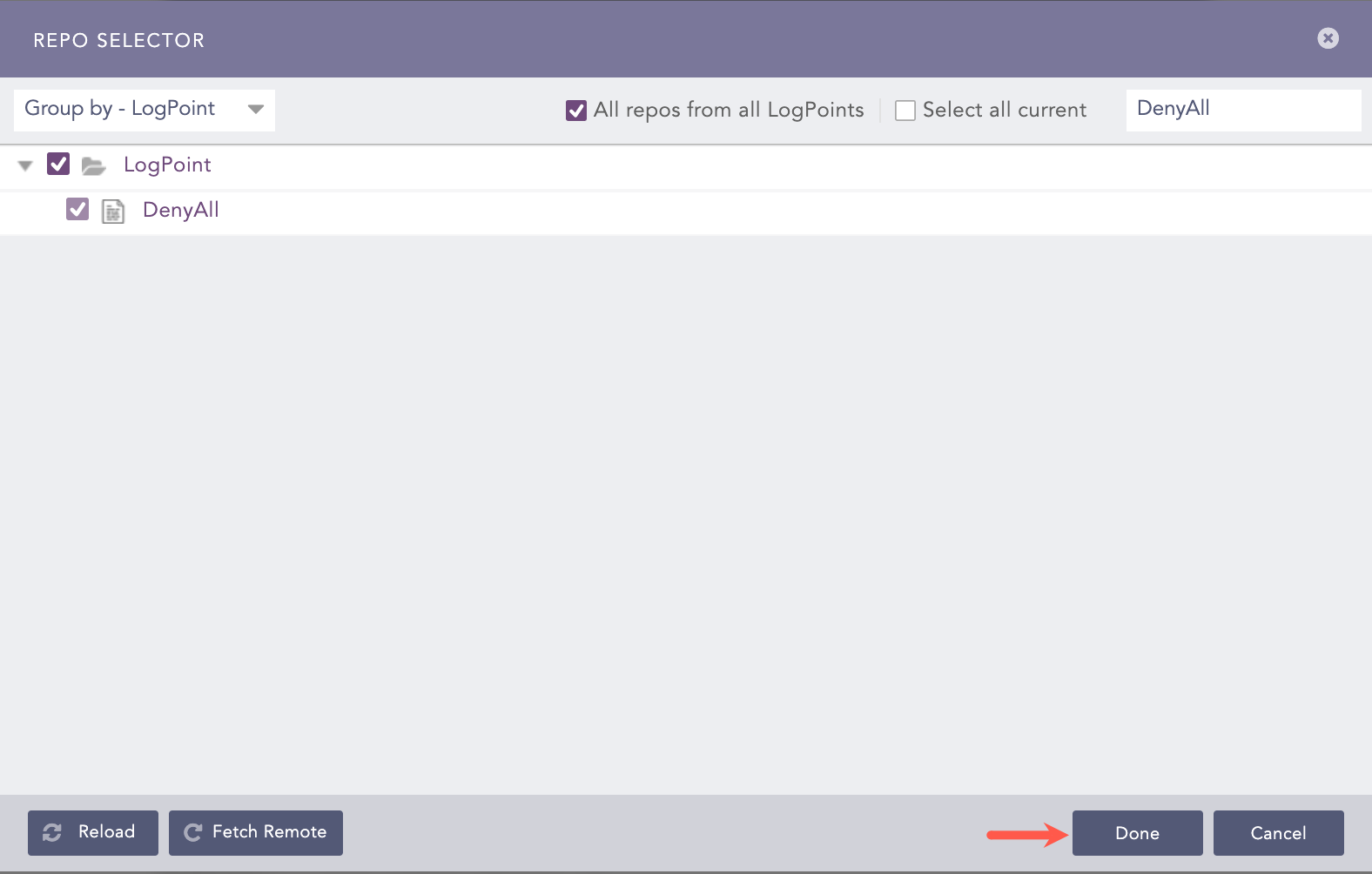
Selecting Repos
Click Ok.
You can find the LP_Deny All Web Application Firewall dashboard under Dashboard.
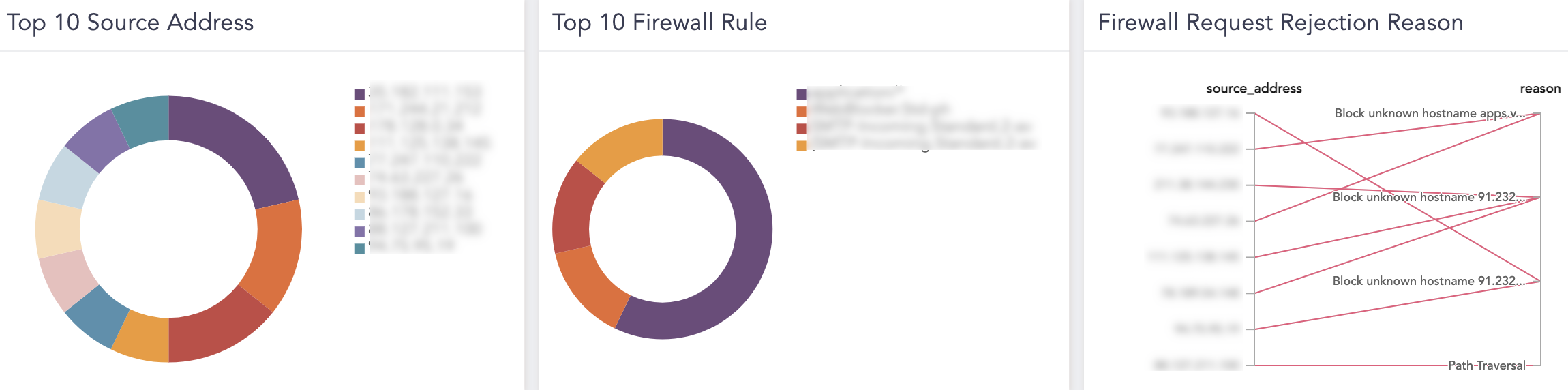
Deny All WAF Dashboard
Deny All WAF Dashboard
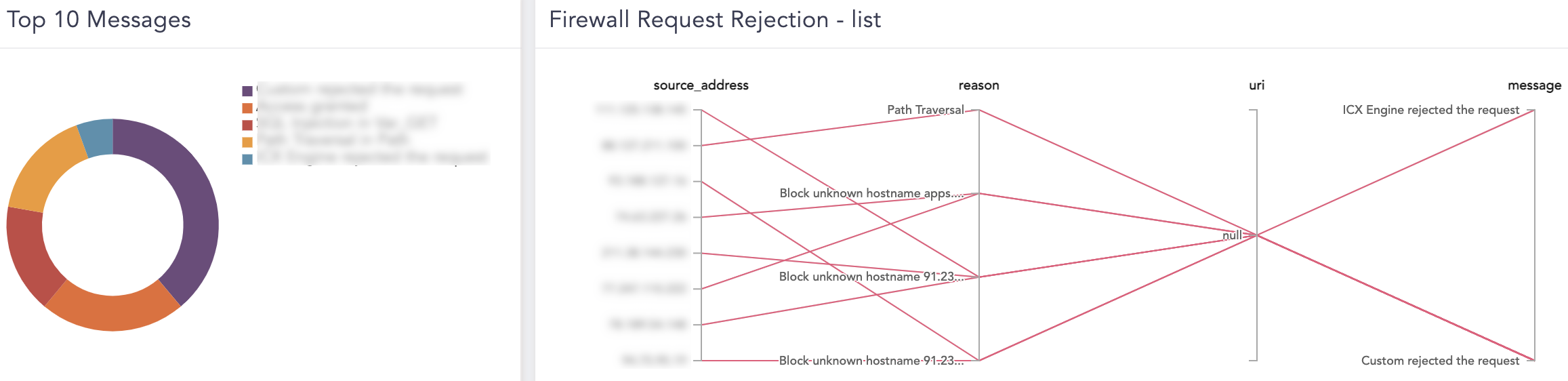
Widgets available in the dashboard LP_Deny All Web Application Firewall provide:
Widget Name |
Description |
|---|---|
Top 10 Source Address |
An overview of the top 10 source addresses detected by Deny All WAF. |
Top 10 Firewall Rule |
An overview of the top 10 firewall rules included in Deny All WAF. |
Firewall Request Rejection Reason |
An overview of the reasons for firewall requests rejection by Deny All WAF. |
Firewall Request Rejection - list |
An overview of the lists of reasons to reject firewall requests. |
Top 10 Messages |
An overview of the top 10 messages detected by Deny All WAF. |
Top 10 Sources in SQL Injection Attack |
An overview of the top 10 SQL Injection attack source addresses detected by Deny All WAF. |
Top 10 Countries in SQL Injection Attack |
An overview of the top 10 countries from where the SQL Injection Attack originated. |
SQL Injection Details |
An overview of the SQL Injection attack details (sources, type of threats, country). |
Alerts available in the LP_Deny All WAF are:
Trigger condition: A SQL injection attack is detected.
ATT&CK Category: Initial Access
ATT&CK Tag: Exploit Public-Facing Application
ATT&CK ID: T1190
Minimum Log Source Requirement: DenyAll WAF
Query:
norm_id=DenyAllWAF label=SQL label=Injection