
When you restore a backup, it replaces the existing configuration with the state when you took the backup.
Warning
When you restore a backup, Director Console version must be the same as when you took the backup.
When you restore a backup, Director Console also replaces the license management information with the information from when you took the backup.
Note
If you want to restore backup files from the SFTP server, you must first save the backup files in the API server then copy the files in the Director Console backup directory using the following command as cmdr-admin:
upload-dc-backup <file_path>
Here, <file_path> is the path to the backup file on the API server.
Log in as the root user.
Go to Settings >> Restore.
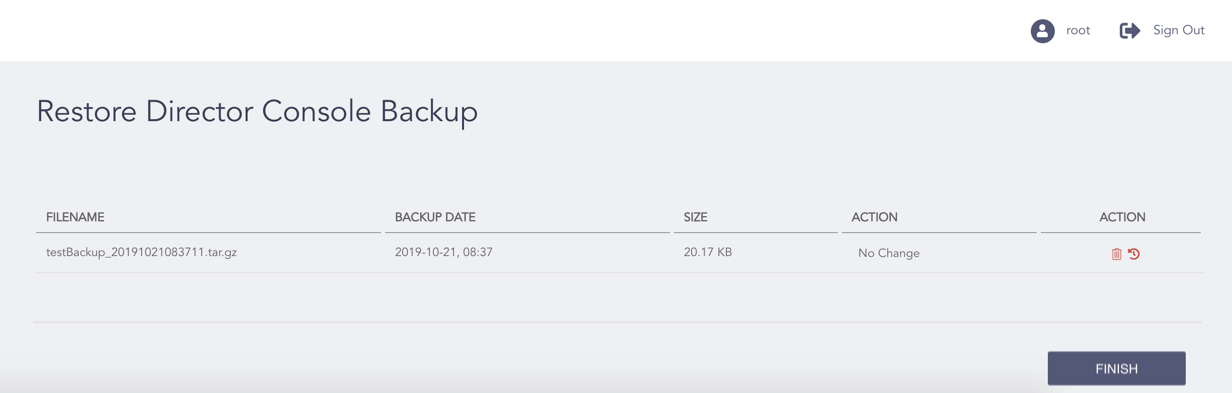
Restoring a Director Console Backup
Select the Restore ( ) icon from the Action column of the backup you want to restore.
Note
Every time you restore a backup, the Director Console UI restarts.
You can also restore the backups taken from the API in the Director Console UI.
Click Finish.
Click OK.