
In the Profile page, you can generate tokens to access the API, invalidate an API token, refresh an API token, and change your password.
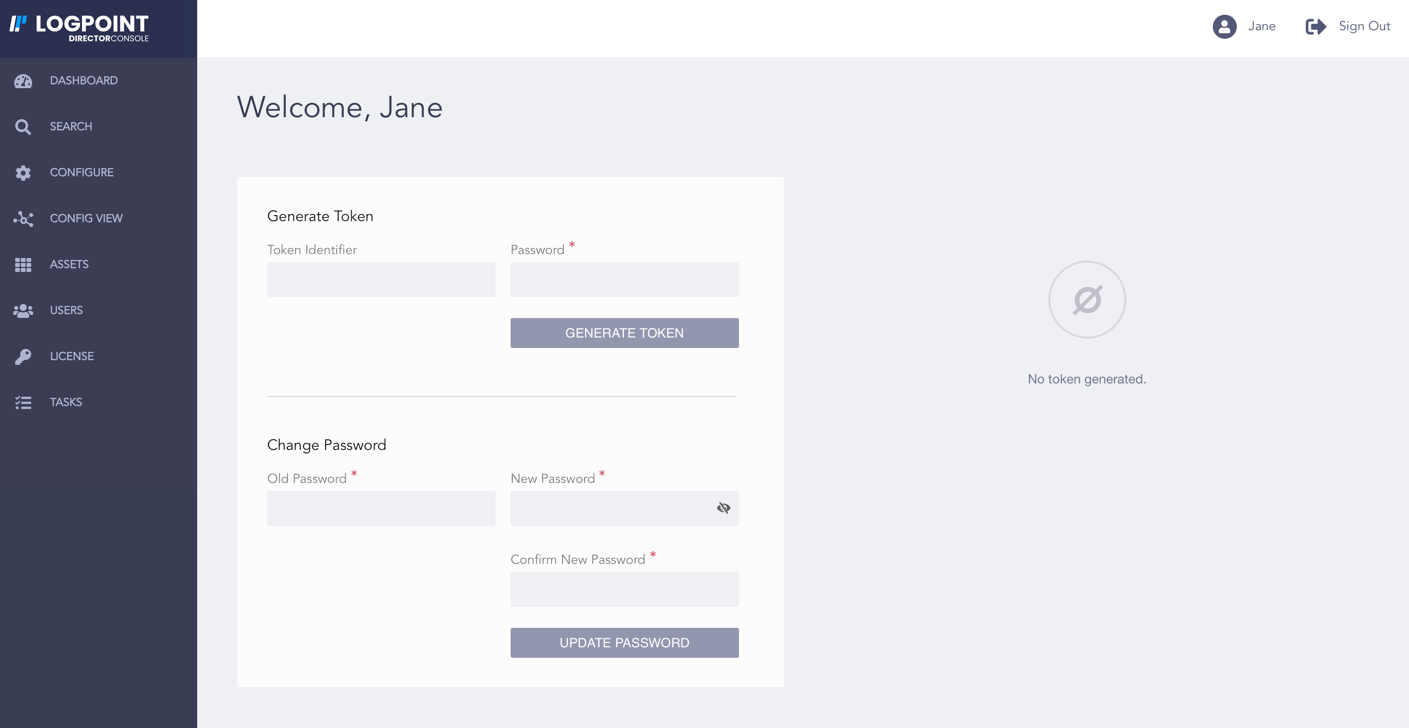
Profile Page
Note
Refer to the Obtaining Authentication Token from Director Console section to generate an API token, invalidate an API token, and refresh an API token.
In the Users page, you can create new users, view user details, delete users, and invalidate users.
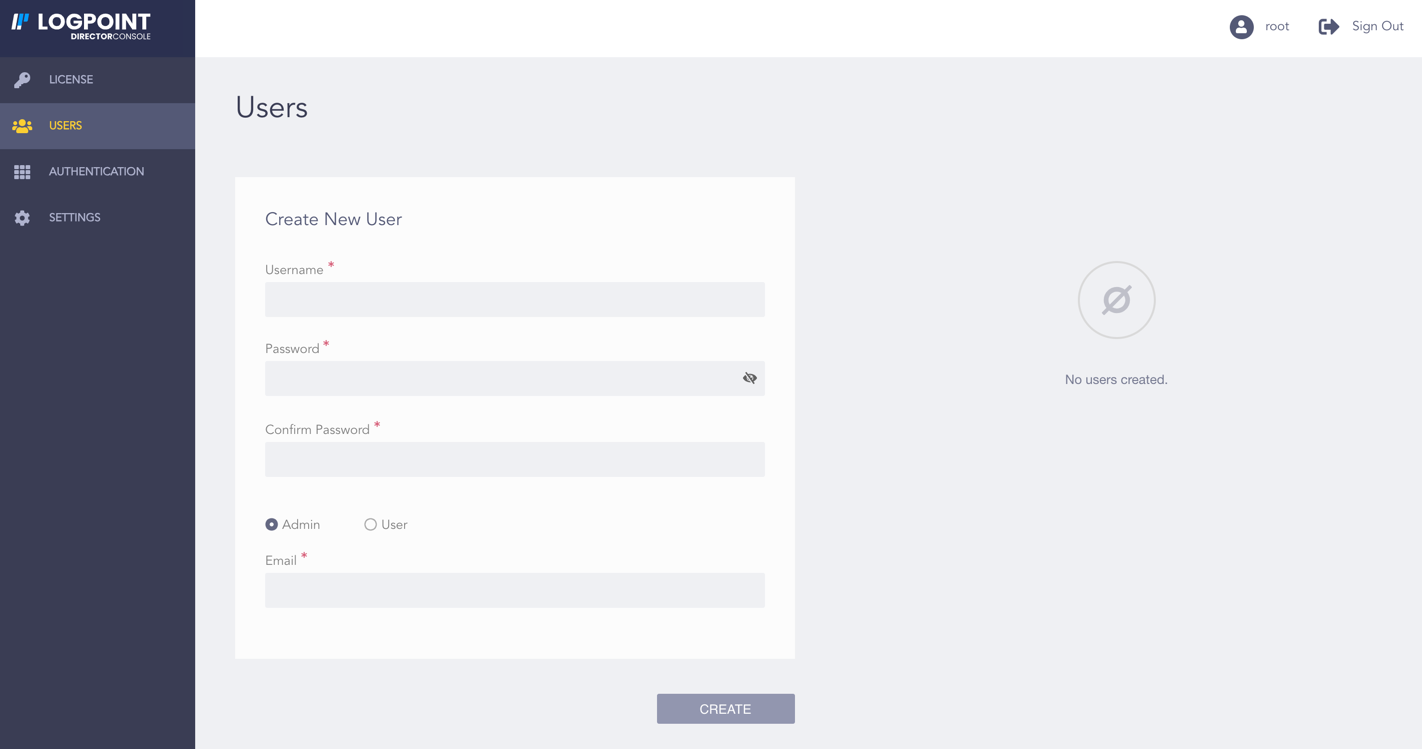
Root User’s View of the Users Page
In Director Console, there are three user roles:
root
admin
user
The root user is the default user of the Director Console. There can be only one root user. The default credentials for the root user are:
username: root
password: changeme
We recommend you to change the password after your first login. Refer to the Changing Your Password section for details.
Functionalities |
Root |
Admin |
User |
|---|---|---|---|
Upload license |
Yes |
No |
No |
View license |
Yes |
Yes |
No |
Create admin users |
Yes |
No |
No |
Create regular users |
Yes |
Yes |
No |
Delete regular users |
Yes |
Yes* |
No |
Invalidate regular users |
Yes |
No |
No |
Oversee LDAP and ADFS Authentication |
Yes |
No |
No |
Search/Create/Delete/Edit entities |
No |
Yes |
Yes |
View/Configure Config View |
No |
Yes |
Yes |
Upload and install assets |
No |
Yes |
Yes |
Configure plugins |
No |
Yes |
Yes |
Perform operations |
No |
Yes |
Yes |
View and manage dashboards |
No |
Yes |
Yes |
Configure settings |
No |
Yes |
Yes |
View tasks and retry a failed action |
No |
Yes |
Yes |
Perform backup and restore operation for the Director Console machine |
Yes |
No |
No |
Configure SFTP |
Yes |
No |
No |
Resync database |
Yes |
No |
No |
*The admin users can view and delete only the regular users that they have created.