
Director Fabric generates audit logs for Fabric Server and API Server. To view the audit logs, you must forward them to Logpoint or any Logpoint receiving client via Syslog collector.
Execute the change-rsyslogip command in the server whose logs you want to forward.
Enter the IP address of Logpoint or the log receiving client that collects the audit logs forwarded from the server.
Note
You must individually forward the audit logs from the Fabric Server and the API Server.
You can only add the Fabric Server and API Server as devices when Logpoint Fabric is disabled and configure them with a Syslog collector to collect the audit logs. To learn more, go to Adding a Device.
The following device properties are specific to Audit Logs. It’s important that you configure these properties for Audit Logs to generate correctly.
Enter the IP address(es) of the server whose logs you want to collect.
Select _logpoint as Processing Policy for correct normalization of audit logs.
In Proxy Server, select None.
Note
You must configure the devices for Fabric Servers and API Server individually.
You can also collect logs via a Fabric-enabled Logpoint. To collect the logs, you must configure the devices via Director Console API or Director Console UIA.
Go to Devices to learn how to create a device. Go to Syslog Collectors to learn how to add a Syslog Collector to a device.
After configuring the device, you can view, search and order the Director Fabric audit logs using specific Logpoint search queries.
Go to Search from the navigation bar.
Enter the search query.
Click Search to view the audit logs.
Examples of Director Fabric audit logs include:
Example 1: Fabric Proxy Audit Logs
event_source="fabric_proxy"
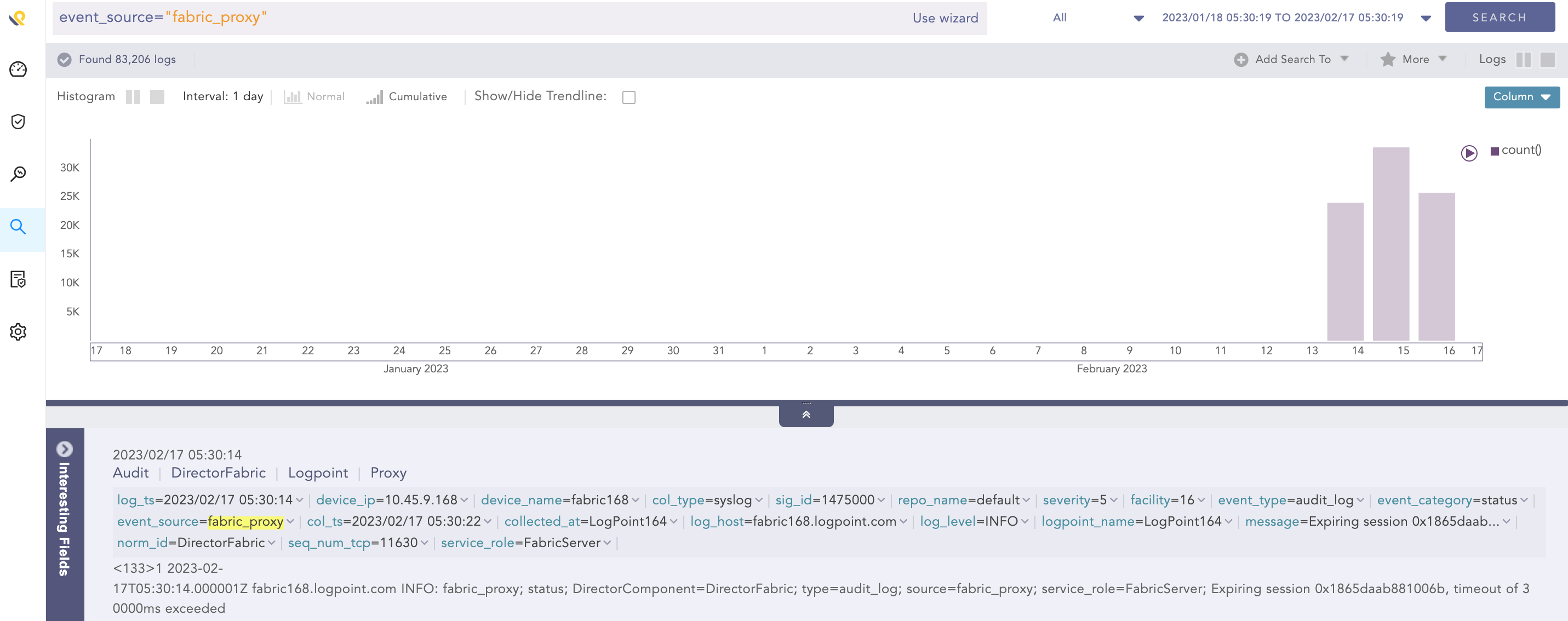
Fabric Proxy Audit Logs
Example 2: Fabric Storage Audit Logs
event_source="fabric_storage"
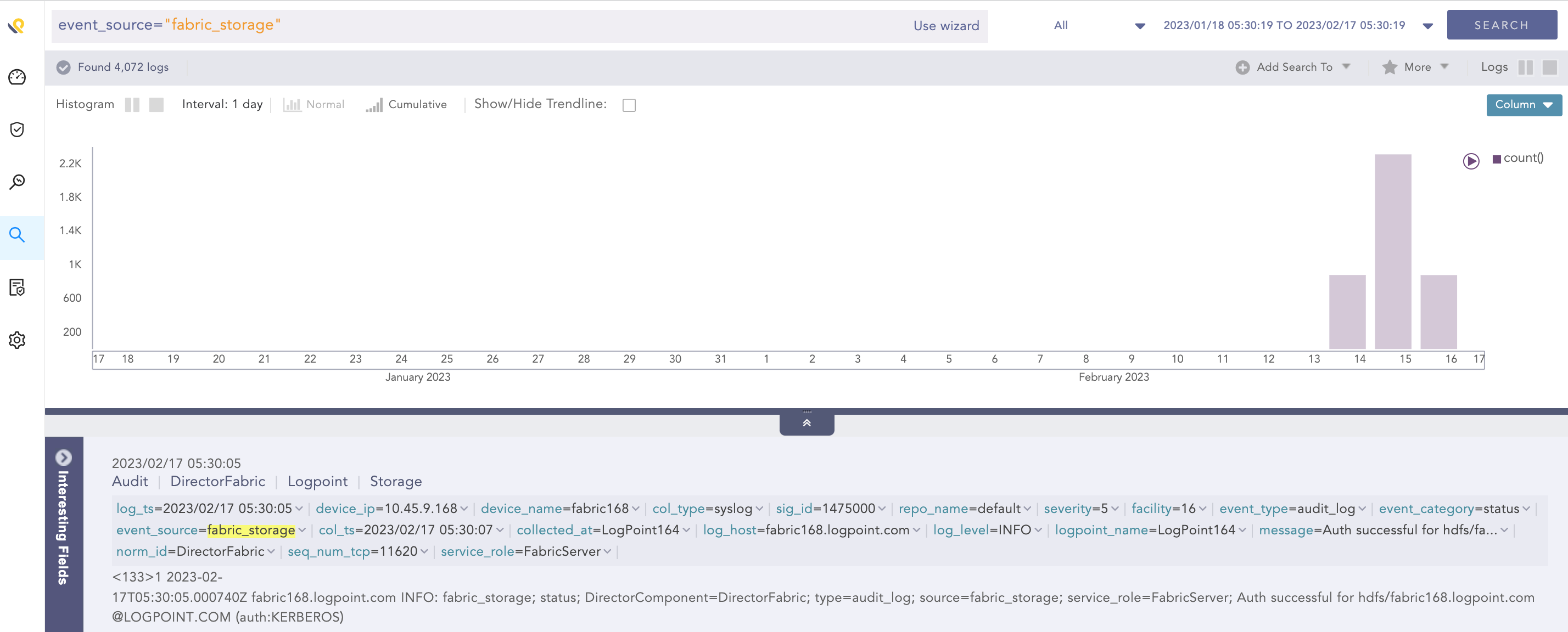
Fabric Storage Audit Logs
Example 3: Fabric Authenticator Audit Logs
label="Preauthentication"
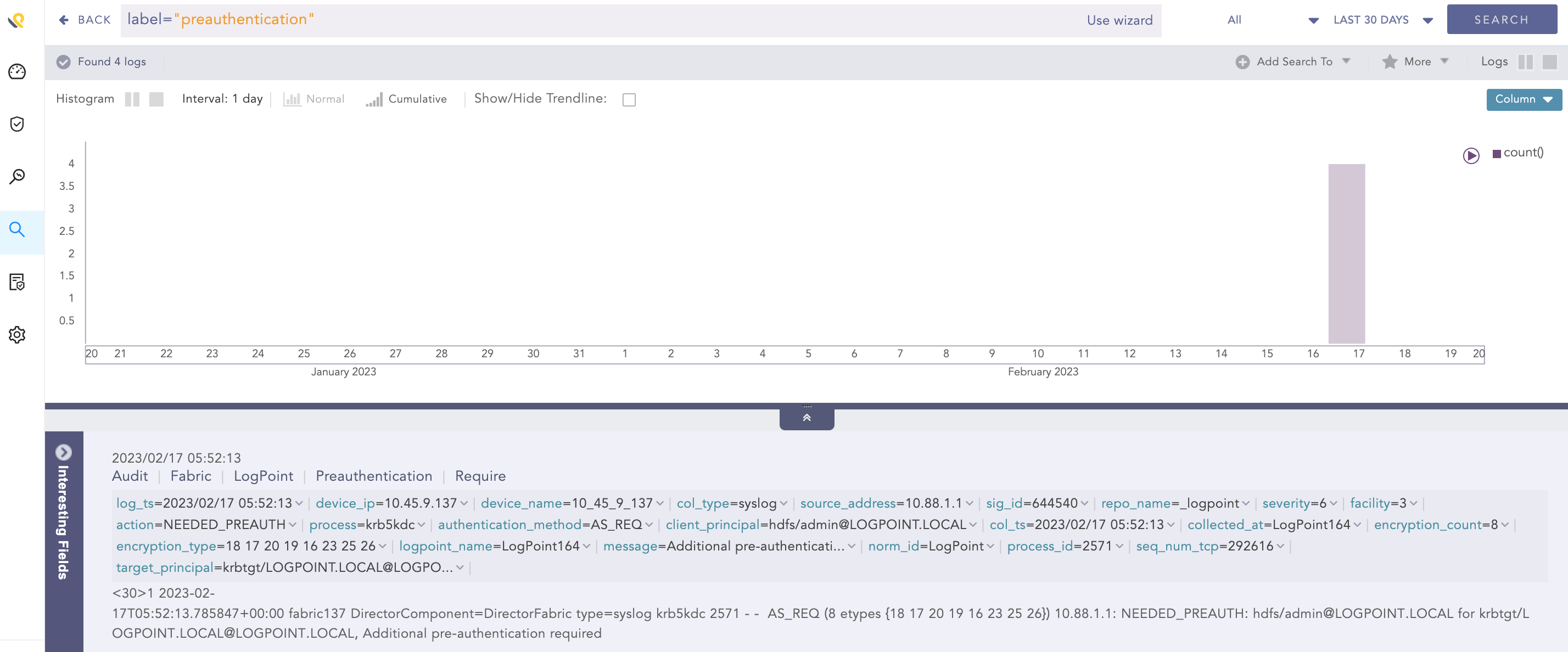
Fabric Authenticator Audit Logs
Example 4: API Server Audit Logs
label="API"
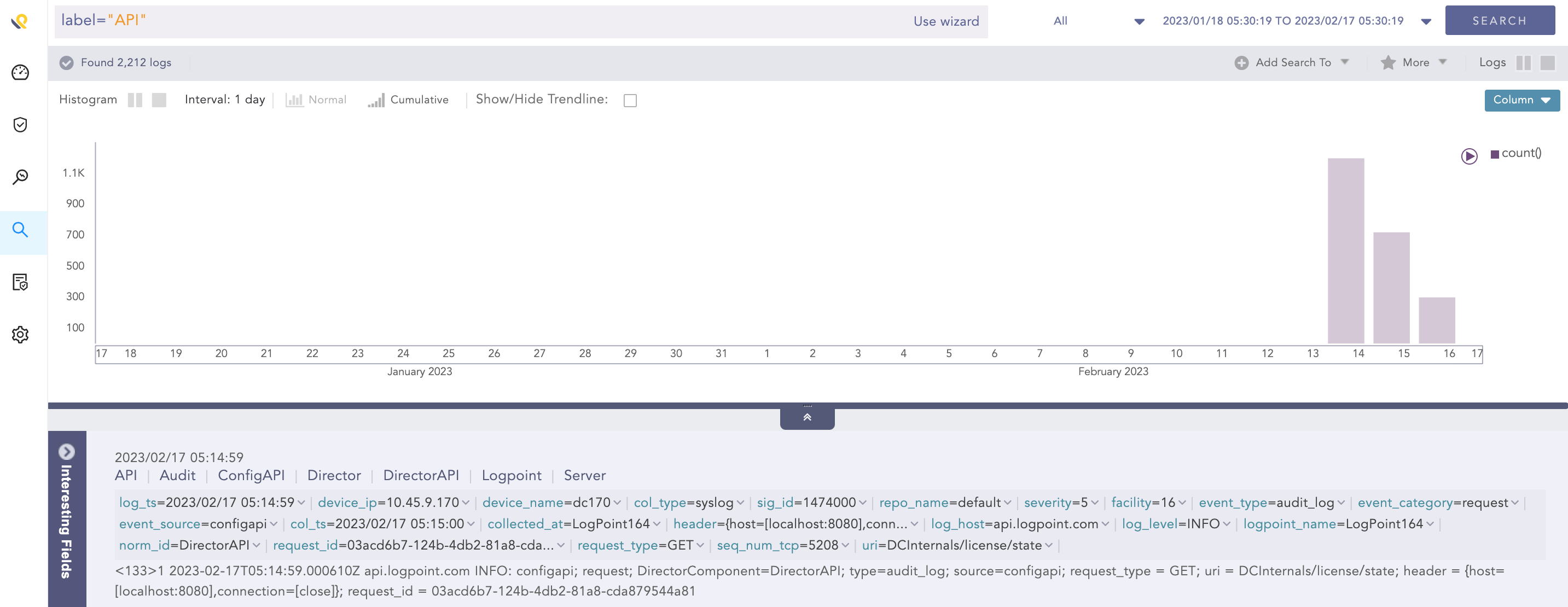
API Server Audit Logs
Example 5: Fabric Connect Audit Logs
"source_name"="/opt/immune/var/log/audit/api_config_service.log"
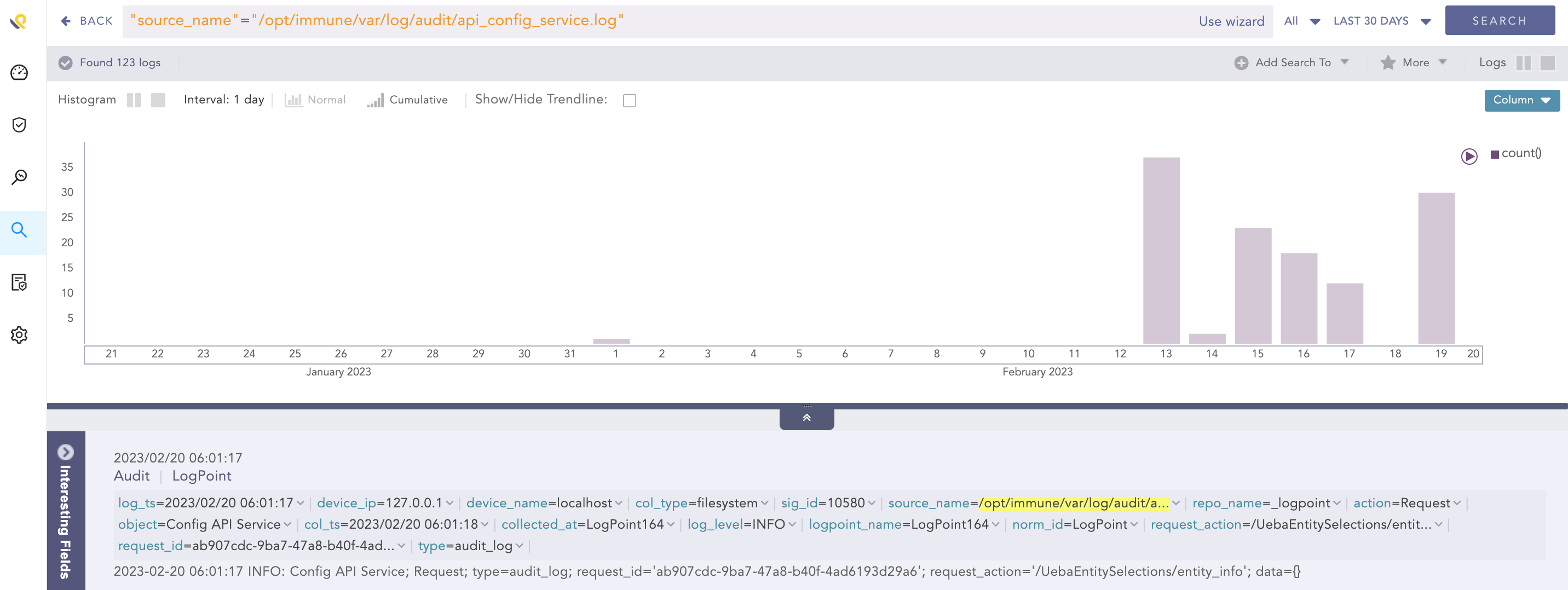
Fabric Connect Audit Logs