
This dashboard consists of the following widgets:
Widget Name |
Description |
|---|---|
Top 10 Potential Malware Applications |
The top 10 applications detected on your network vulnerable to malware. |
Top 10 Quarantine Malware |
The top 10 malware identified and contained by antivirus in a secure location on a computer or network. Quarantining malware is an effective way to stop the spread of the infection and prevent damage to the system. |
Top 10 Deleted Malware |
The top 10 malware deleted by antivirus after running a full system scan to prevent further damage or potential data breach. |
Top 10 Cleaned Malware |
The top 10 most commonly detected and removed malware threats. |
Top 10 Terminated Malware |
The top 10 malicious software detected and stopped from running on a computer or network by deleting or disabling the infected file or process. |
Top 10 Actions |
The top ESET antivirus actions like deleted, cleaned, terminated or quarantined. |
Top 10 Users |
The top ten users detected on your network vulnerable to threats. |
Top 10 Successful Logout Users |
The top ten users who have frequently and successfully logged out of the system or application. This information is useful for identifying patterns in user activity, assessing the effectiveness of security measures and monitoring for potential security breaches. |
Go to Settings >> Knowledge Base from the navigation bar and click Dashboards.
Select VENDOR DASHBOARD from the drop-down.
Click the Use icon from Actions.
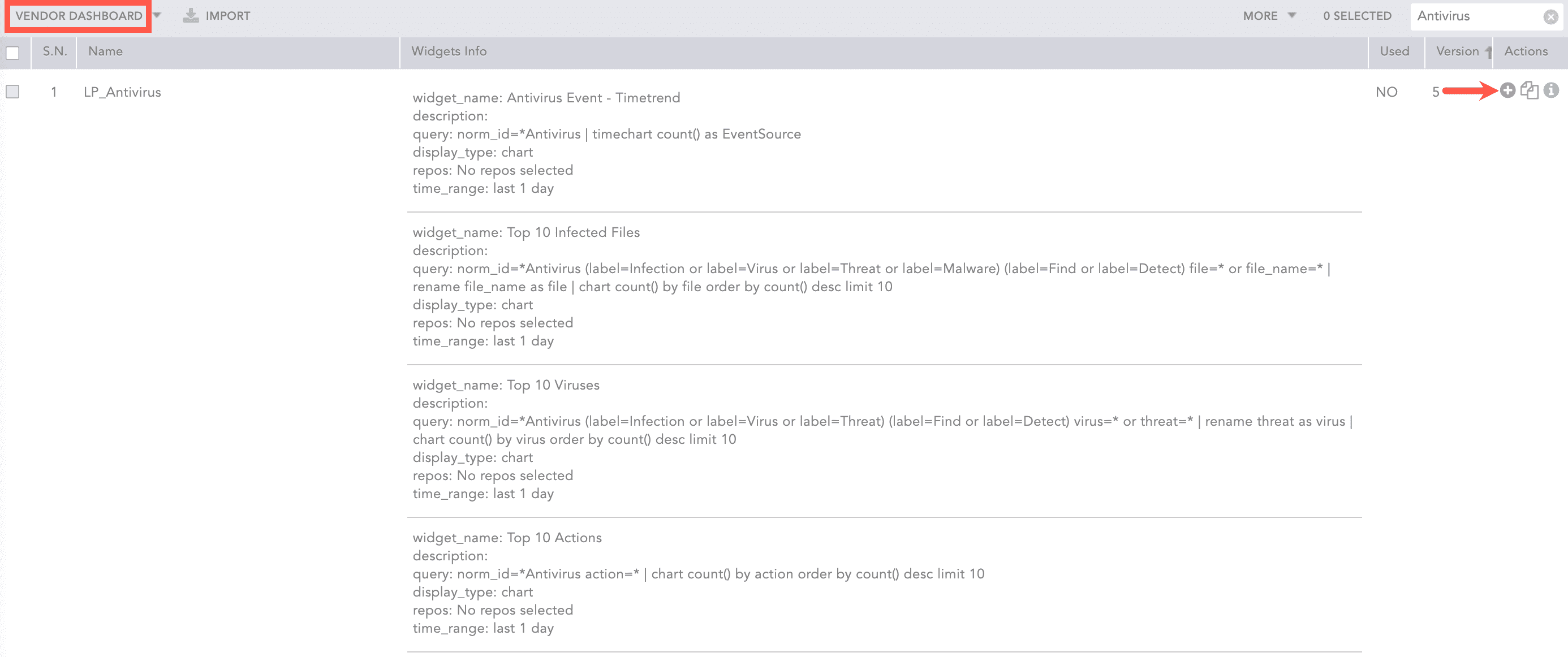
Adding the ESET Dashboard
Click Choose Repos.
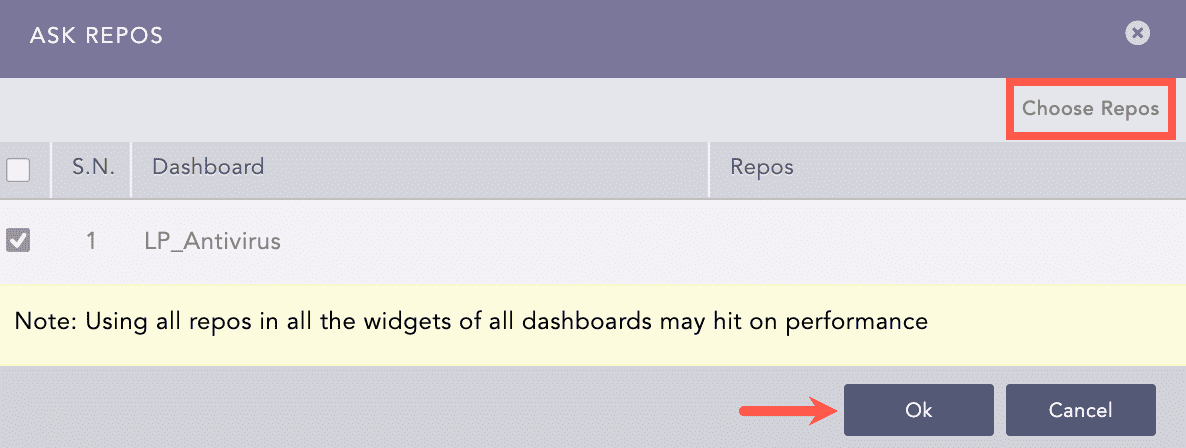
Selecting Repos
Select the repo and click Done.
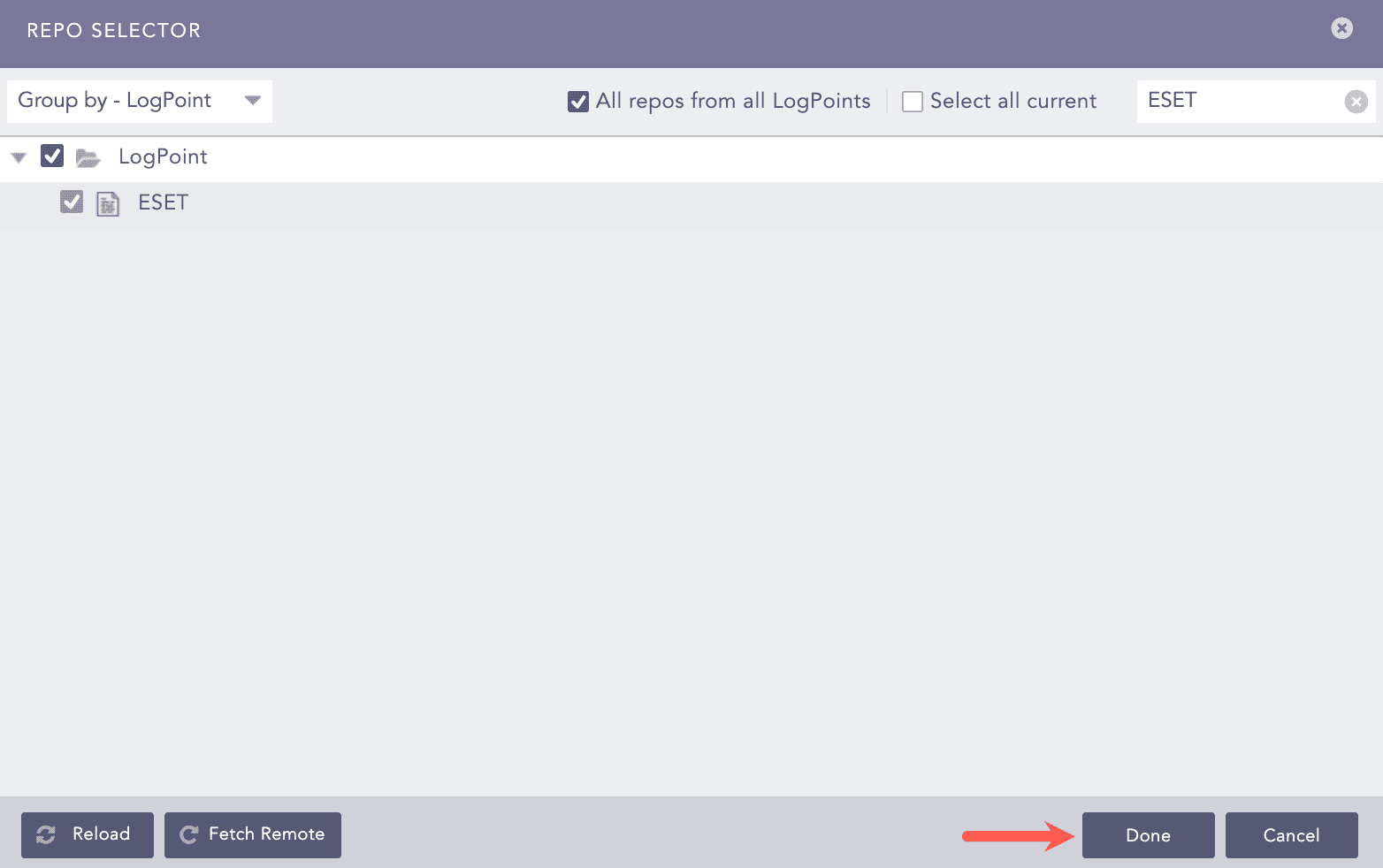
Selecting Repos
Click Ok.
You can find the ESET dashboard under Dashboards.
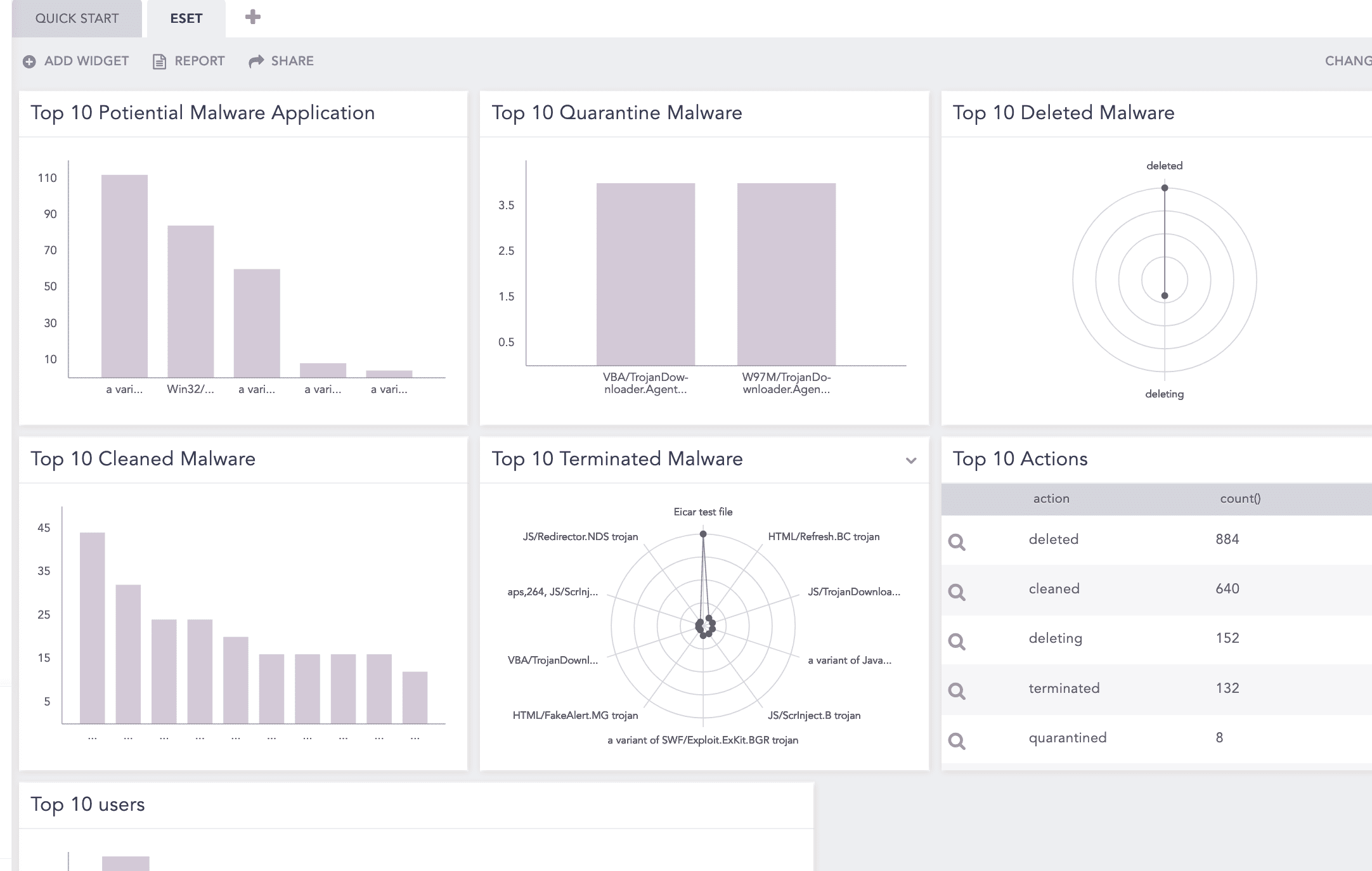
ESET Dashboard
Description: When a malware-infected file is detected.
Attack Category: Initial Access
Attack Tag: T1566.001 - Spearphishing Attachment
Log Source: -
Query:
norm_id=ESETAntivirus label=malware label=infection
Description: When a potential malware is detected.
Attack Category: Resource Development
Attack Tag: T1587.001 - Malware
Log Source: -
Query:
norm_id=ESETAntivirus label=Potential (label=Malware OR label=Virus) label=Application
Description: When ESET Antivirus cleans, deletes, quarantines or terminates any malicious threat.
Attack Category: Resource Development
Attack Tag: T1587.001 - Malware
Log Source: -
Query:
norm_id=ESETAntivirus label IN ["clean", "delete", "quarantine", "terminate"]