
When deleting a logsource used as a proxy server by Devices, you must change the proxy configuration. Go to Editing a Device for more details.
Go to Settings >> Log Sources from the navigation bar.
Click the more ( ) icon of the log source and click Delete Log Source.
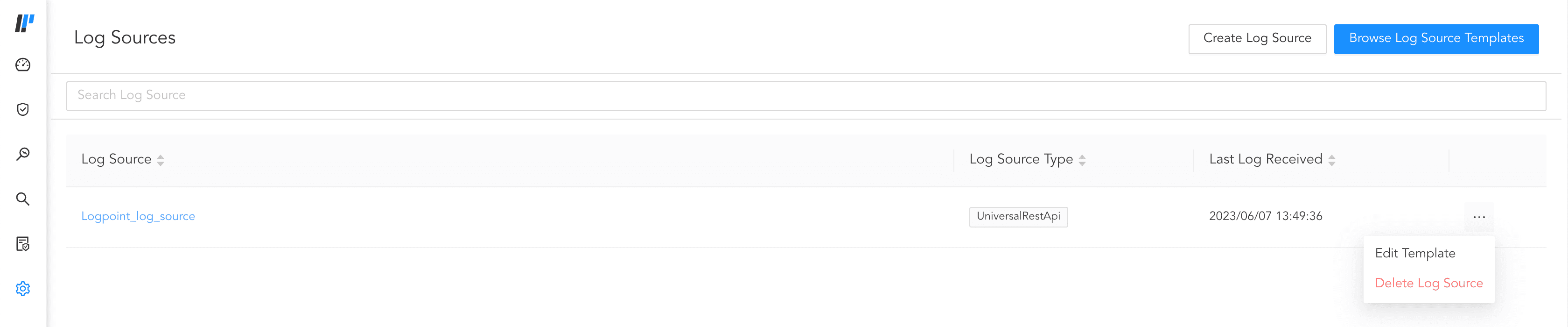
Deleting Log Source
Click Delete.
Alternatively,
Go to Settings >> Log Sources from the navigation bar.
Click on the Log source.
Click the more ( ) icon and click Delete Log Source.
Click Delete.