
Contact the LogPoint Support team in case of any issues. The LogPoint Support requires a Support Connection with your LogPoint instance to understand, troubleshoot, and fix the problems.
Warning
Before enabling the Support Connection, make sure your network firewall is not blocking the connection from your LogPoint to reverse.immune.dk on port 1193/UDP.
To enable the Support Connection:
Go to Settings >> System >> System Settings.
Select the Support Connection tab.
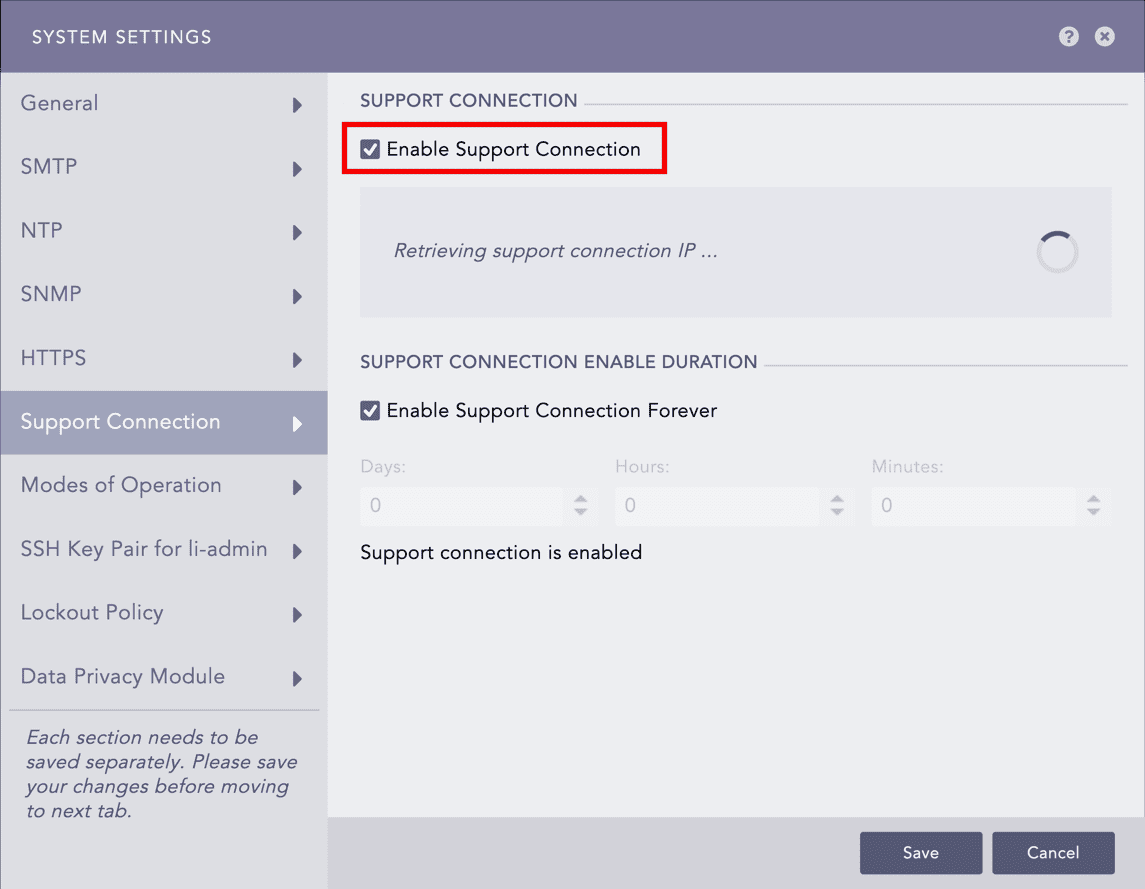
Enabling the Support Connection
Enable Support Connection. LogPoint starts retrieving the support connection IP.
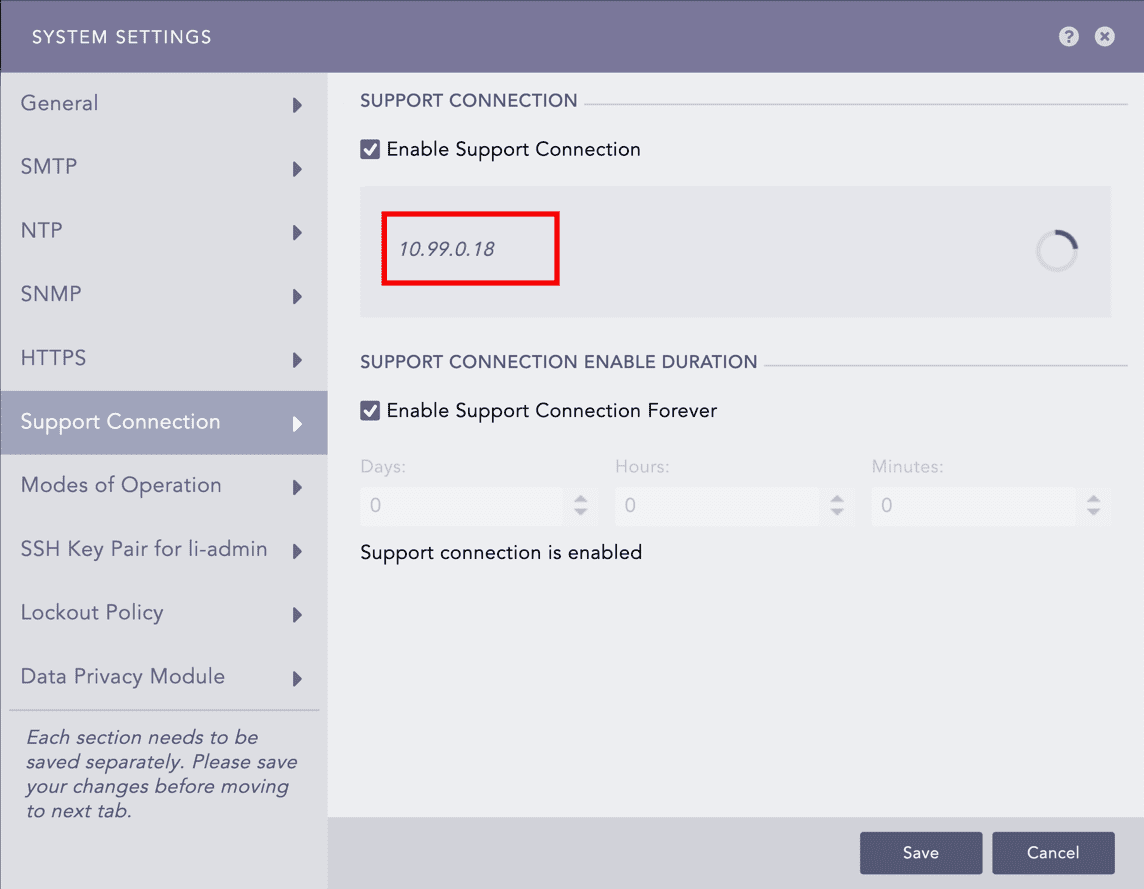
Retrieved Support Connection IP
Provide the retrieved support connection IP to the LogPoint Support team.
Provide Support Connection Enable Duration. The support session expires after it exceeds the duration.
Note
Support connection never expires if you select 0:0:0 as the time duration, or Enable Support Connection Forever.
Click Save.