
You can transfer the backup files between LPSM and an external device using SFTP. To transfer the files:
Generate a public SSH key on the device where you want to transfer the backup files.
In LPSM, go to Settings >> System >> Backup and Restore >> Backup Settings from the navigation bar.
Copy the public SSH key and paste it into Public Key.

Public key in Backup and Restore
Note
You need to copy the public SSH key only once per LPSM.
Go back to the external device and make an SFTP connection to the LPSM server as the loginspect user.
sftp loginspect@<IP address of LPSM server>
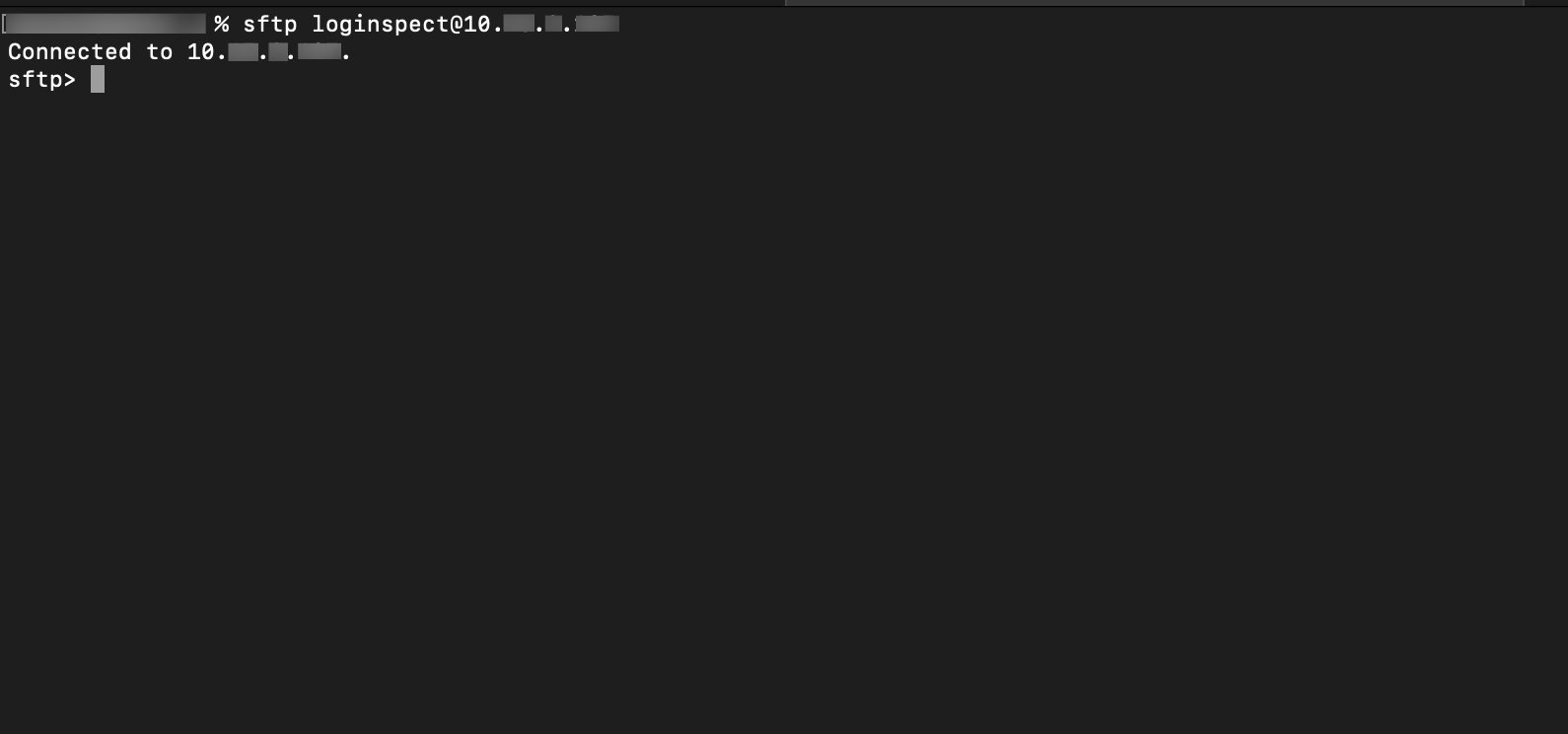
SFTP connection to a LPSM
Verify the current folder in the local machine using the lpwd command. You can switch folders using lcd.
Use the get -r SFTP command to download the backup folder recursively to the current local folder.
cd configuration/zipped
get -r <backup folder name>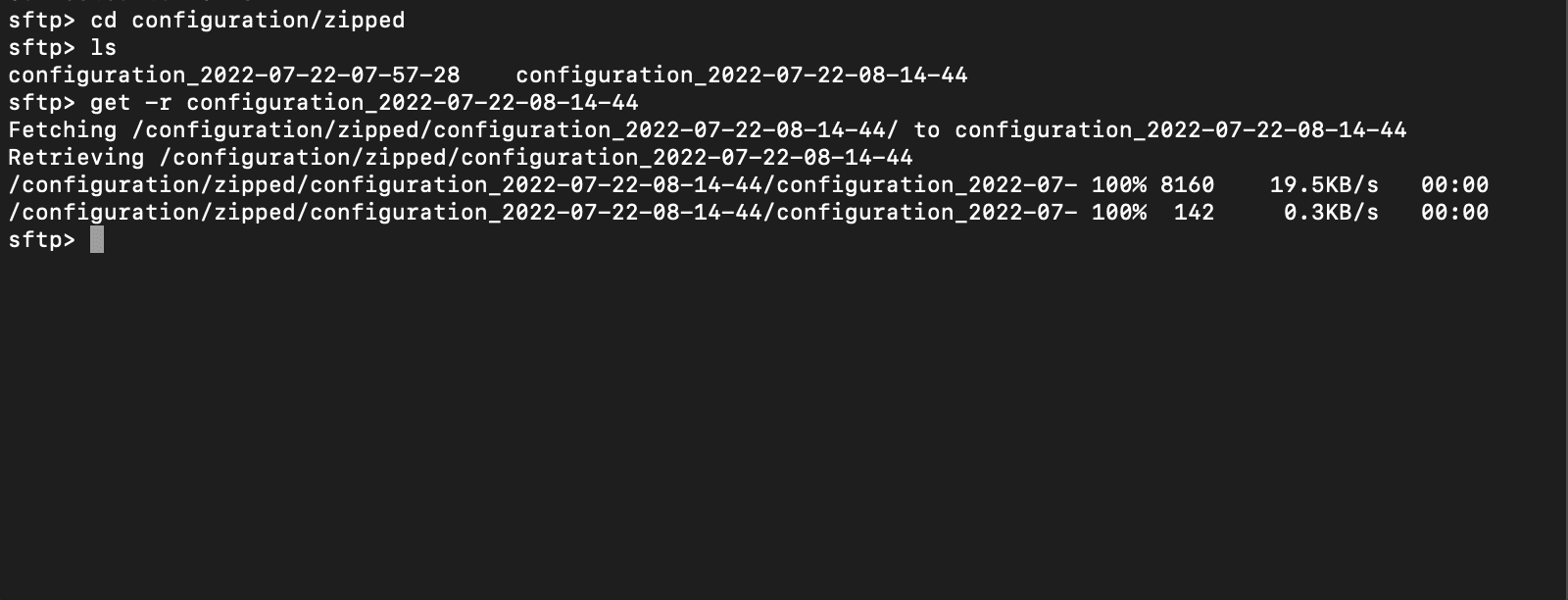
Transfer backup complete
Note
You can use the put -r command to transfer the backup folder to LPSM.
The configuration backup folder is stored inside configuration >> zipped.