
Click Assets from the left navigation bar.
Click Uninstall.
Select LogPoint machines to uninstall Microsoft Defender ATP. You can select multiple machines of different pools where it is installed.
Note
You must remove the Microsoft Defender ATP configuration to delete it.
Select Microsoft Defender ATP from the list of available packages.
Click Next.
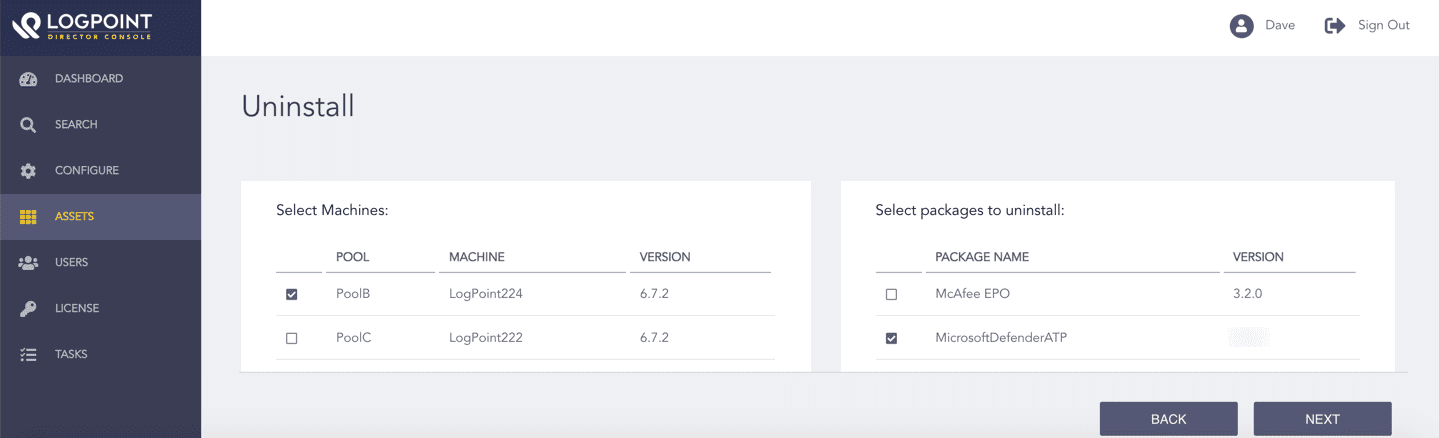
Selecting LogPoint Machines
Review your changes. You can go Back to make any changes if necessary.
Click Uninstall and click OK to confirm.
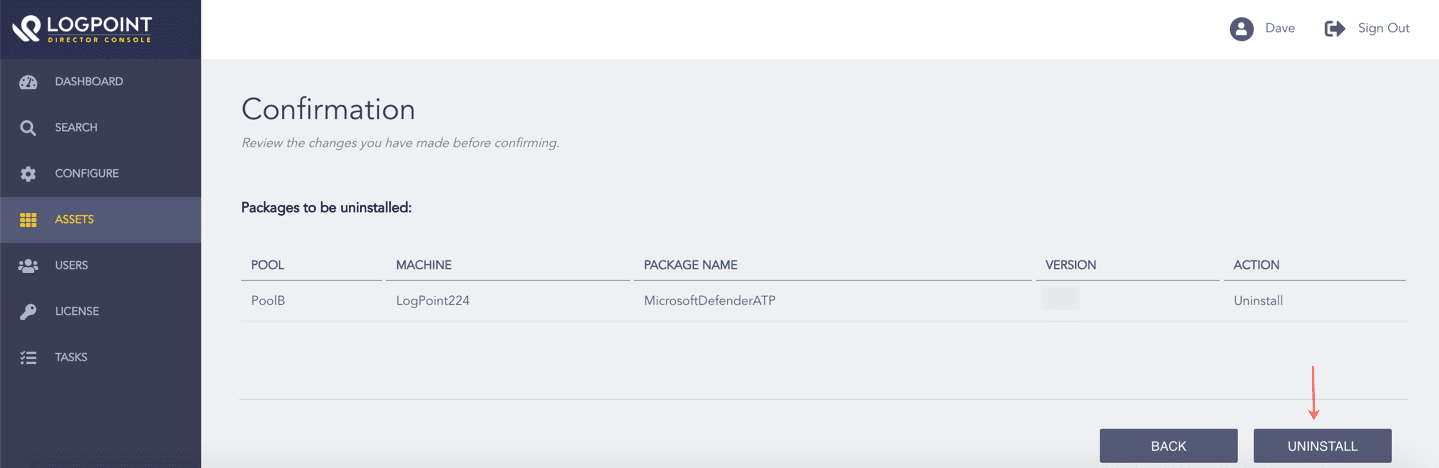
Confirming the Changes