
To fetch Microsoft Graph API logs, you must configure a log source using the MicrosoftGraph log source template. The template has certain predefined settings and configurations. However, some settings need to be manually configured. For the MicrosoftGraphCompiledNormalizer, you must configure a date format using CompiledNormalizer Date Preference (CNDP).
To configure:
Go to Settings >> Log Sources from the navigation bar and click Browse Log Source Templates.
Click MicrosoftGraph.
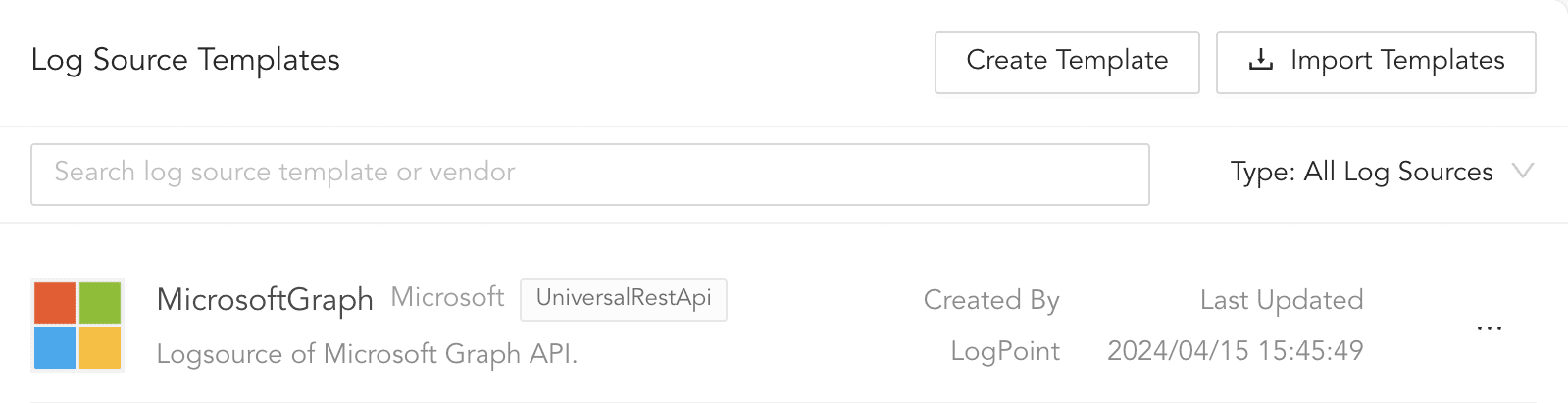
Log Source Templates
Click Connector.
In OAUTH 2.0 BASIC INFORMATION,
4.1. In Token URL, enter tentant_id.
4.2. Enter the Client ID. To get the Client ID, go to
Azure Portal >> Azure Active Directory >> App Registration >> Azure AD App.4.3. Enter the Client Secret. To get the Client Secret, go to Certificates & Secrets within the Azure AD App. Once a Client Secret is created, copy it to a secure location. The Client Secret is no longer available once you navigate away from Certificates & Secrets.
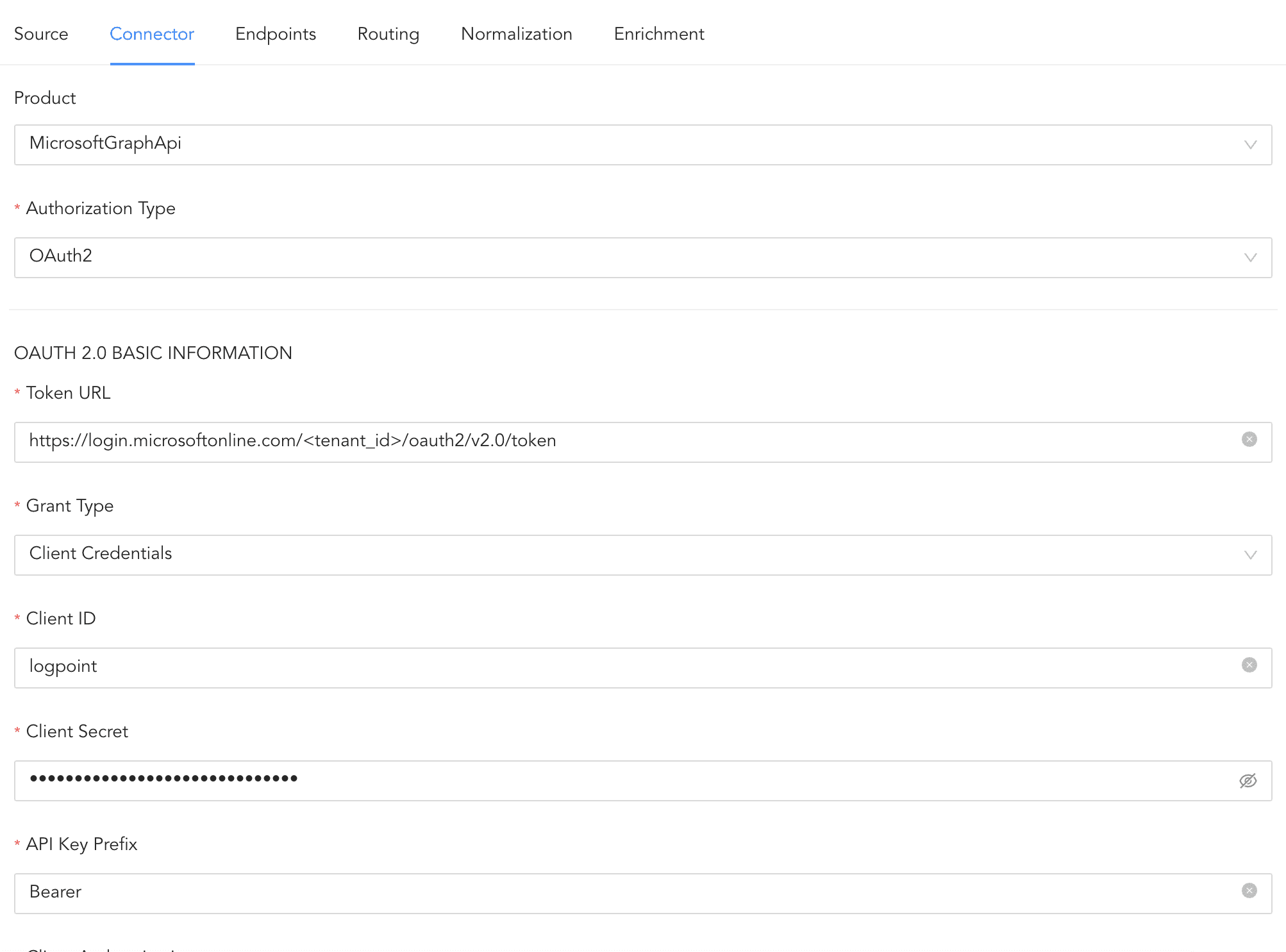
Configuring Connector
In Endpoints, three endpoints (security/alerts_v2, security/incidents, and identityProtection/riskDetections) are configured by default. Some Endpoints fetch multiple pages of logs. To enable pagination in such endpoints, use @odata\\.nextLink as the Pagination key.

Pagination key
Click Routing to create repos and routing criteria.
6.1. Click Routing and + Create Repo.
6.2. Enter a Repo name.
6.3. In Path, enter the location to store incoming logs.
6.4. In Retention (Days), enter the number of days logs are kept in a repository before they are automatically deleted.
6.5. In Availability, select the Remote logpoint and Retention (Days).
6.6. Click Create Repo.
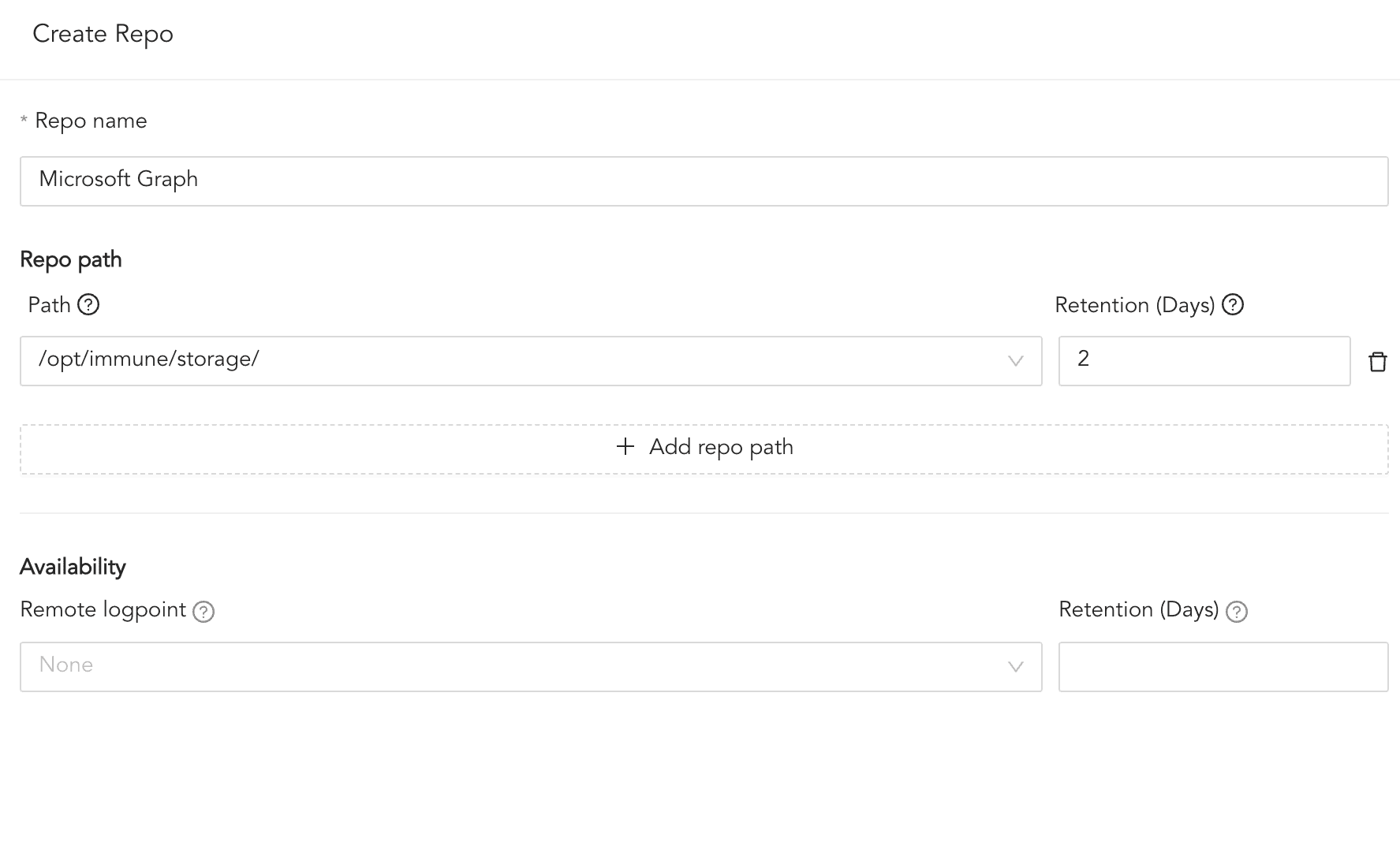
Creating a Repo
6.7. In Repo, select the created repo to store the Microsoft Graph logs.
6.8. Click + Add row.
6.9. Enter a Key and Value. The routing criteria are only applied to logs with this key value pair.
6.10. Select an Operation for logs that have this key value pair.
6.10.1. Select Store raw message to store both the incoming and the normalized logs in the selected repo.
6.10.2. Select Discard raw message to discard the incoming logs and store the normalized ones.
6.10.3. Select Discard entire event to discard both the incoming and the normalized logs.
6.11. In Repository, select a repo to store logs.
Note
Click the ( ) icon under Action to delete the created routing criteria.
Click Enrichment and select an enrichment policy for the incoming logs. This step is optional.
Click Save Changes.