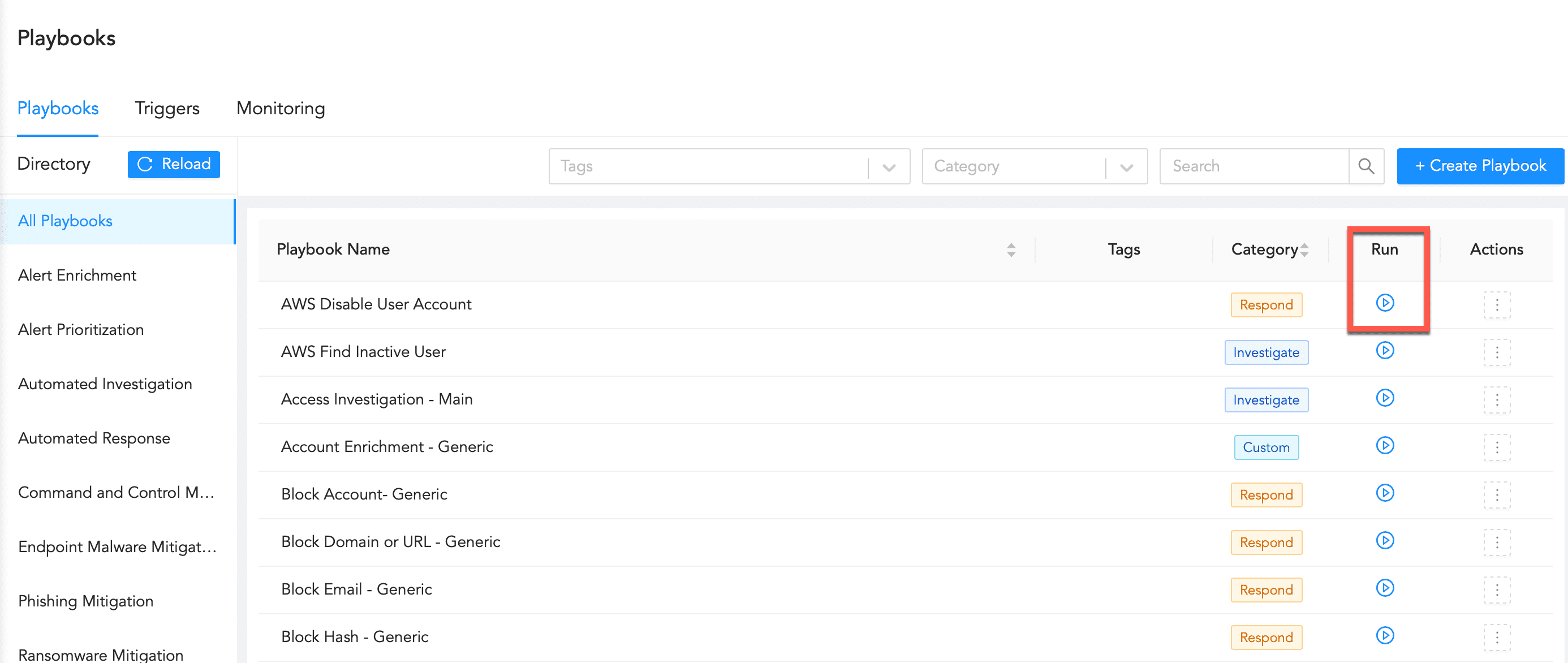
Click Playbooks in the navigation bar.
Playbooks
Search for the playbook by filtering the list using the Category or entering the Playbook Name.
Click the Run Playbook icon.
Run Playbook Icon
Enter the Playbook Parameters.
Click Run Playbook.
We are glad this guide helped.
Please don't include any personal information in your comment