LPSM v1.4.0 or later
Go to Settings >> System >> Applications.
Settings >> System >> Applications
Click Import.
Browse for the location of the downloaded pak file for the Radius Authentication application.
Click Upload.
Go to the LPSM login page.
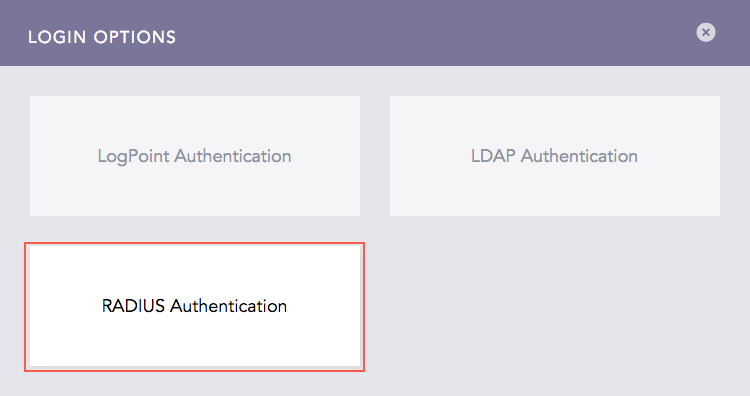
Click Other Authentication Options. You can find the Radius Authentication login option.
RADIUS Authentication Login Option
We are glad this guide helped.
Please don't include any personal information in your comment