
Logpoint users with high privilege can manage RADIUS users.
Go to Settings >> System Settings and click User Accounts.
Click Users.
In the Plugin Users, click RADIUS Authentication.
Click the De-Activate User icon in Actions to deactivate a user.
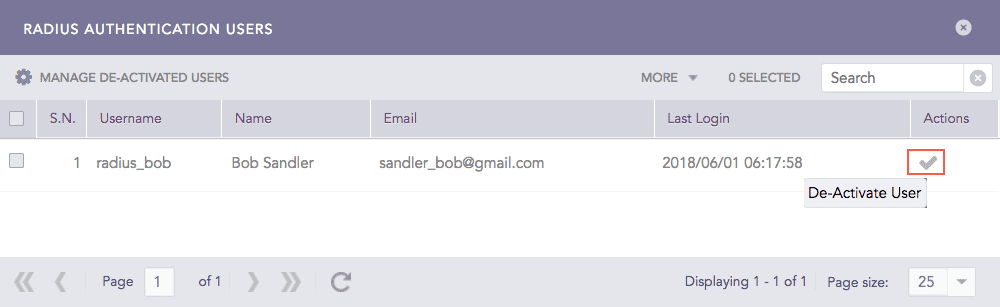
De-Activate RADIUS Users
Click Yes.
Enter your credentials and click Ok.
Click Manage De-Activated Users.
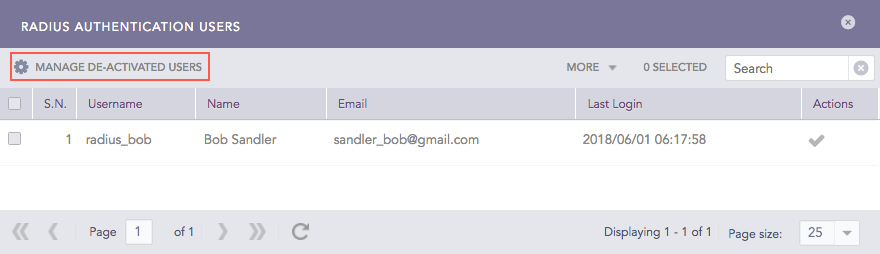
Manage De-Activated RADIUS Users
Click the Activate icon or the Delete icon to activate or delete the de-activated user respectively.