
The Manage Backup page lets you restore and delete backups of a LogPoint at any instance.
Note
Refer to Configure Backup for details on how to create a backup.
Go to Configure >> Settings >> Operations >> Manage Backup.
Select the LogPoint instances where you want to restore data.
Click Next.
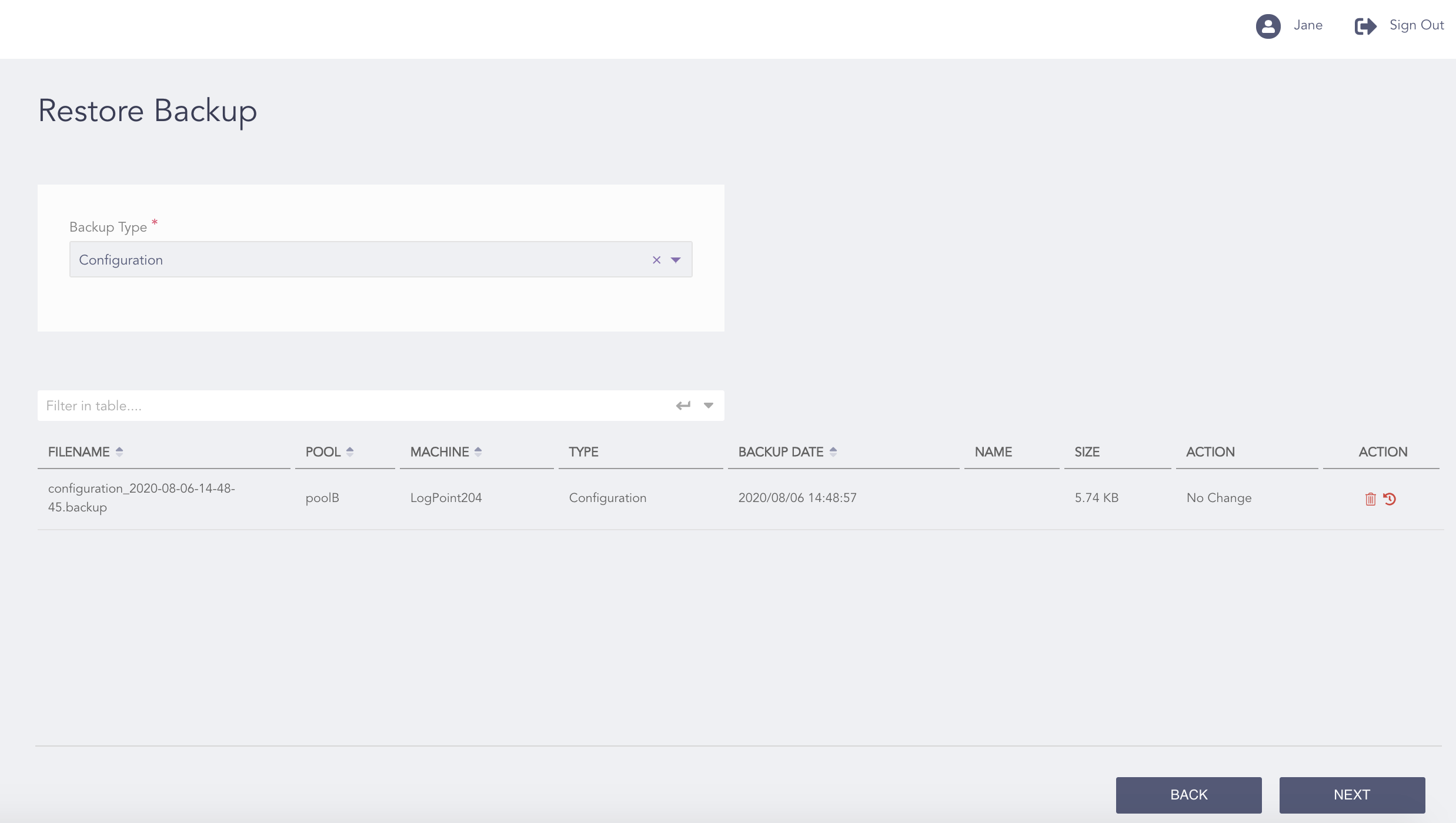
Manage Backup Page
Select a Backup Type.
In the Action column, click the Delete ( ) icon to delete a backup and click the Restore (
 ) icon to restore a backup.
Note
You can restore multiple backups at once. When restoring, you can only backup one machine at a time.
Click Next.
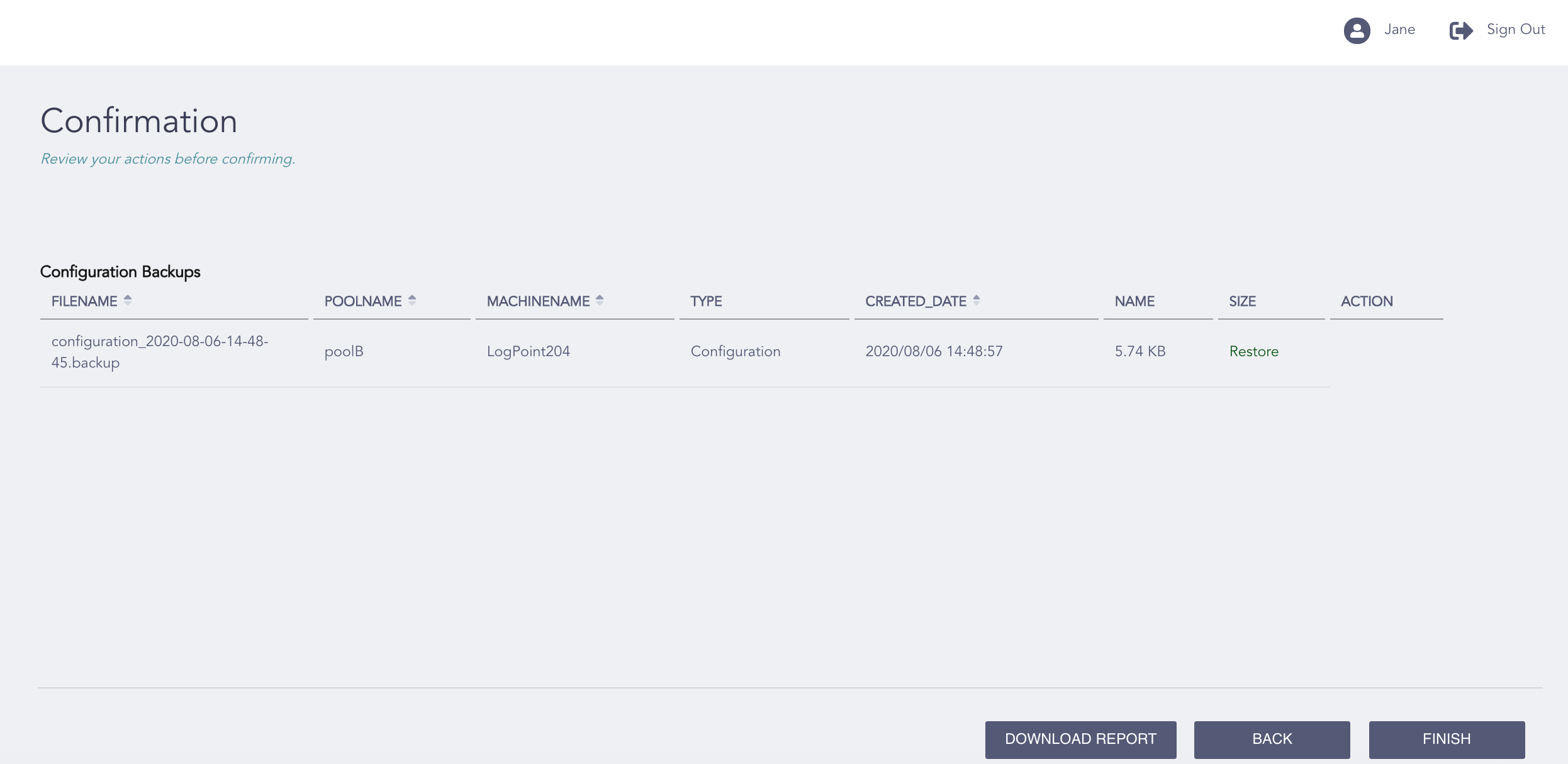
Manage Backup - Confirmation Page
Review your changes. You can go Back to make any changes if necessary.
Note
Click Download Report to save the summary of the task in PDF.
Click Finish.
Click OK.