
Remote targets are the devices where the raw syslog messages are forwarded. You need to create the remote target first to configure Raw Syslog Forwarders.
Note
You can configure remote target in Fabric-enabled LogPoint v7.0.0 and later only.
Go to Configure >> Entities >> Remote Targets.
Select the LogPoint instances where you want to configure the remote target.
Click Next.

Configuring the Remote Target
Enter a Name.
Enter an IP Address.
Enter a Port number for the input port of the target.
Select a Protocol to send the syslog message.
Note
Selecting TCP disables IP Spoofing.
Click Next.
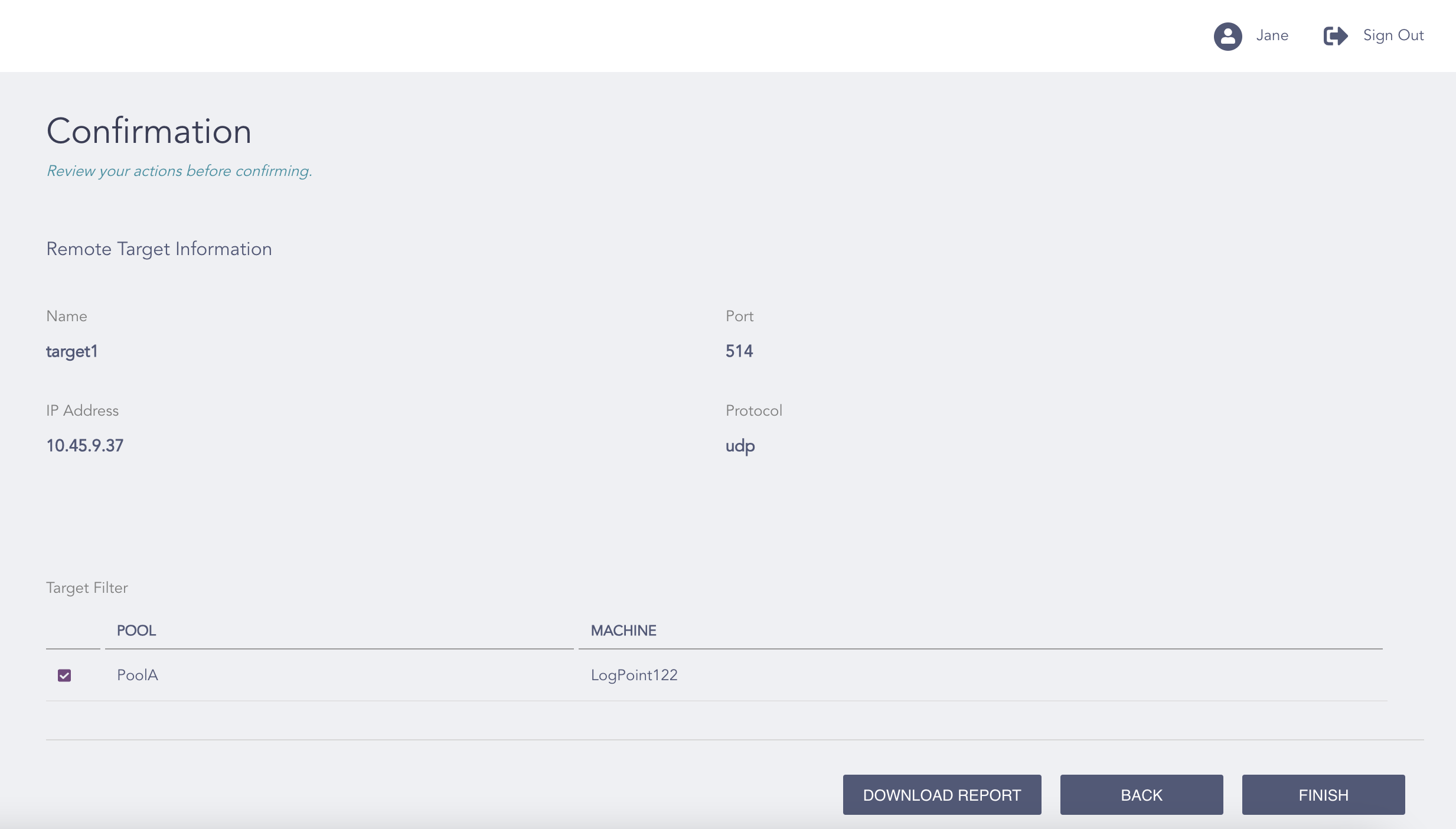
Confirming the Changes
Review your changes. You can go Back to make any changes if necessary.
Note
Click Download Report to save the summary of the task in PDF.
Click Finish.
Click OK.