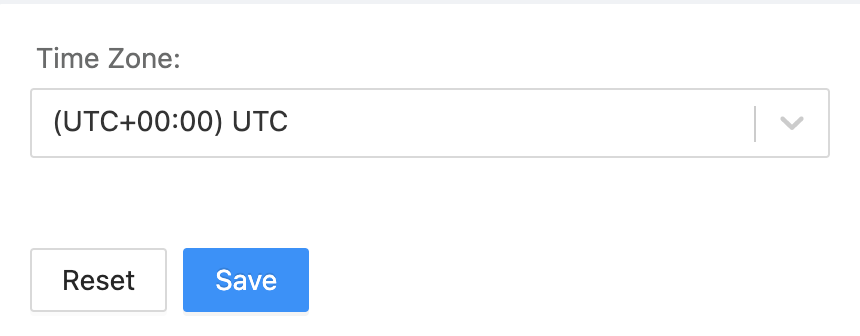
Use General to select the timezone.
Time Zone Selection Page
Go to Settings >> SOAR Settings from the navigation bar and click General.
Settings >> SOAR Settings
Select the Time Zone from the drop-down.
Click Save.
We are glad this guide helped.
Please don't include any personal information in your comment