
You can take a backup of the configurations, Fabric applications data, and firewall information of a Standalone Fabric Server and restore them using the fabric-app- backup-restore command.
Execute the fabric-app-backup-restore command in the Fabric Server.
Select the Backup option.
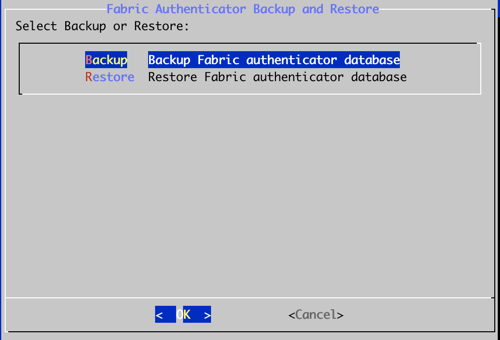
Selecting the Backup Option
Click OK to start the backup process.
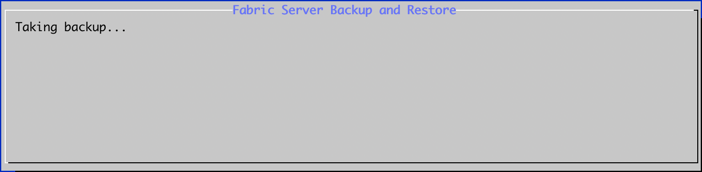
Taking Backup
A confirmation message appears in the Fabric Server when the backup completes.
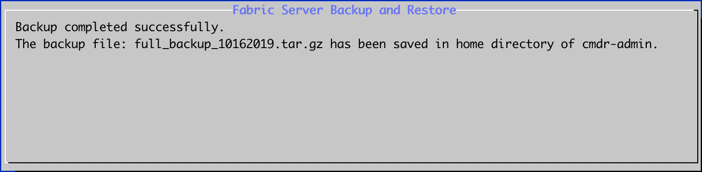
Successful Backup Completion
Note
The Fabric Server stores the backup in the /home/cmdr-admin location of the cmdr-admin user.
The Fabric Server saves only one backup file on a specific date. If you take two backups on the same date, the second backup file overrides the first file.
The backup process does not store Director license information. You must re-upload the license from Director Console after restoring the backup.
Note
To restore the backup, Fabric Server must be in the same version as the Fabric Server from which the backup was taken.
After the restore process, Fabric Server is reverted to the state when the backup was taken. All changes made to the Fabric Server after the backup are lost.
Follow the steps below to restore a backup:
Execute the fabric-app-backup-restore command in the Fabric Server.
Select the Restore option.
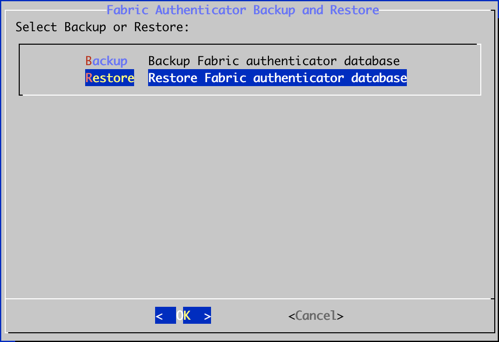
Selecting the Restore Option
Enter the full path of the backup file that you want to restore.
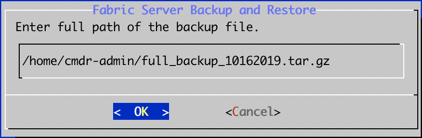
Entering Full Path of the Backup File
Click OK to start the restore process.
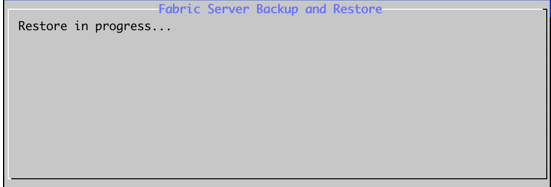
Restore Progress
A confirmation message appears in the Fabric Server when the restore process completes.
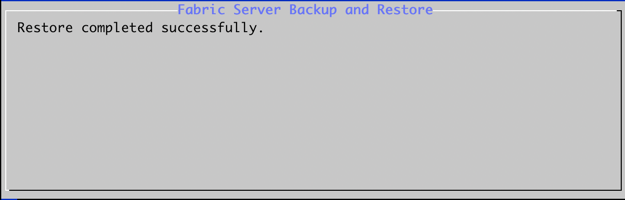
Successful Restore Completion
Note
You must execute the get-fabrichosts command in the API Server after restoring the backup.
You must re-upload the license from Director Console after restoring the backup since the backup process does not store Director license information.
You must sync the LPSM data to Fabric Proxy after restoring the backup.