
General Settings consists of all the details about the fetched data. You can find the total number of logs fetched in Number of Entries and the status of fetched data in Status. You can also find the most recent attempt made to fetch data in Last Fetch Attempt and the last date and time when data was successfully fetched in Last Successful Fetch.
Click Configure from the left navigation bar.
Under Settings, click Plugins.
Select ThreatIntelligence from the Select Plugin Type drop-down.
Select Logpoint to view the details. You can select multiple Logpoint of different pools.
Select General Settings from the Select Plugin Sub-type drop-down.
Click Next.
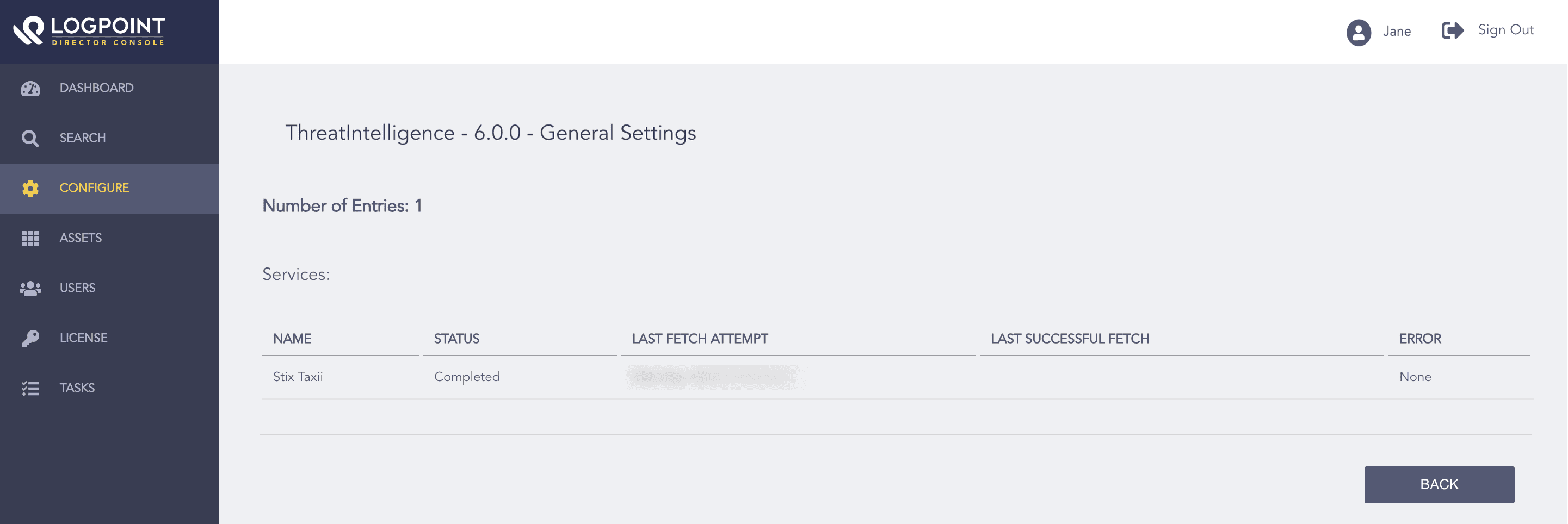
General Settings