
Go to Settings >> Knowledge Base >> Dashboards.
Select Vendor Dashboard.
Click Add.
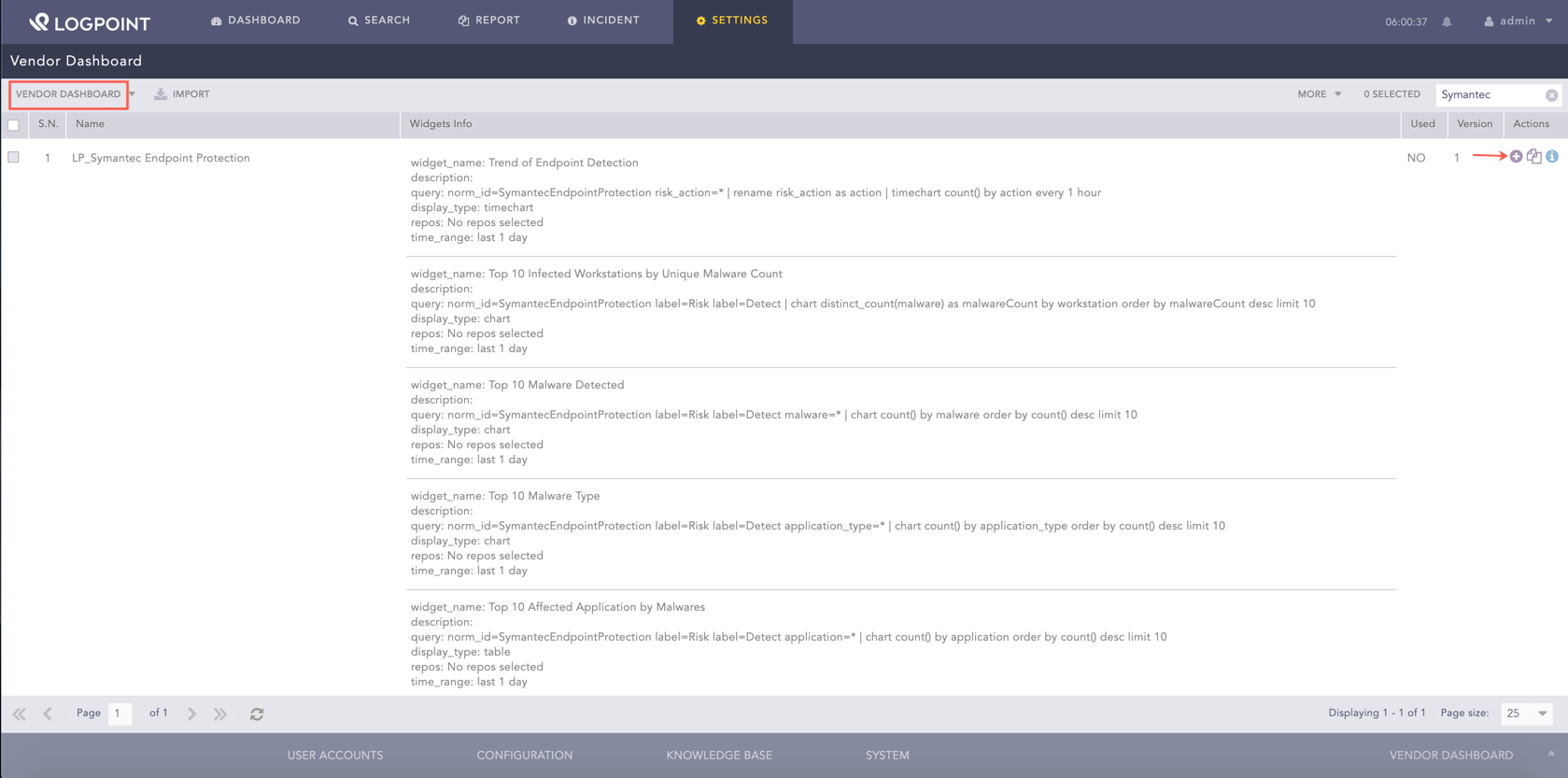
Adding the Symantec Security Dashboard
Click Choose Repos.

Ask Repos Panel
Select the repo and click Done.
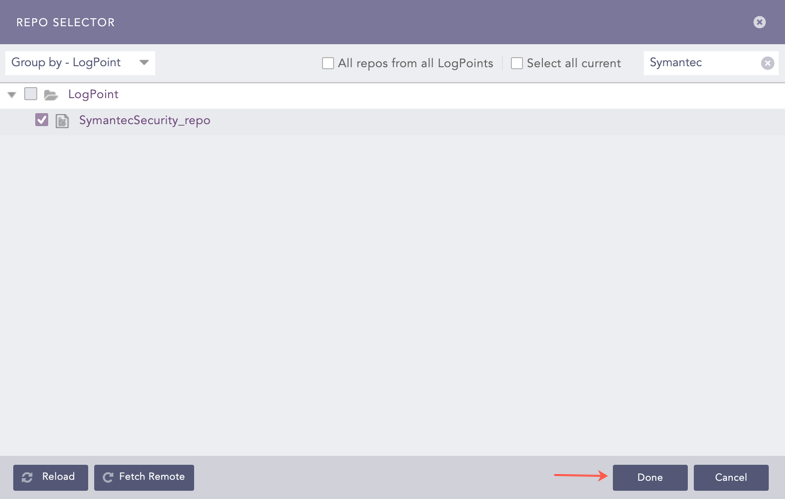
Repo Selector Panel
Click Ok.
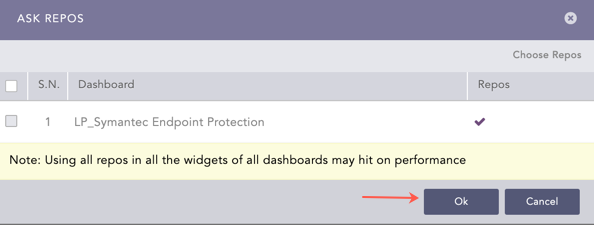
Confirmation for Repo
You can find the Symantec Security dashboard under Dashboards.
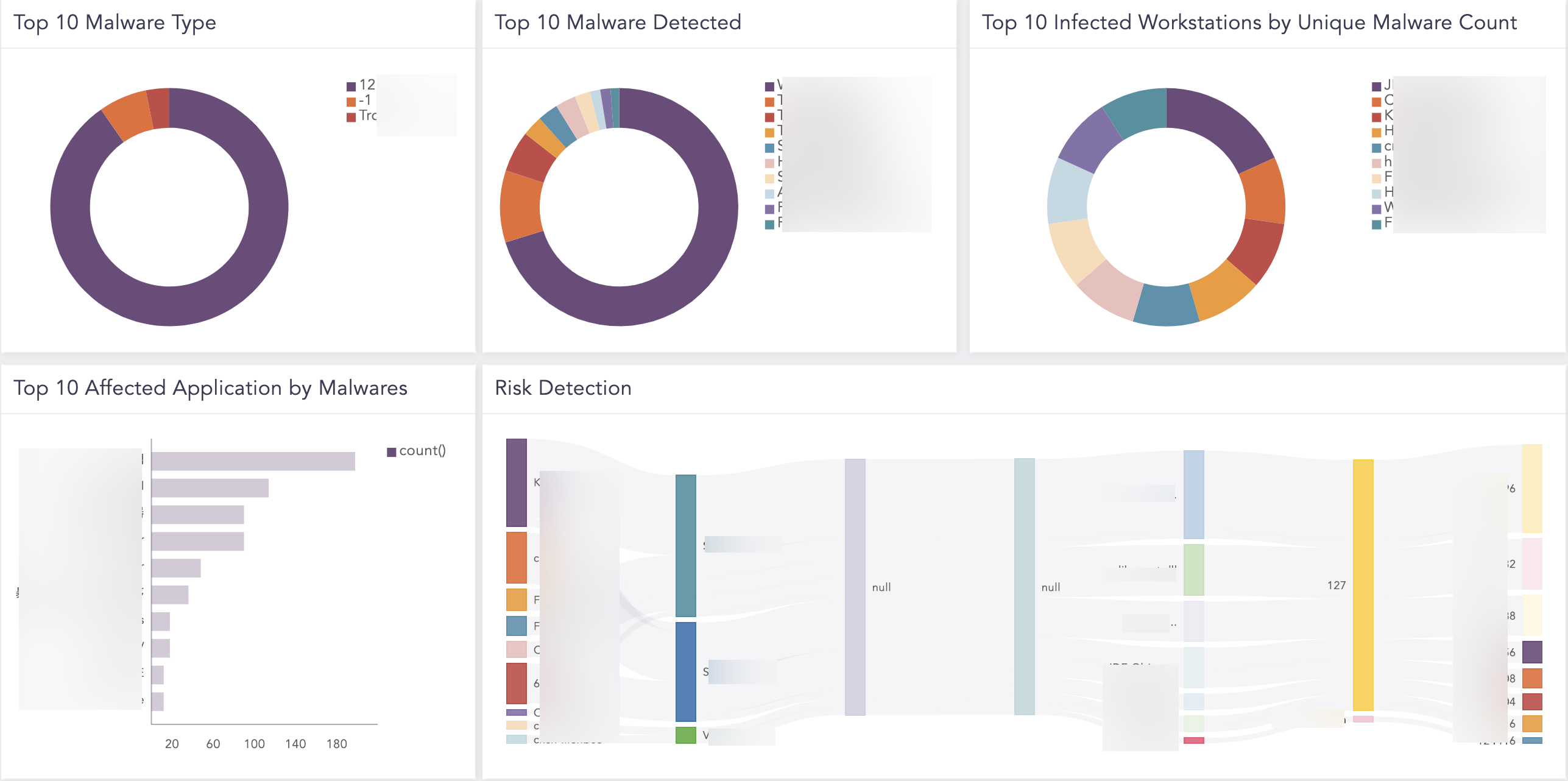
Symantec Security Dashboard
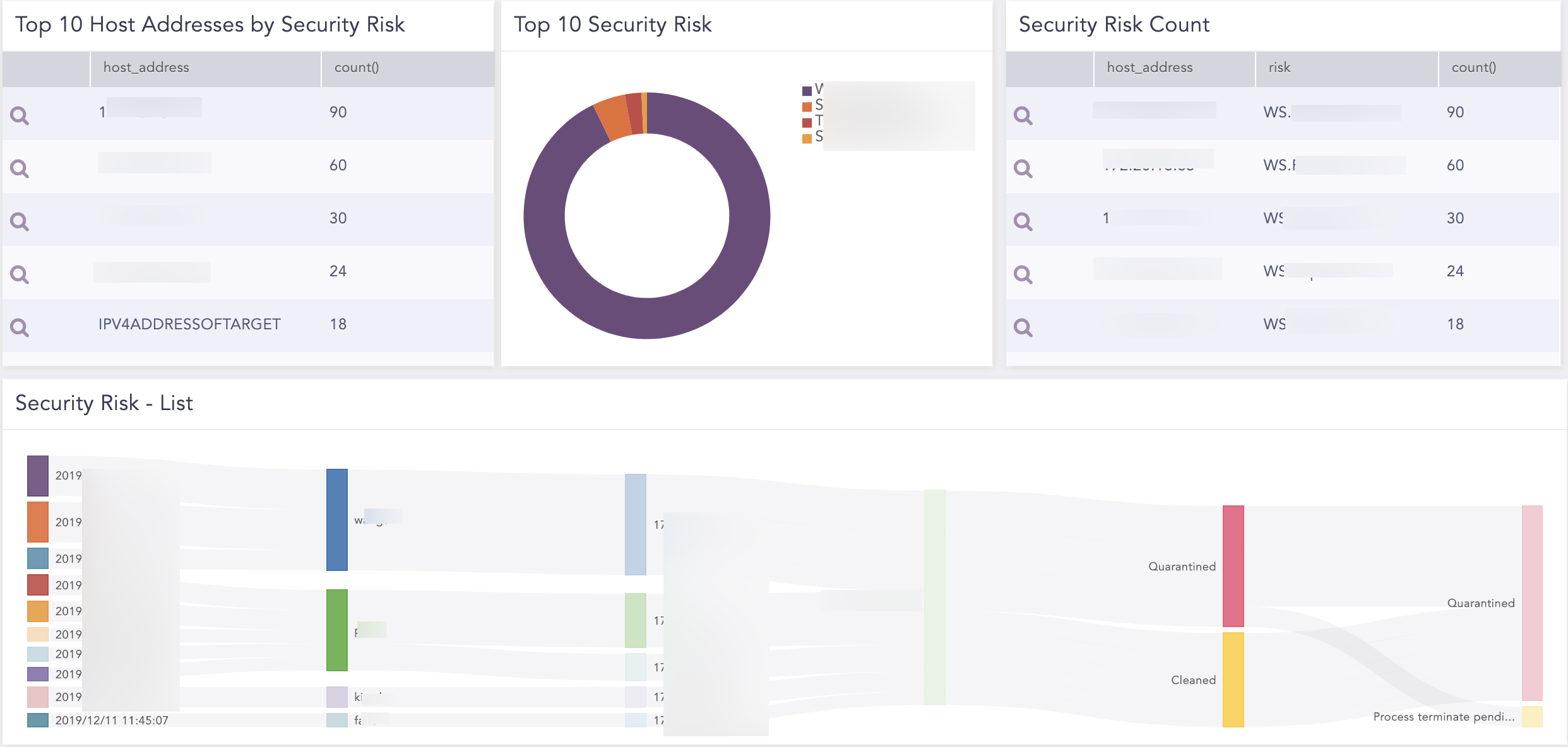
Symantec Security Dashboard
The following widgets are available in Symantec Security:
Trend of EndPoint Detection
Trend of Malware Infection by Risk Level
Top 10 Malware Type
Top 10 Malware Detected
Top 10 Infected Malware by Unique Malware Count
Top 10 Affected Application by Malware
Risk Detection