
LogPoint v6.7.0 or later
Go to Settings >> System >> Applications.
Click Import.
Browse for the location of the downloaded SymantecCloudSecurity_5.0.0.pak file.
Click Upload.
After installing the application, you can find the SymantecCloudSecurity Fetcher 5.0.0 and SymantecCloudSecurityCompiledNormalizer 5.0.0 entries under Settings >> System >> Plugins.
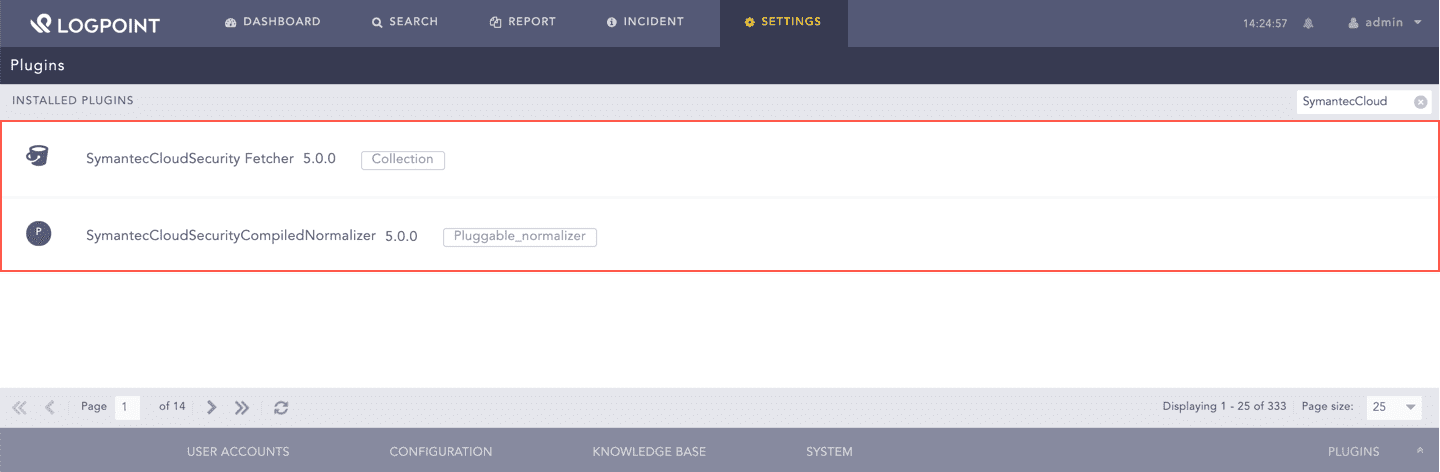
SymantecCloudSecurity Installed