Report

A UEBA report provides a graphical representation of your organization’s overall risk status based on the risk level. It also provides a chart showing the top 10 users with extreme risk scores and the individual risk distribution based on the risk level of the following Threat Types:

  • Possible Initial Access

  • Possible Execution

  • Possible Defense Evasion

  • Possible Credential Access

  • Possible Discovery

  • Possible Collection

  • Possible Exfiltration

  • Possible Impact

For each threat type, anomalies with extreme risk levels are tabulated with the time when the anomaly was created, user, threat type, anomaly description, and risk score.

Generating a report

You can generate reports of the overall period from the Overall Risk page and reports of a specific time-range from each entity’s pages.

  1. Go to UEBA from the navigation bar.

  2. Click Report.

    ../_images/UEBA_Page_Report_Create.png

    Clicking the Report Button

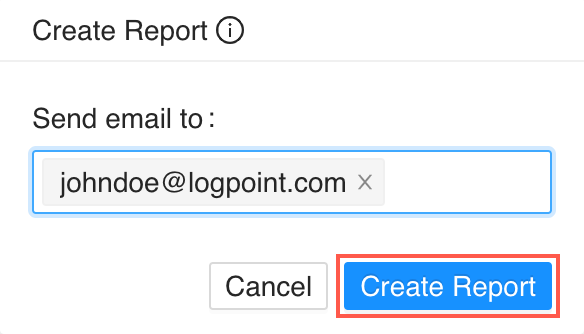
  3. In Send Email to, enter the email address you want to send the report.

    ../_images/UEBA_Page_Report_Panel.png

    Generating a Report

    Note

    You must configure the SMTP service before sending emails from LogPoint. To learn how, go to SMTP.

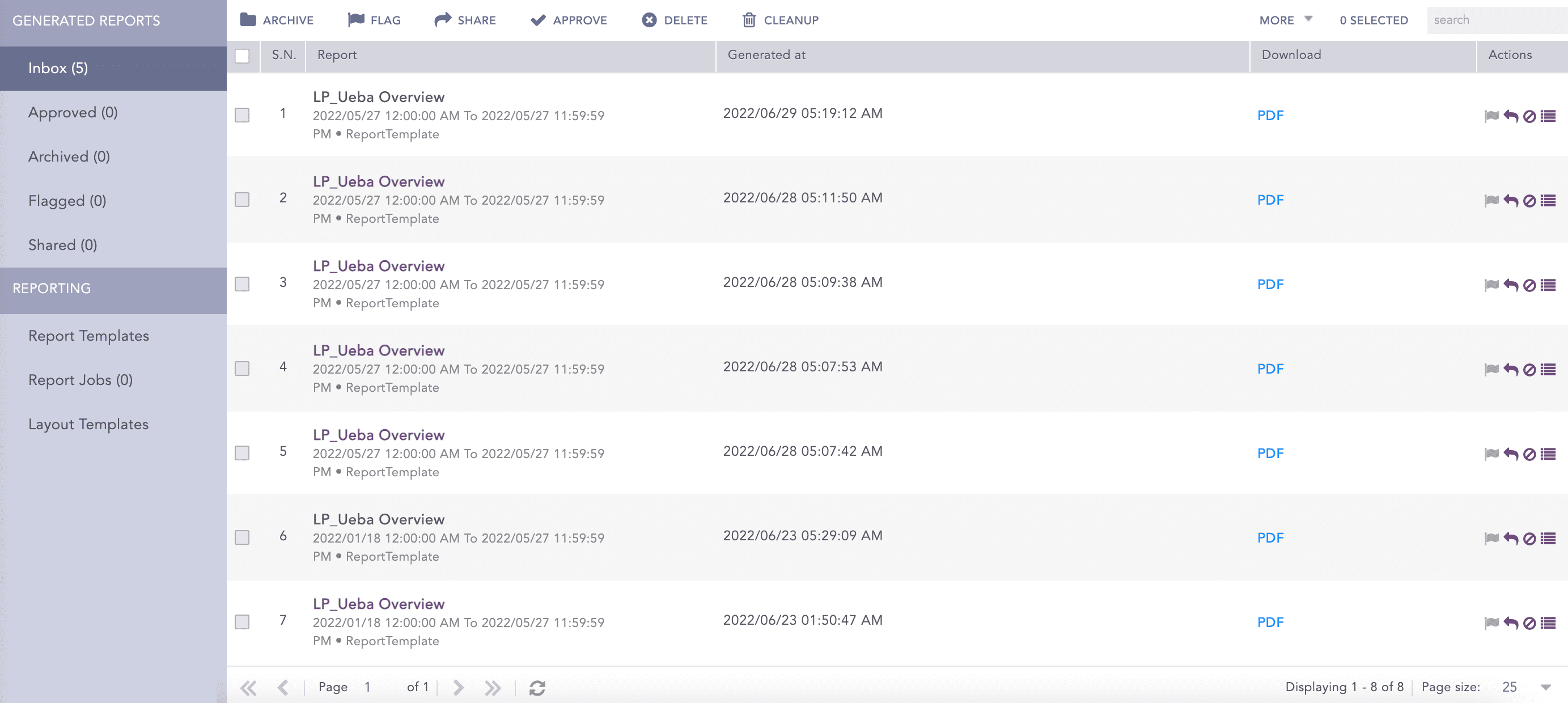
  4. Click Create Report. It may take a few moments to create the report. To find the generated report, go to Reports from the navigation bar.

    ../_images/UEBA_Page_Report_Downloadpdf.png

    Report Page


Helpful?

We are glad this guide helped.


Please don't include any personal information in your comment

Contact Support