
The following section guides you through the process of retrieving Base URL of API and API Token from Holm Security.
Go to the Holm Security Portal.
Enter your credentials for the Holm Security Portal.
Click the Menu icon at the right hand side of the page.
Click </> API. You can find the Base URL of API under the API endpoint section.
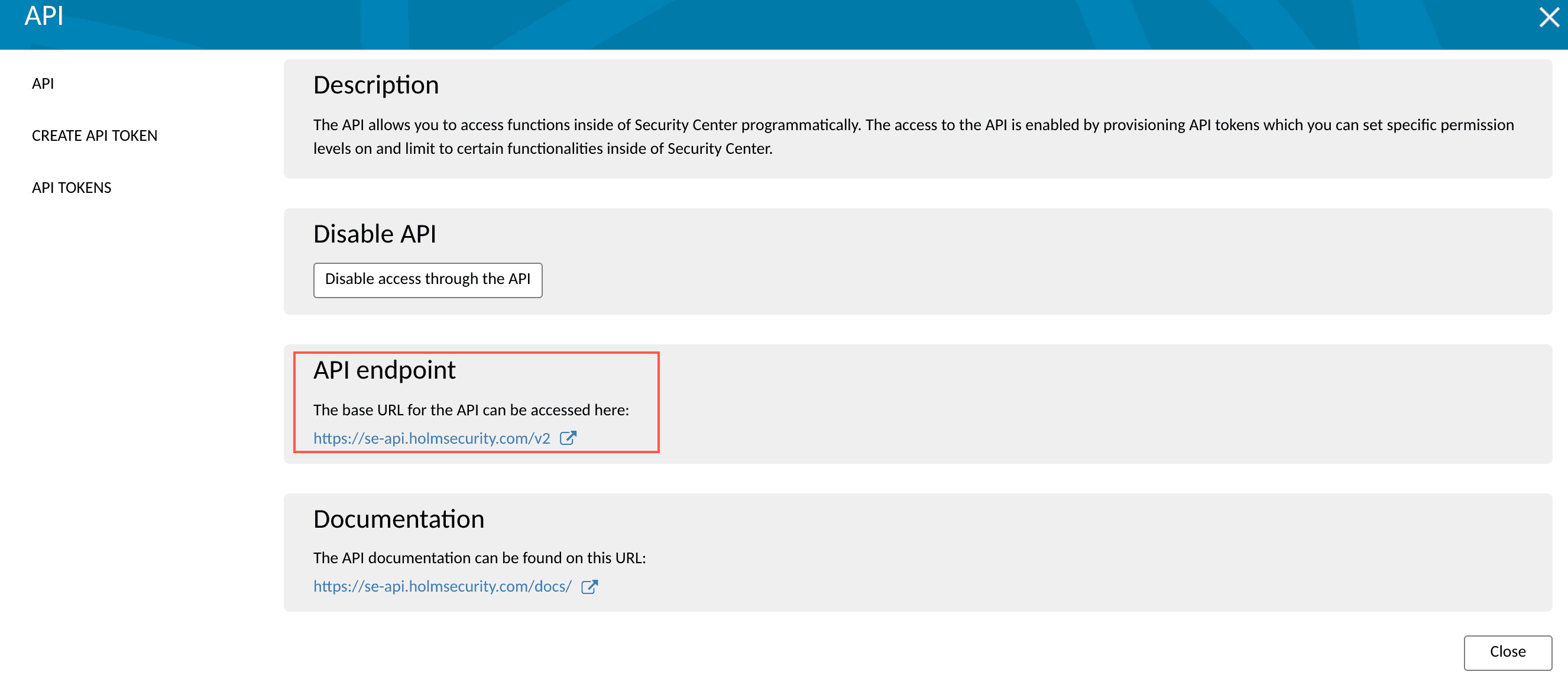
Base URL of API
Click Create API TOKEN.
Enter a Name for the token.
Select Permissions and Access areas for the token.
Click Create token.
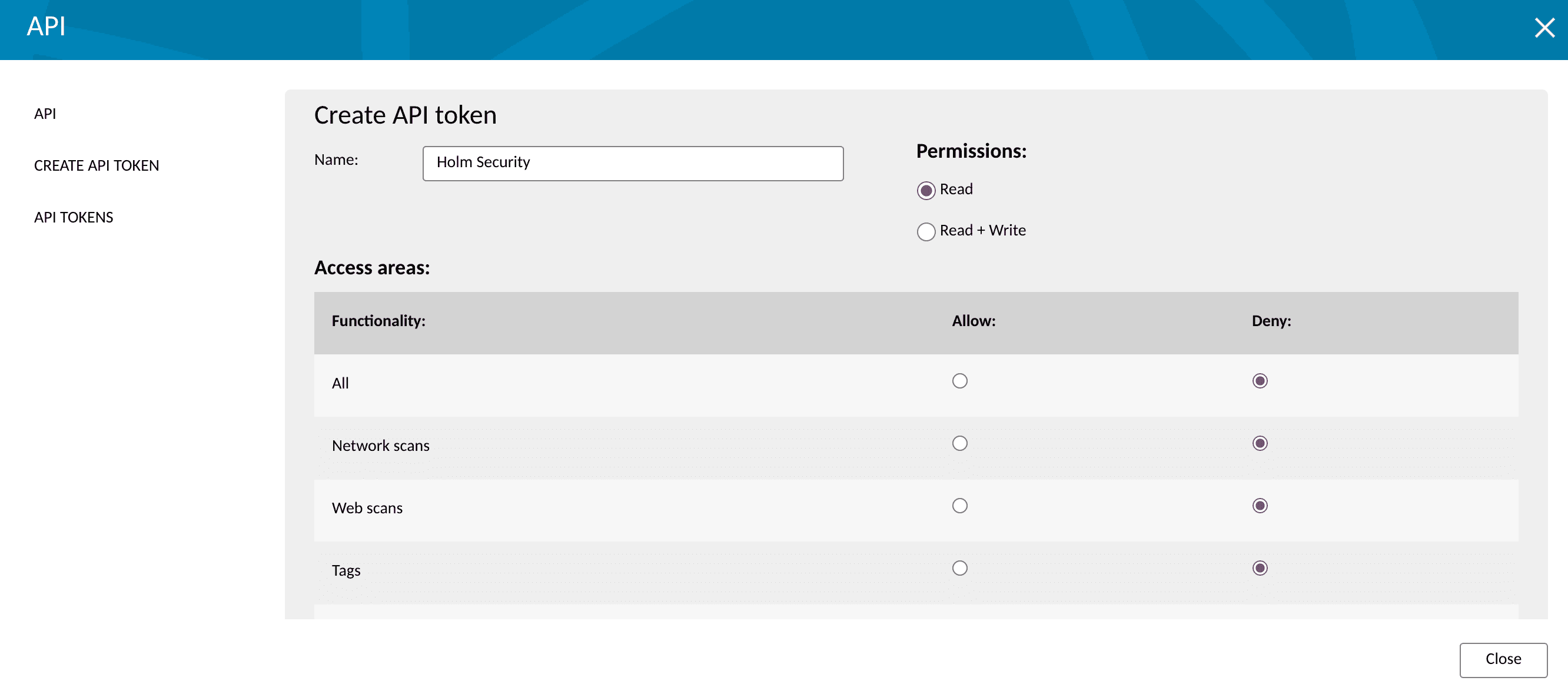
Create API Token
Click API TOKENS. You can find the API Token under the API Tokens section.
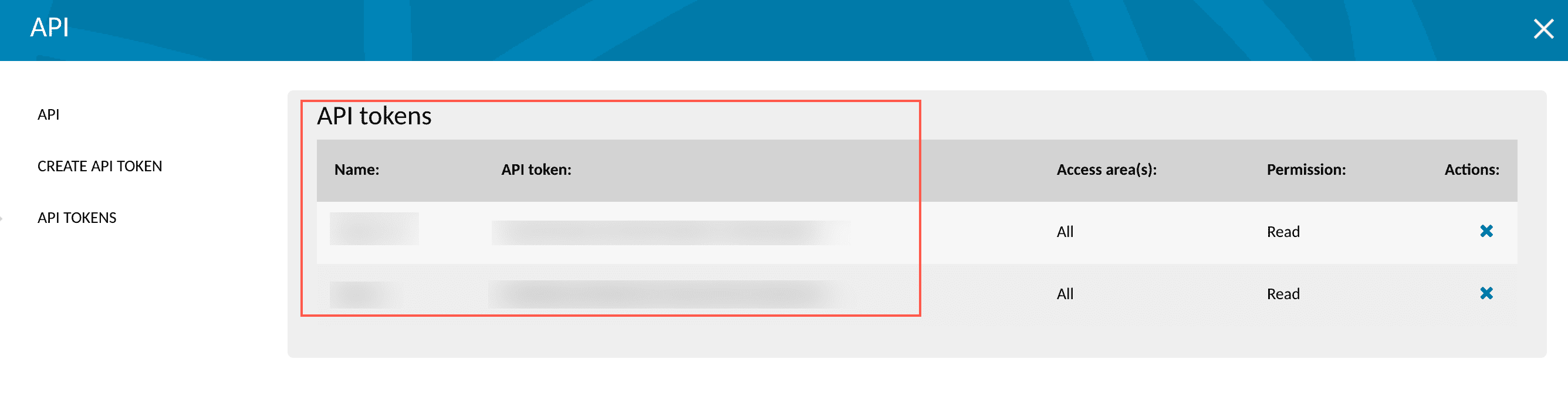
Holm Security API Token