Click Users.
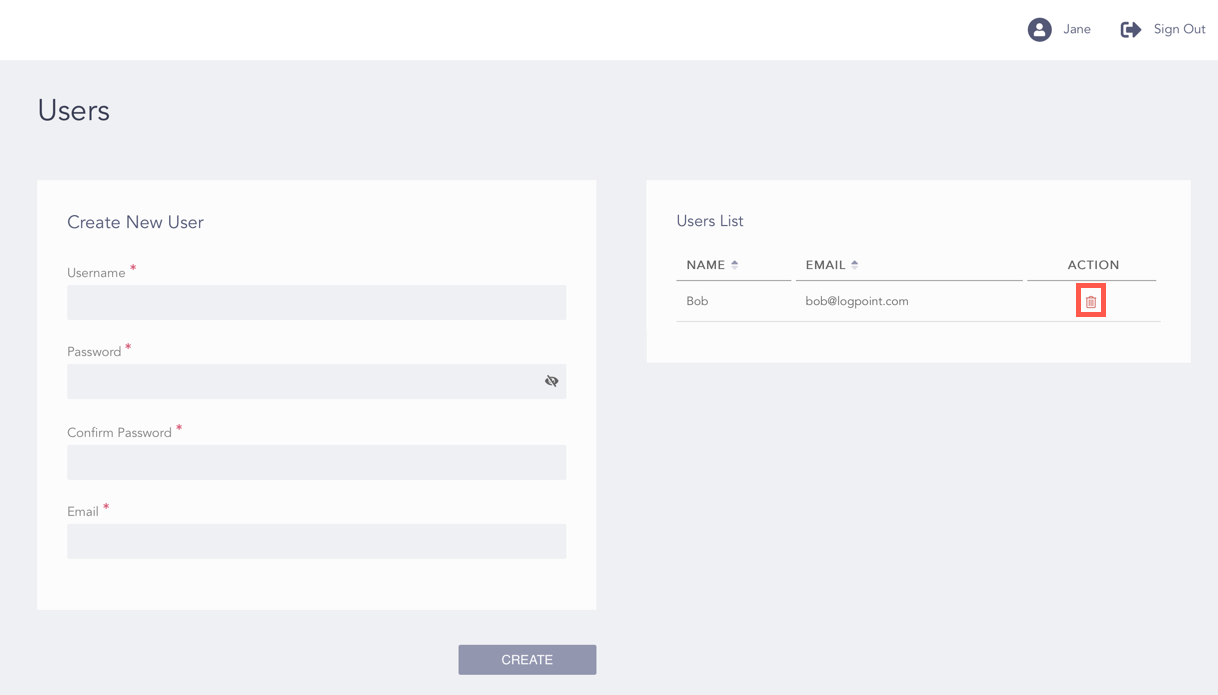
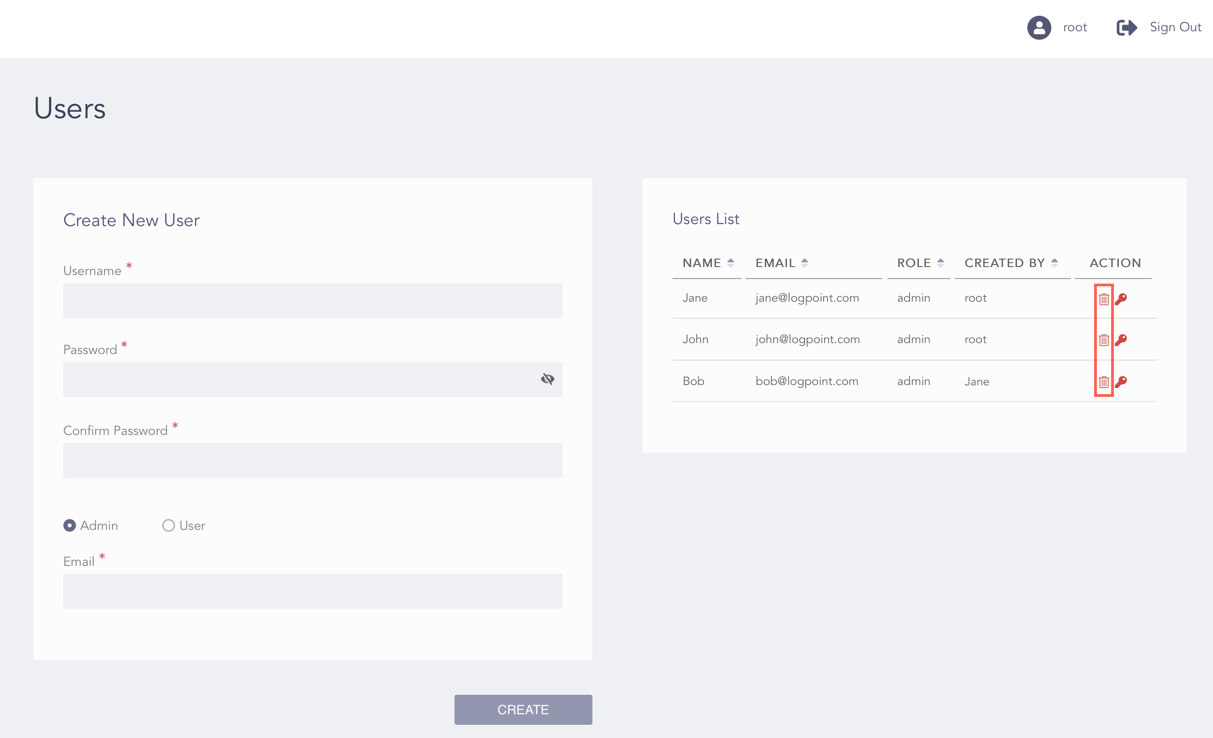
Click the Delete () icon from the Action column in the Users List.
Admin User’s View of the Users List
Root User’s View of the Users List
Note
The root users can delete all the users of the Director Console. The admin users can delete only the users that they have created.
Click OK.
We are glad this guide helped.
Please don't include any personal information in your comment

 ) icon from the Action column in the Users List.