
The resync database setting allows you to synchronize the information of all the connected LogPoint instances in Director Console in case of missing information. The information might be missing due to issues such as server error, loss of connection with the database, or loss of connection with the Director Console API.
If the number of LogPoint instances in the Director setup is high, then the resync database operation takes a longer time to complete. When resync is in progress, Director Console users cannot perform any operation on a Fabric-enabled LogPoint.
Log in as the root user.
Go to Settings >> Resync Database.
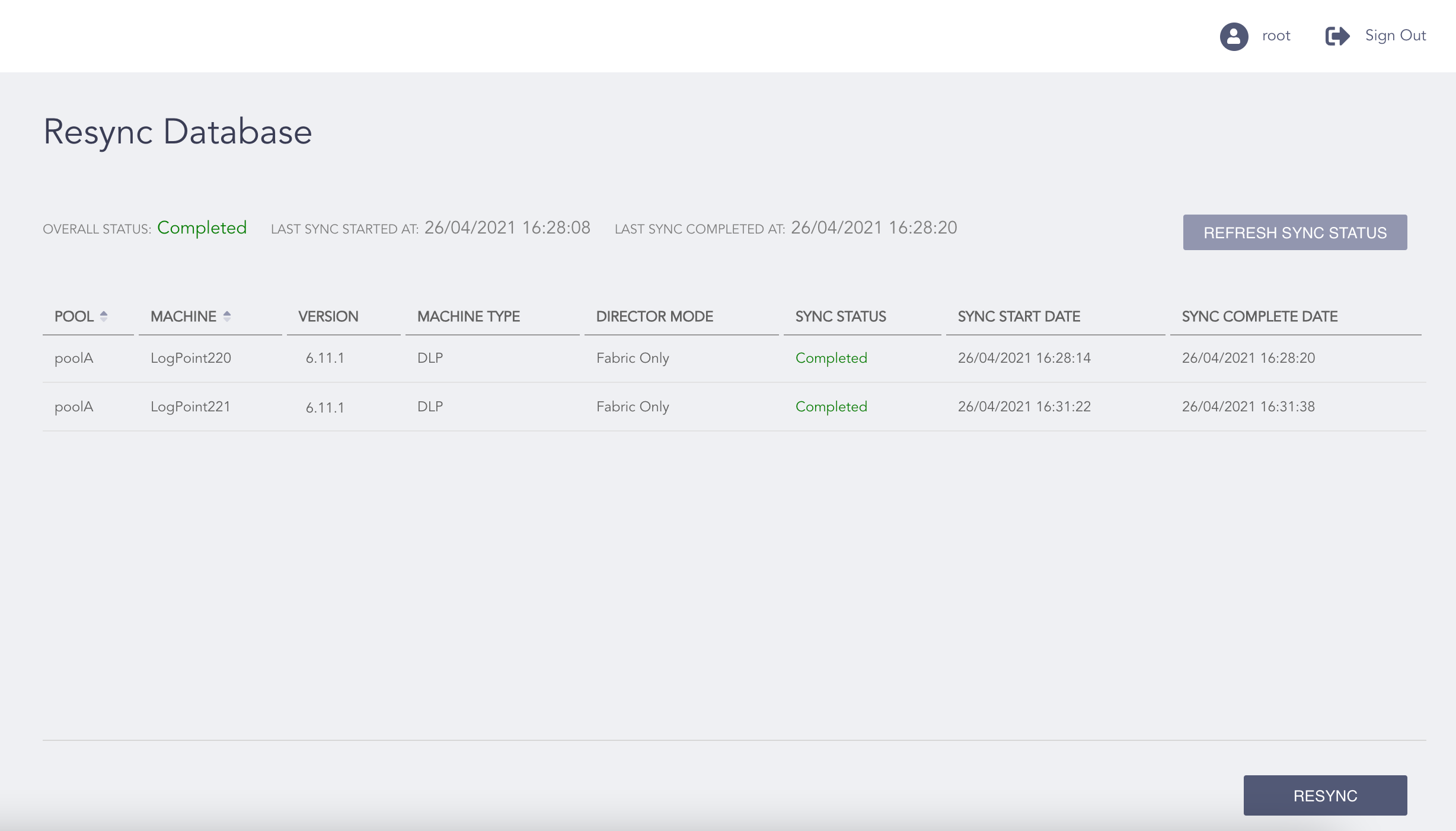
Resync Database Page
Click Resync.
Note
Click Refresh Sync Info to update the resync information.
Click OK.