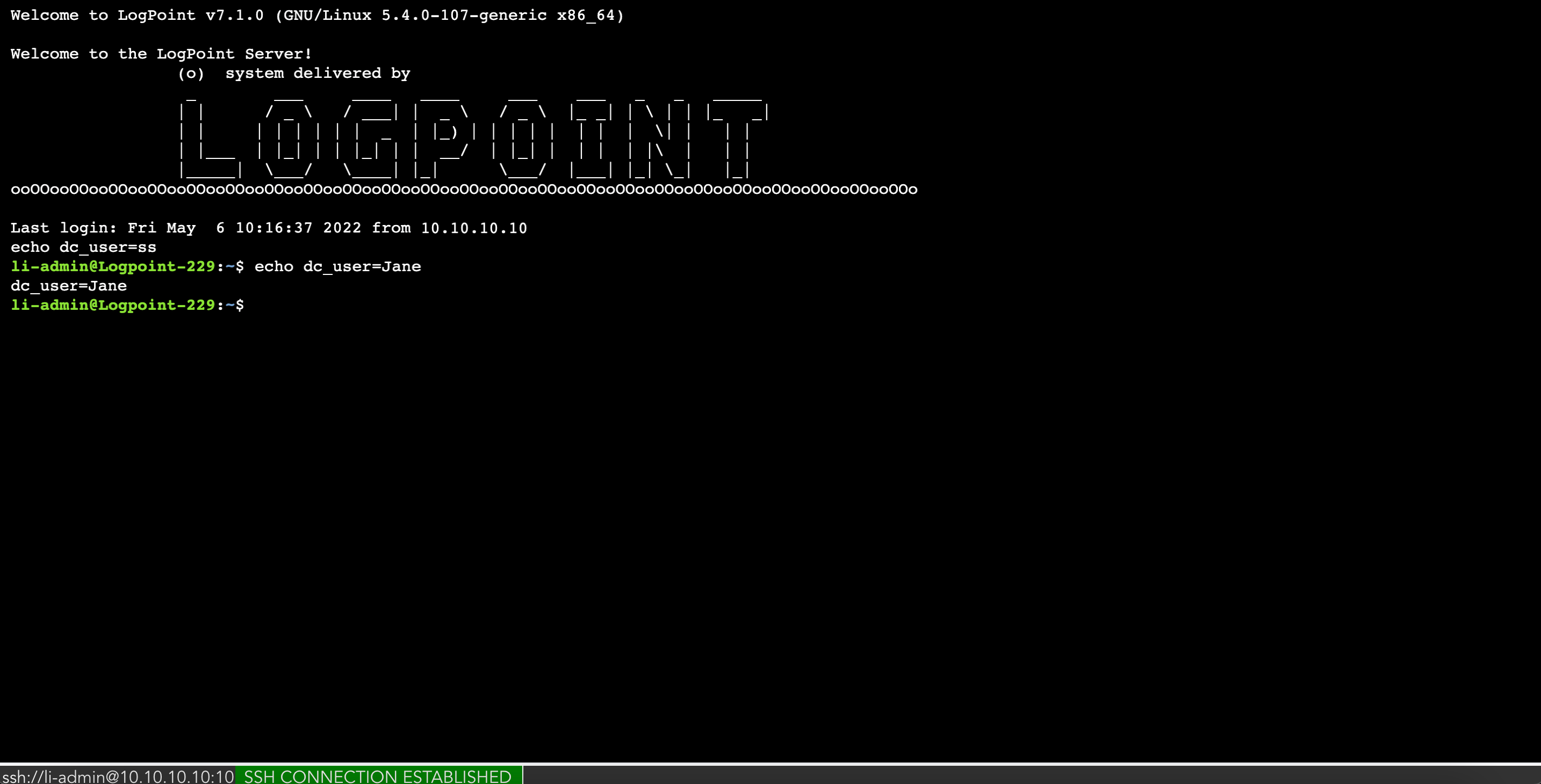
Shell

Shell allows you to manage the configurations of Fabric-enabled LogPoint instances using command-line, as a li-admin user, through the Director Console UI. You can use all the features available to the li-admin user.

You must enable SSH connection before using Shell. See SSH Settings for details.

To configure shell connection:
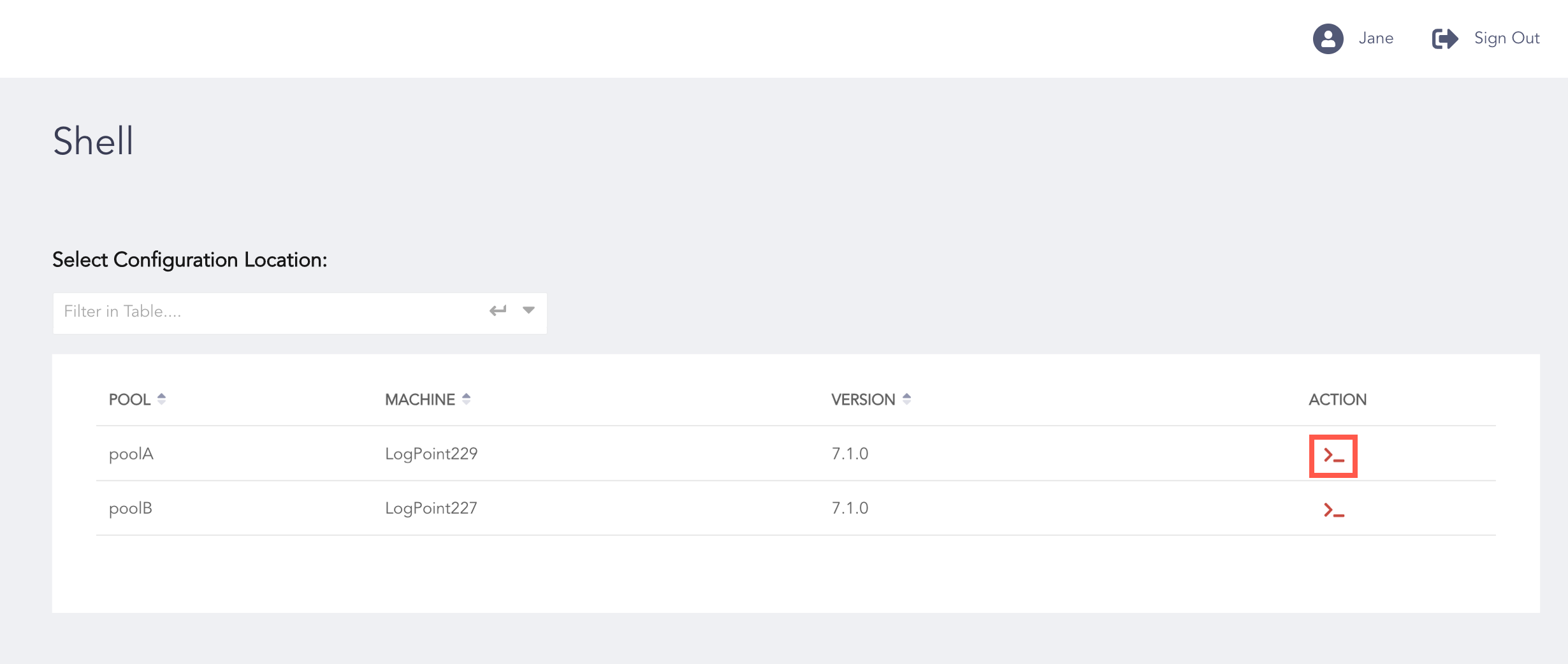
  1. Go to Configure >> Settings >> Shell.

    ../_images/dc_configure_settings_shell_config.png

    Selecting a Machine for Shell Connection

  2. Click the Connect icon from the ACTION column.

    ../_images/dc_configure_settings_shell.png

    Shell Terminal


Helpful?

We are glad this guide helped.


Please don't include any personal information in your comment

Contact Support