
You can view the general information of STIX/TAXII data in the ThreatIntelligence - General Settings page. The page displays the status of fetched data with the time for Last Fetch Attempt and the Last Successful Fetch.
Follow these steps to view the General Information:
Click Configure from the left navigation bar.
Click Plugins.
Select ThreatIntelligence from the Select Plugin Type drop-down.
Select LogPoint machines to view the general information of STIX/TAXII data . You can select multiple LogPoint machines of different pools.
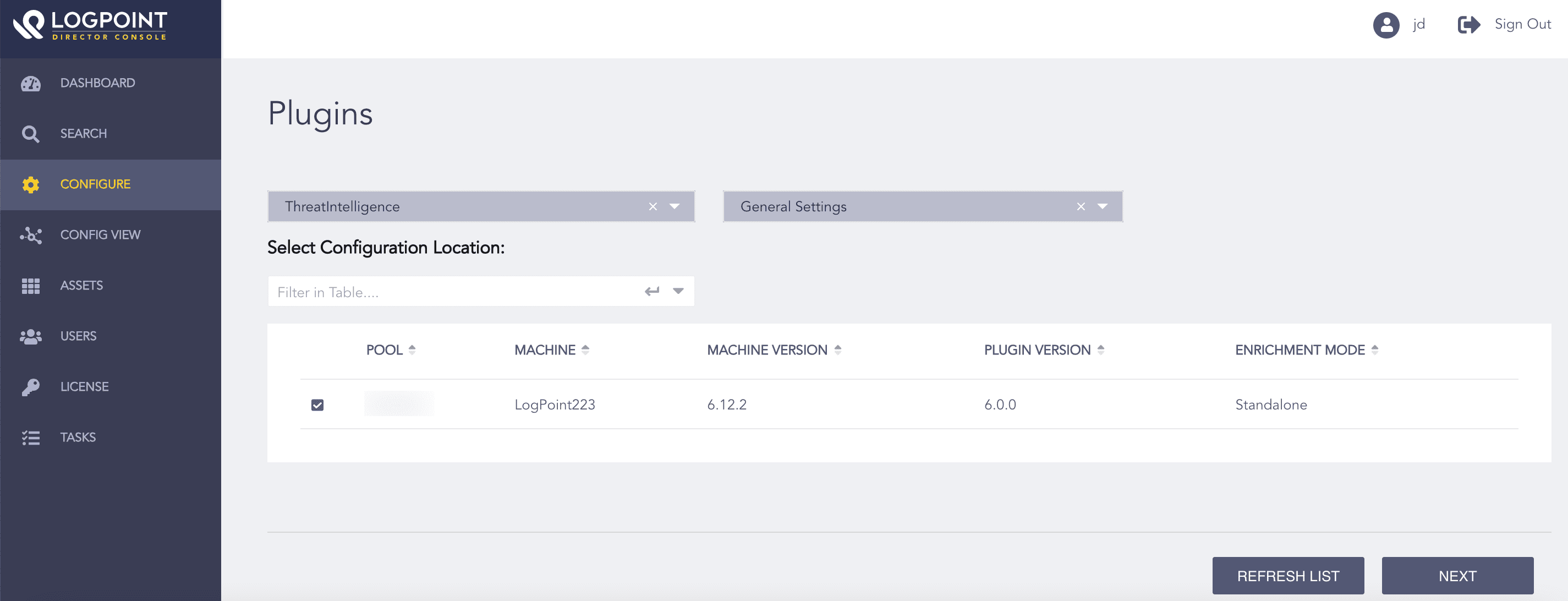
Selecting LogPoint Machines
Note
You can Refresh List to sync the data between LogPoint and Director Fabric.
Select General Settings from the Select Plugin Sub-type drop-down.
Click Next.
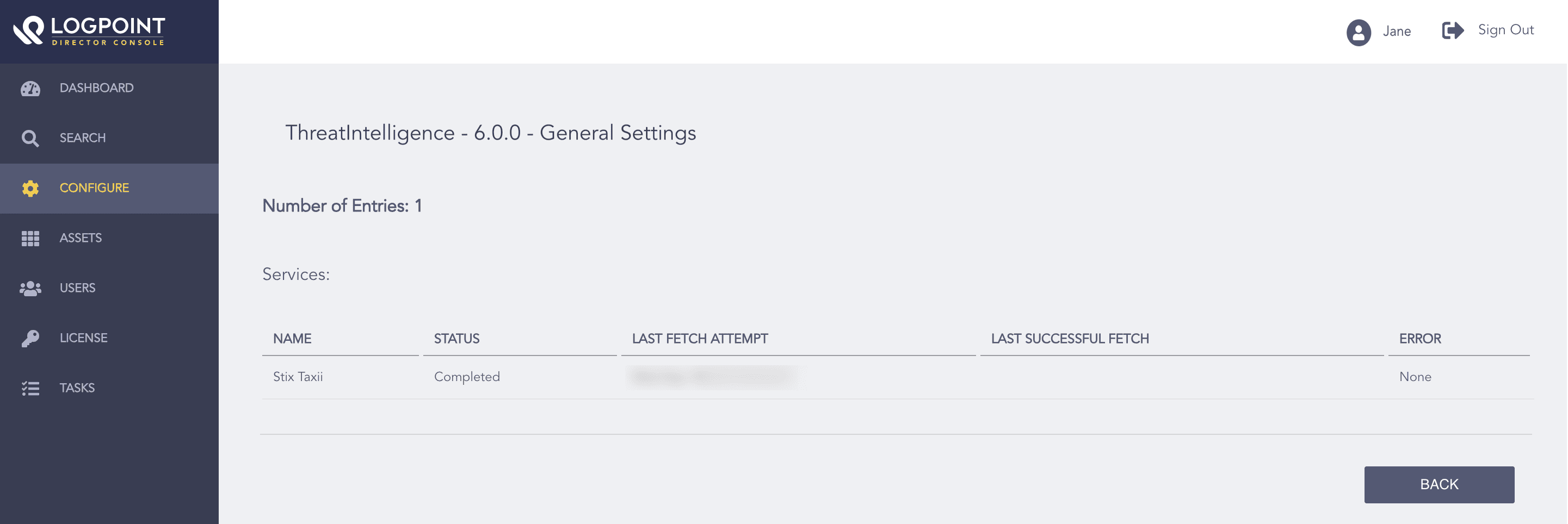
Viewing the General Information of StixTaxii