
Audit review allows you to look at the audit logs in a human-readable form. LogPoint generates various audit logs related to different events for security purposes. However, only authorized users can access audit logs.
LogPoint starts the audit functions by default, and it cannot be disabled.
Following is the list of audit events:
LogPoint generates audit logs when you add, edit, or delete users, user groups, and permissions.
Sample query to view the records in a human-readable form:
-label=LPSearch label=LogPoint label=User or (label=User label=Management) object=*
| latest by object, action | fields log_ts, user, object, type, action, source_address

User Management Audit Records
LogPoint generates audit logs for login attempts, login success, login failures, and user lock/unlock.
Sample query to view the records in a human-readable form:
-label=LPSearch label=LogPoint label=Authentication user=*
| fields log_ts, user, object, type, action, source_address
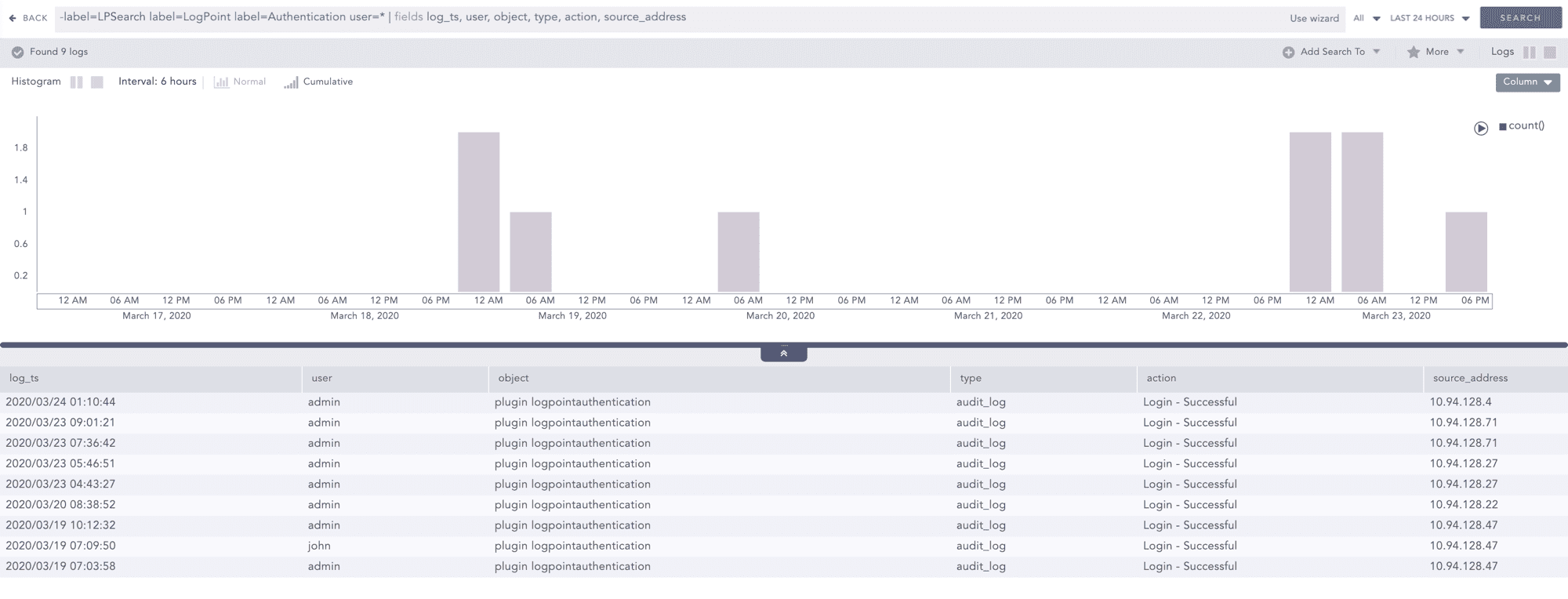
Identification and Authentication Audit Records
User actions
LogPoint generates audit logs when you add, edit, or delete Knowledge Base items, Configuration items (Device, Device Group, Log Collection Policies, Repos, Distributed LogPoint), Search, Report, Dashboard, and Incident management, and configure the UEBA Board.
Sample query to view the records in a human-readable form:
-label=LPSearch label=LogPoint
label=Configuration (label=Change or label=Add or label=Delete or label=Install or label=Mount)
| chart count() by log_ts, user, type, object, action
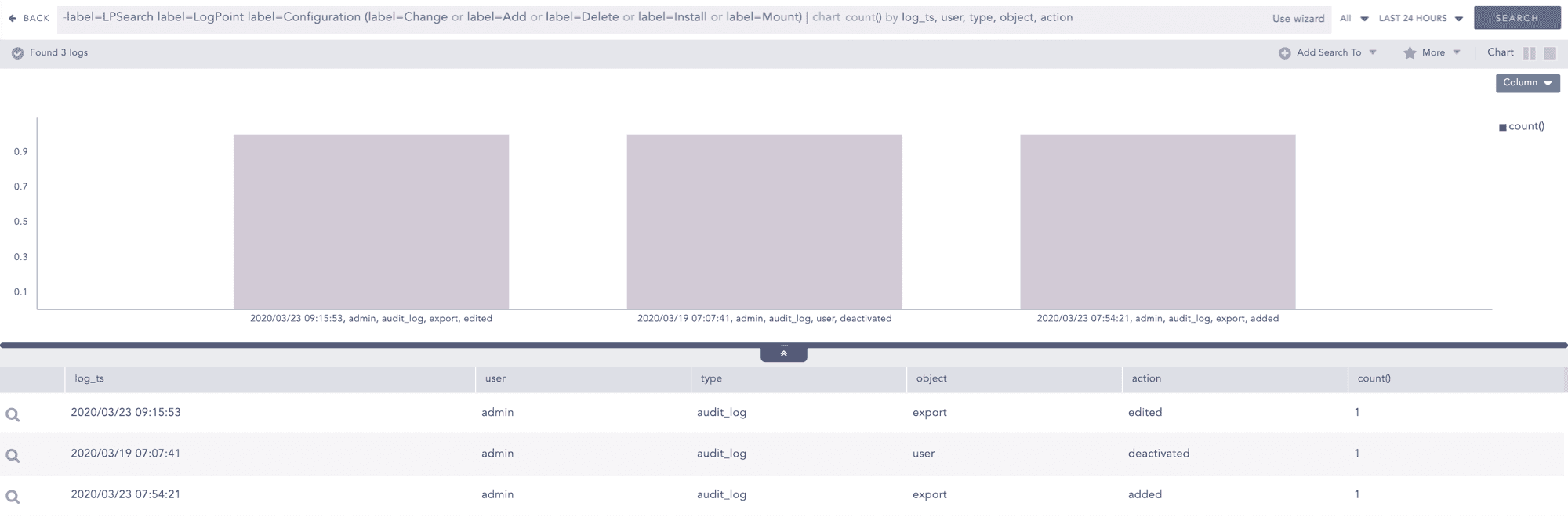
User Configuration Actions Audit Records
Inter-TSF trusted channel
In LogPoint, audit logs are generated when attempts are made to connect or disconnect from another LogPoint.
Sample query to view the records in a human-readable form:
-label=LPSearch label=LogPoint (label=Remote label=Connection) OR
(label=DLP (label=Connect OR label=Disconnect OR label=Initialize))
| chart count() by log_ts, type, object, user, action
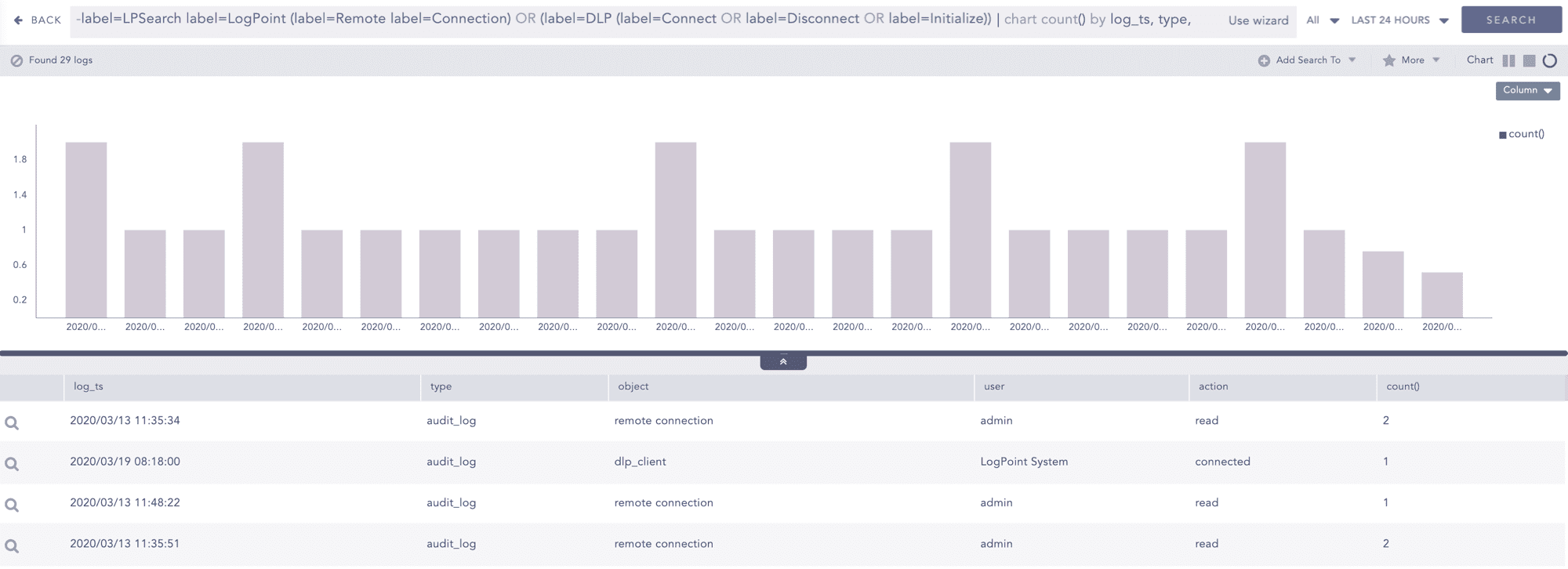
Inter-TSF Trusted Channel Audit Records
System
In LogPoint, audit logs are generated when disk usage exceeds the predefined limit. The predefined limit for notification is 90% by default, and it is user-configurable. Audit logs are generated every hour.
Sample query to view the records in a human-readable form:
label=LogPoint label=Harddisk use=* | rename use as PercentageUsed
| fields log_ts, object, total, PercentageUsed
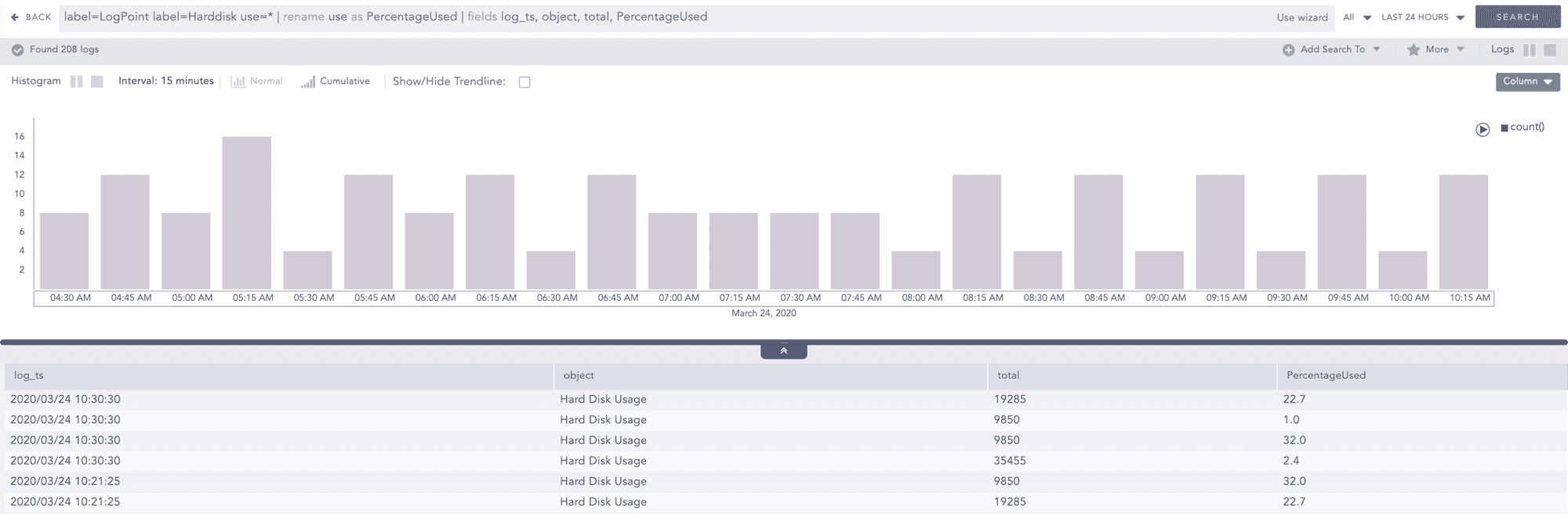
Disk Usage Audit Record
LogPoint allows you to apply the sorting of event data in a human-readable form.
After successful login, click Search from the top horizontal menu.
Enter a valid query in the search query bar.
Click the column header of the results table to sort the records.