
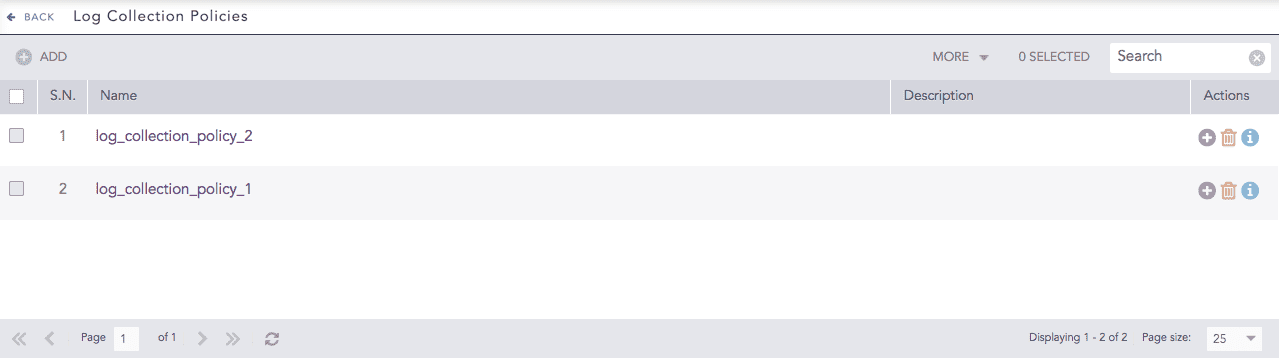
Log Collection Policies are the rules that Logpoint uses to collect the logs. You can configure different collectors and fetchers in a log collection policy. Once created, you can apply the same collection policy to multiple devices to speed up the configuration process. To view the details of each log collection policy, click Details icon under Actions.
Log Collection Policies
Go to Settings >> Configuration from the navigation bar and click Log Collection Policies.
Log Collection Policies
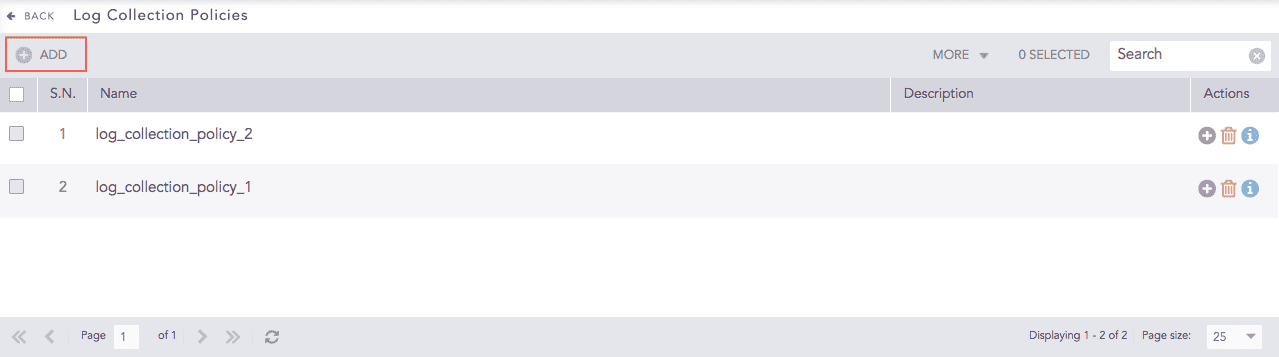
Click Add.
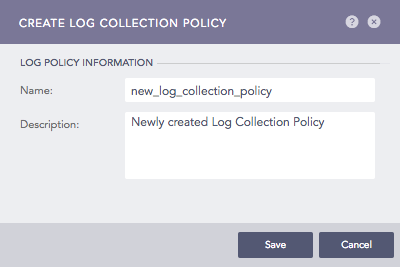
Addition of a Log Collection Policy
Enter a Name and a Description.
Click Submit.
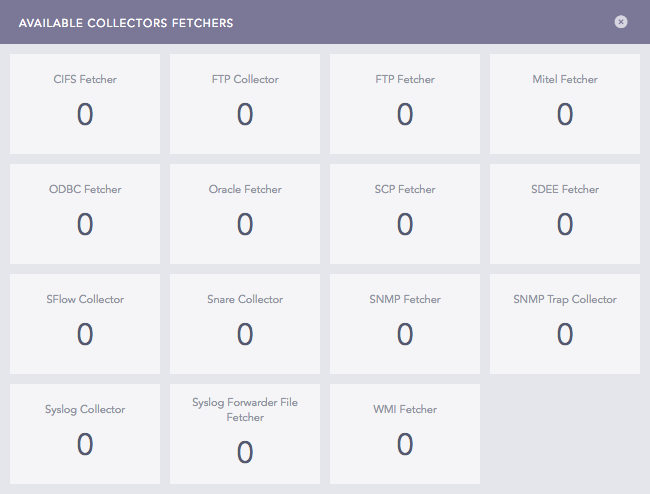
Configure Collectors/Fetchers for the policy. Click Yes and choose from the available collectors and fetchers and configure parameters for each.
Collectors and Fetchers
The number in each box signifies the number of fetchers or collectors configured for the selected Log Collection Policy.
Note
Click the ? symbol near the top-right corner for context-sensitive help.
Go to Settings >> Configuration from the navigation bar and click Log Collection Policies.
Click the Name of the required policy and update the information. You cannot edit the name of a Log Collection Policy.
To configure the collectors/fetchers, click the Add collectors/fetchers icon under Actions for each log collection policy.

Log Collection Policies
Click Submit.
Note
Click the ? symbol near the top-right corner for context-sensitive help.
Go to Settings >> Configuration from the navigation bar and click Log Collection Policies.
Click the Delete icon under Actions.

Log Collection Policies
To delete multiple log collection policies, select the policies. Click More and choose Delete Selected.
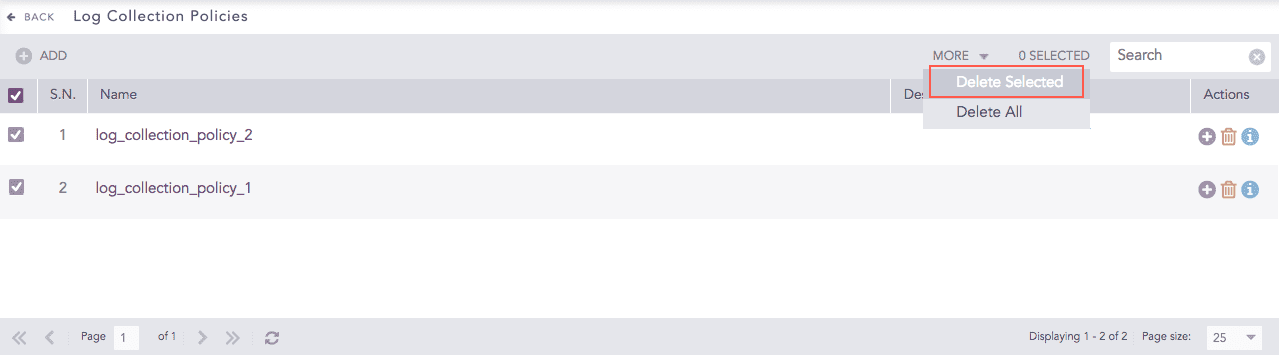
Log Collection Policies
To delete all the log collection policies, click More and choose Delete All.
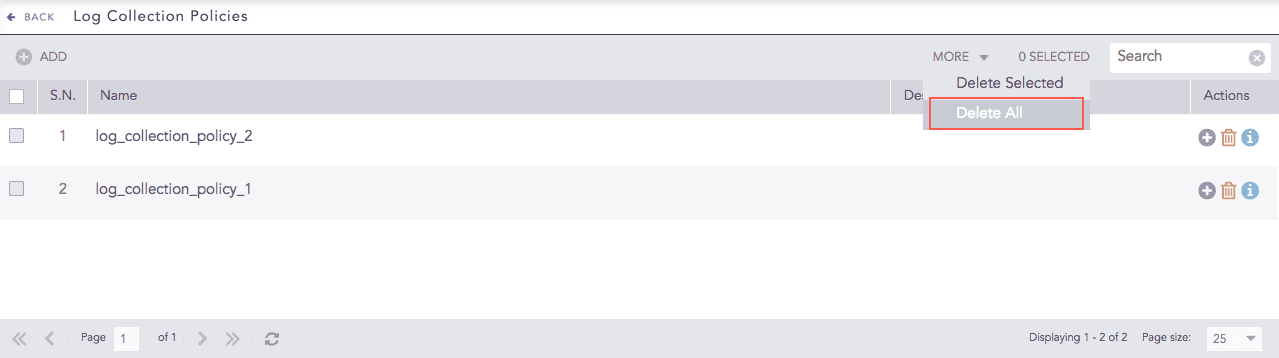
Log Collection Policies
Click Yes to confirm deletion.