
Processing Policy integrates a Normalization Policy, an Enrichment Policy, and a Routing Policy into a single policy.
All the collectors and fetchers use Processing Policies. This eliminates the need to add a Normalization Policy, an Enrichment Policy, and a Routing Policy every time you configure a collector or a fetcher. To view the details of each processing policy, click Details icon under Actions. Some Collectors and Fetchers, which do not support the selected Normalization Policy, can still be applied to the new Processing Policy. However, the Normalization Policy does not function in these cases.
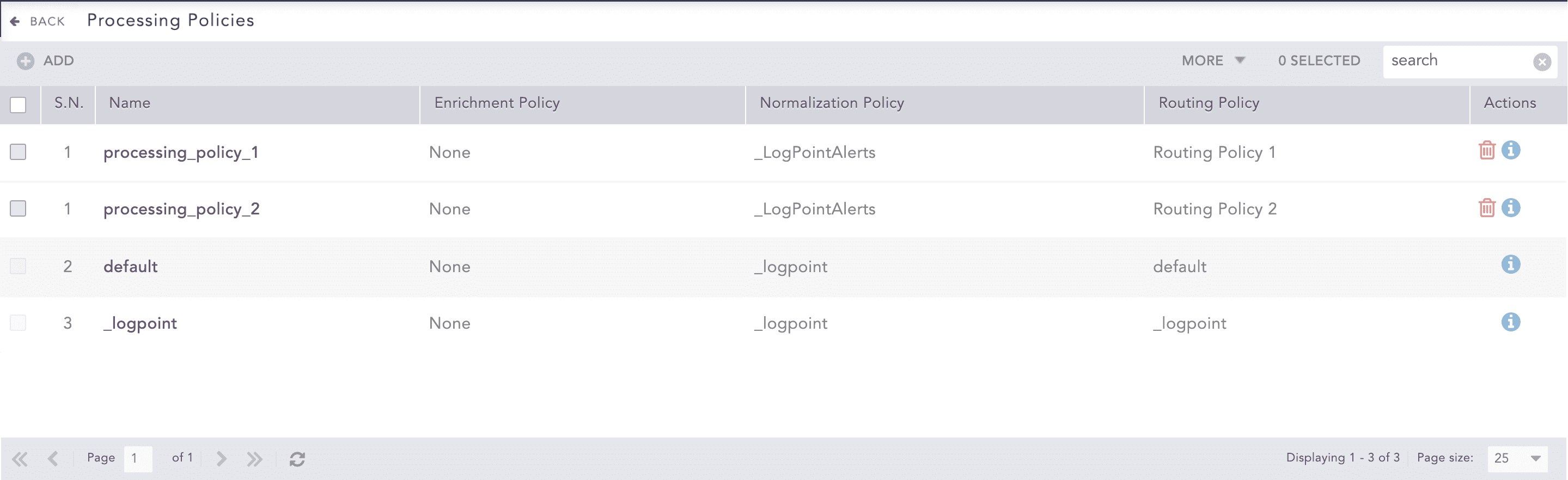
Processing Policies
Go to Settings >> Configuration from the navigation bar and click Processing Policies.
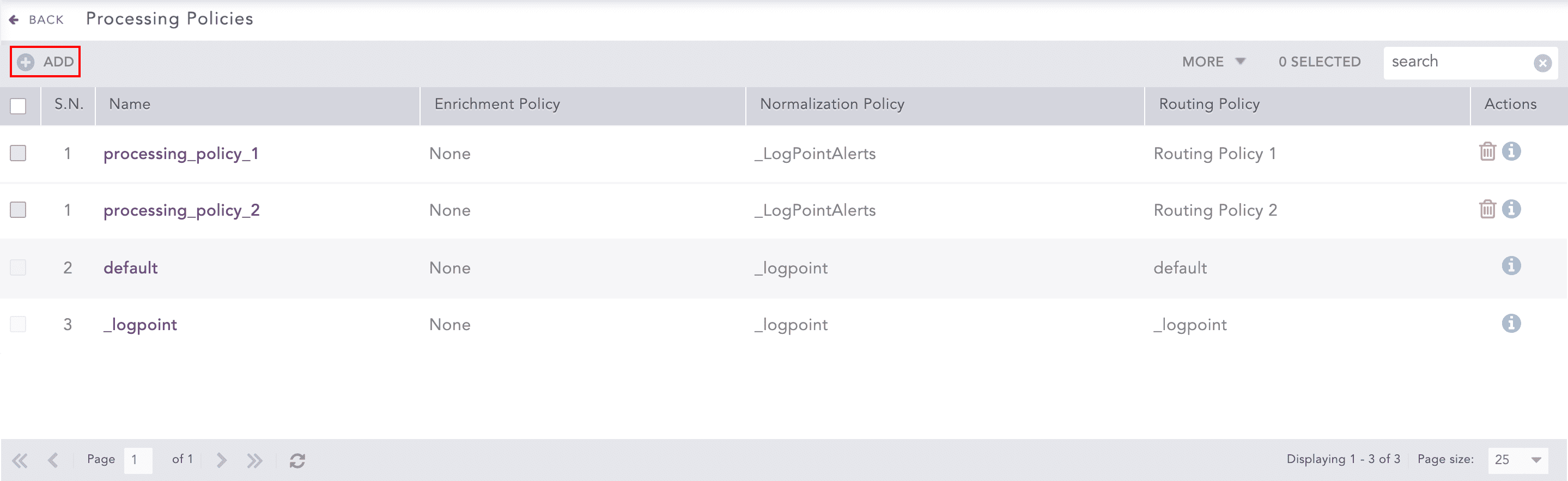
Processing Policies
Click Add.
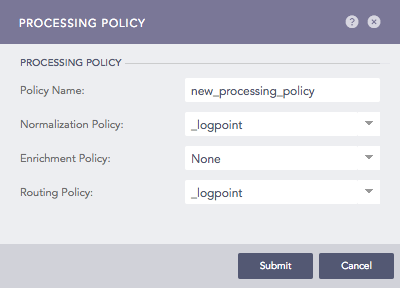
Addition of a Processing Policy
Enter Policy Name.
Select a Normalization Policy, an Enrichment Policy, and a Routing Policy. Selection of Enrichment Policy is optional.
Click Submit.
Note
Click the ? icon near the top-right corner for context-sensitive help.
Go to Settings >> Configuration from the navigation bar and click Processing Policies.
Click the Name of the required processing policy.
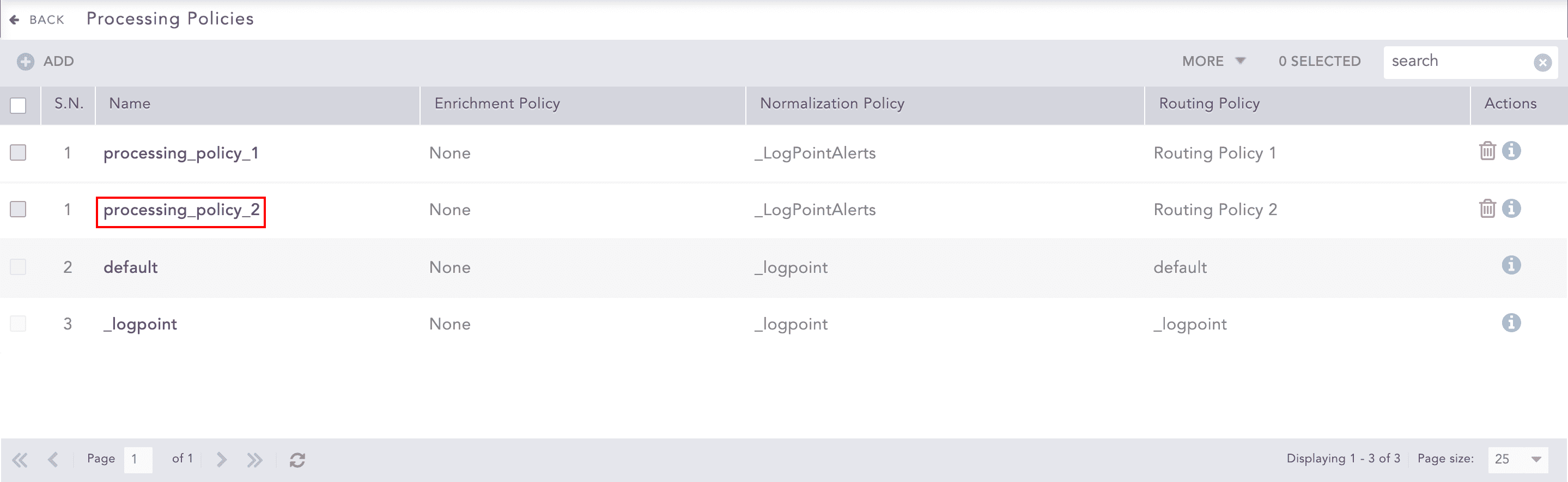
Processing Policies
Update the information in the Processing Policy.
Click Submit.
Before deleting a processing policy, make sure that it is not in use.
Go to Settings >> Configuration from the navigation bar and click Processing Policies.
Click the Delete icon under Actions of the processing policy.
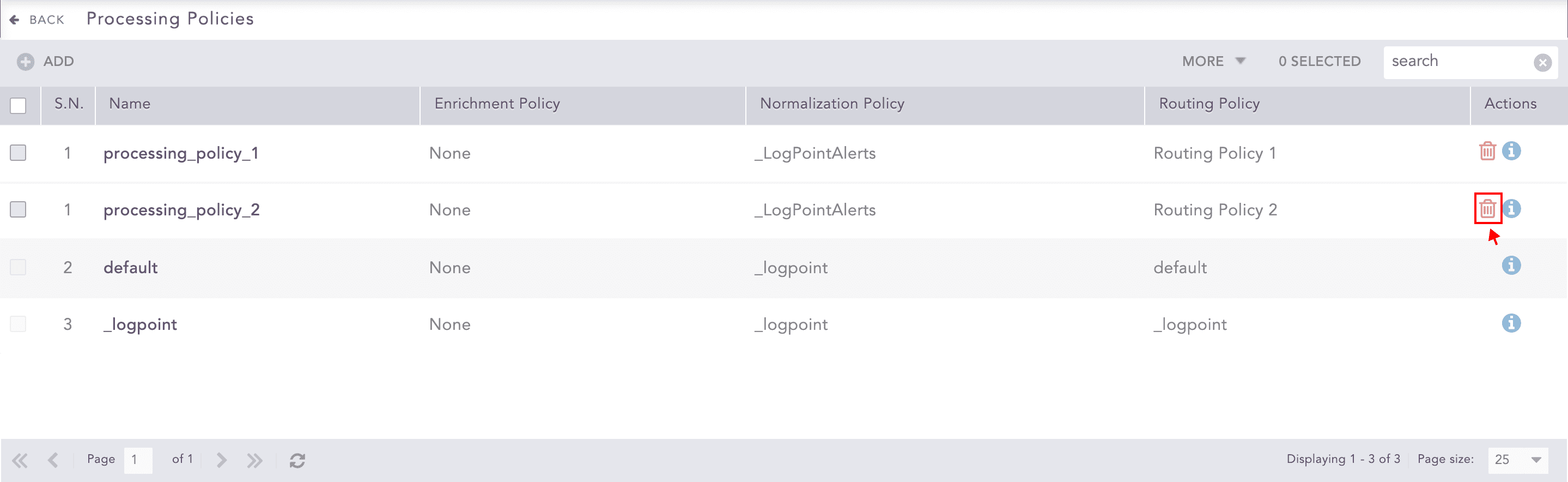
Processing Policies
To delete multiple processing policies, select the policies. Click More and choose Delete Selected.
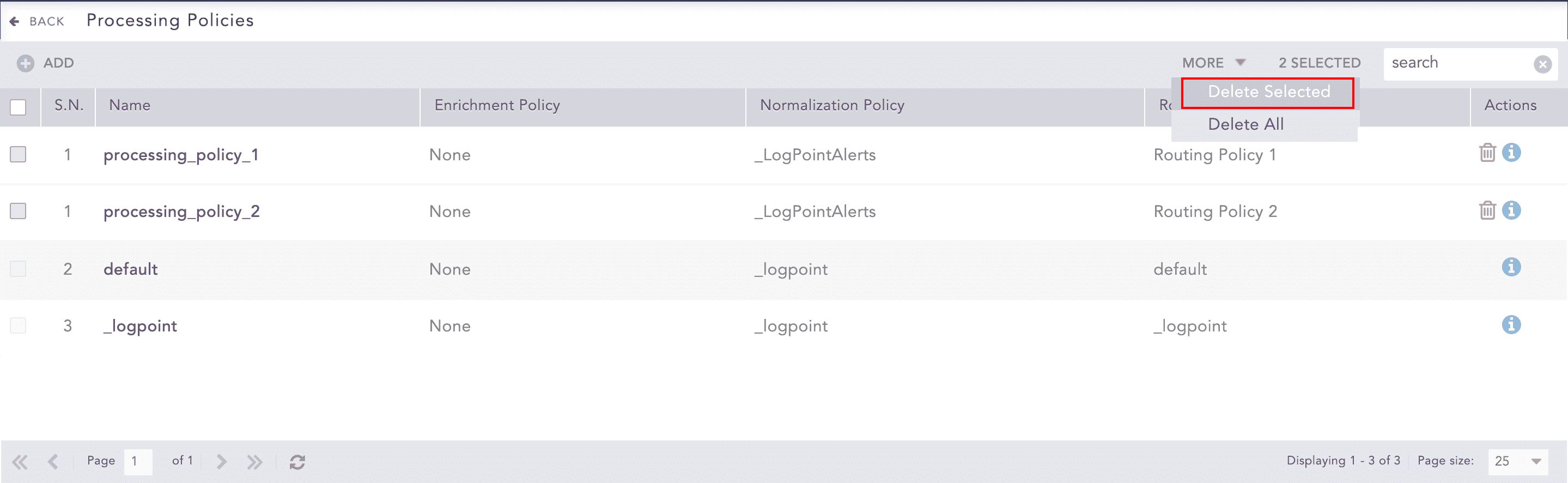
Processing Policies
To delete all the processing policies, click More and choose Delete All.
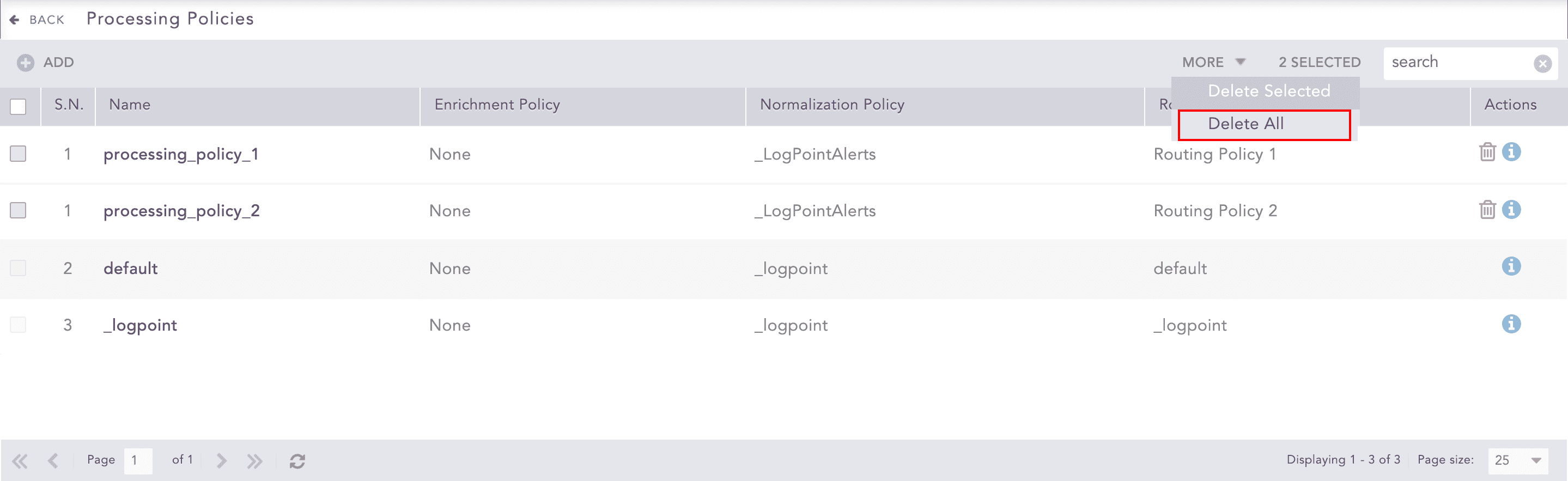
Processing Policies
Click Yes to confirm deletion.