
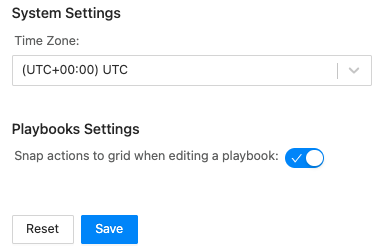
Use General to select the Timezone and enable whether users can snap action blocks to the closest intersection of the playbook grid.
General Settings
Go to Settings >> SOAR Settings from the navigation bar and click General.
Select the Time Zone from the drop-down.
Select or deselect Snap actions to grid when editing a playbook. Selecting it means users can snap action blocks to the closest intersection of the playbook grid.
Click Save.