
You can manage how your SOAR works, including:
General
Lists Management
System Export/Import
System Health
Scripts
Sources
Execution Tracking
Playbook Integrations
E-Mail Configurations
Retention
Go to Settings >> SOAR Settings from the navigation bar.
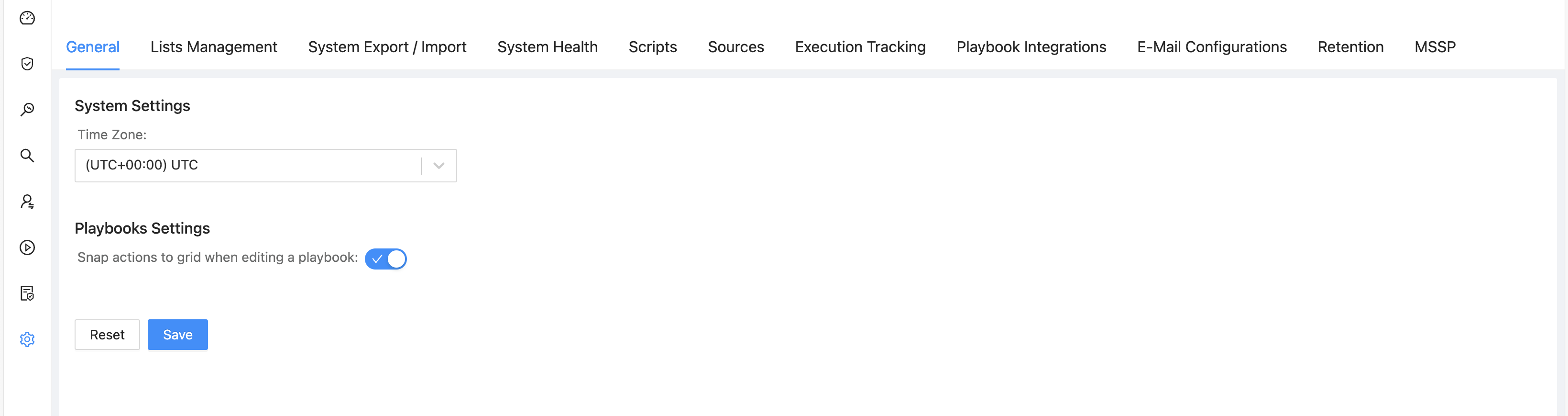
Logpoint SOAR Settings
Add new integration. Refer to Add New Integration.
Add new products. Refer to Add New Product.
Add new product instance. Refer to Add New Product Instance.
Add new list. Refer to Adding a Script.
Update the information for the product instance. Refer to Modify Existing Product Instances.
Update the information for the product instance parameter. Refer to Configure or Modify Product Instance Parameters.
Update the information for the list or add or remove members of the list. Refer to Editing a List.
Import configuration from other devices. Refer to Import.
Track the execution of playbooks. Refer to Execution Tracking.
View the health status of the services used by SOAR. Refer to System Health.
Delete the list. Refer to Deleting a Script.
Export the product instance. Refer to Export Existing Vendor Product Instance.
Export configuration to other devices. Refer to System Export/Import.