
To use UEBA, you need a valid UEBA license. The license contains details about UEBA, its validity period, the number of entities you can monitor, and the client configuration file necessary for UEBA configuration.
Before adding a license, contact Logpoint Support and provide your Hardware Key. You get the license file based on the number of entities to monitor using UEBA. If a license expires, the Entity Selection and Settings tabs are disabled. If you disable UEBA or the UEBA license expires, the selected entities and repos remain unchanged and are the same after you enable UEBA or upgrade your license.
If you are using Logpoint version earlier than v7.3.0, go to Adding a License.
To add a license:
Go to Settings >> System Settings >> Licenses from the navigation bar.
Click Upload License.
Select UEBA.
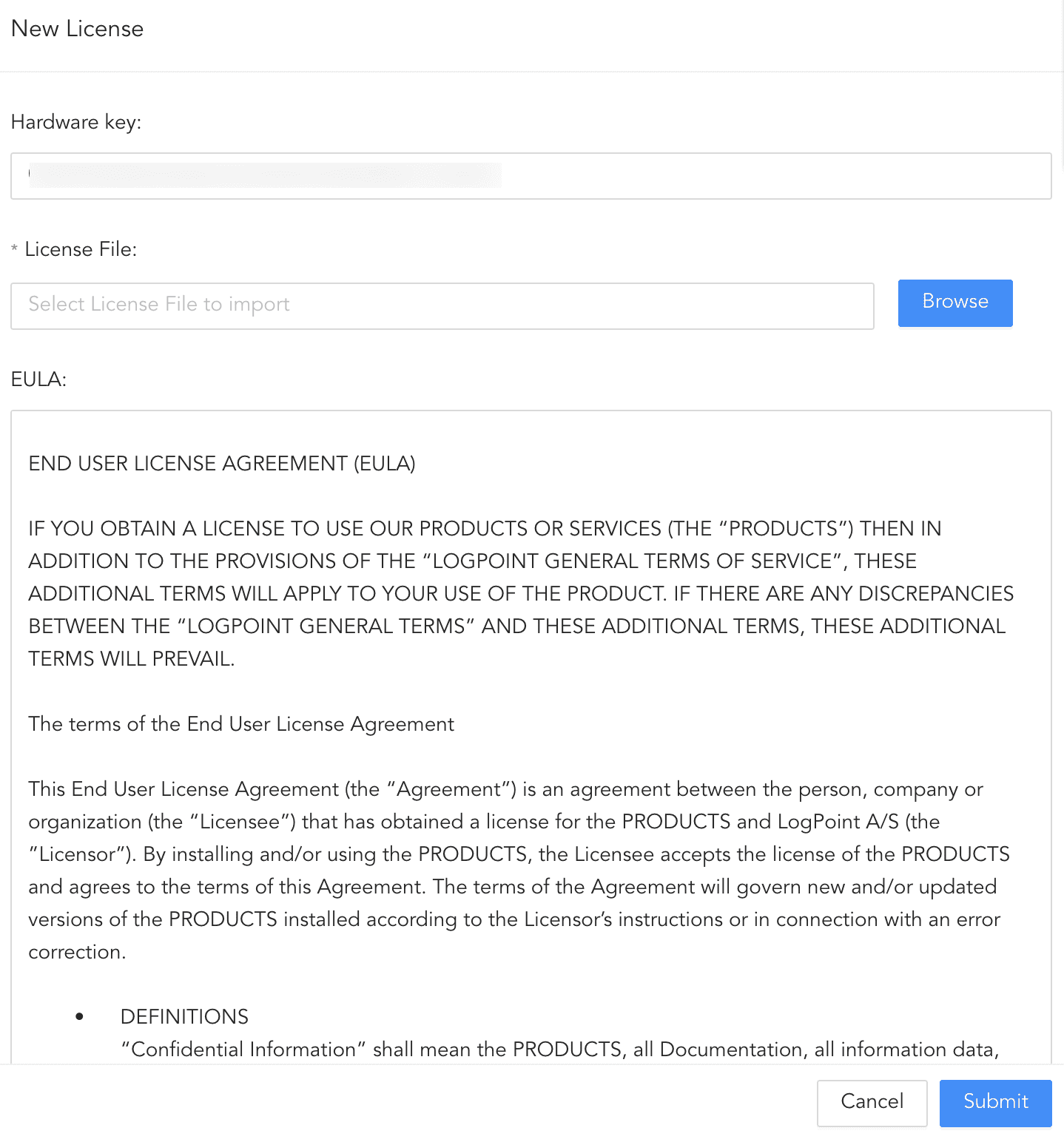
New UEBA License
Browse to your License and accept the terms of the End User License Agreement.
Click Submit.
Adding the license creates the following entities:
S.N.
Type
Name
Description
1
Repo
uebaoutput
It has a default retention period of 365 days. Logpoint stores all the output of UEBA in this repo.
2
Routing Policy
uebaoutput
It forwards all the incoming logs to the uebaoutput repo.
3
Normalization Policy
uebaoutput
It contains no normalization package by default. However, you can add your own package to customize the policy as per your need.
4
Enrichment Source
UEBA_Entity_Risk
It stores the risk score, type, and the name of the analyzed entities.
You can use the repo , the routing policy , the normalization policy , and the enrichment source to create a new processing policy and apply it to enrich the log events with the output of UEBA.