
The device groups are the collection of log forwarding devices. You can associate a single device to multiple device groups.
Go to Configure >> Entities >> Device Groups.
Select the LogPoint instances where you want to configure the device group.
Click Next.
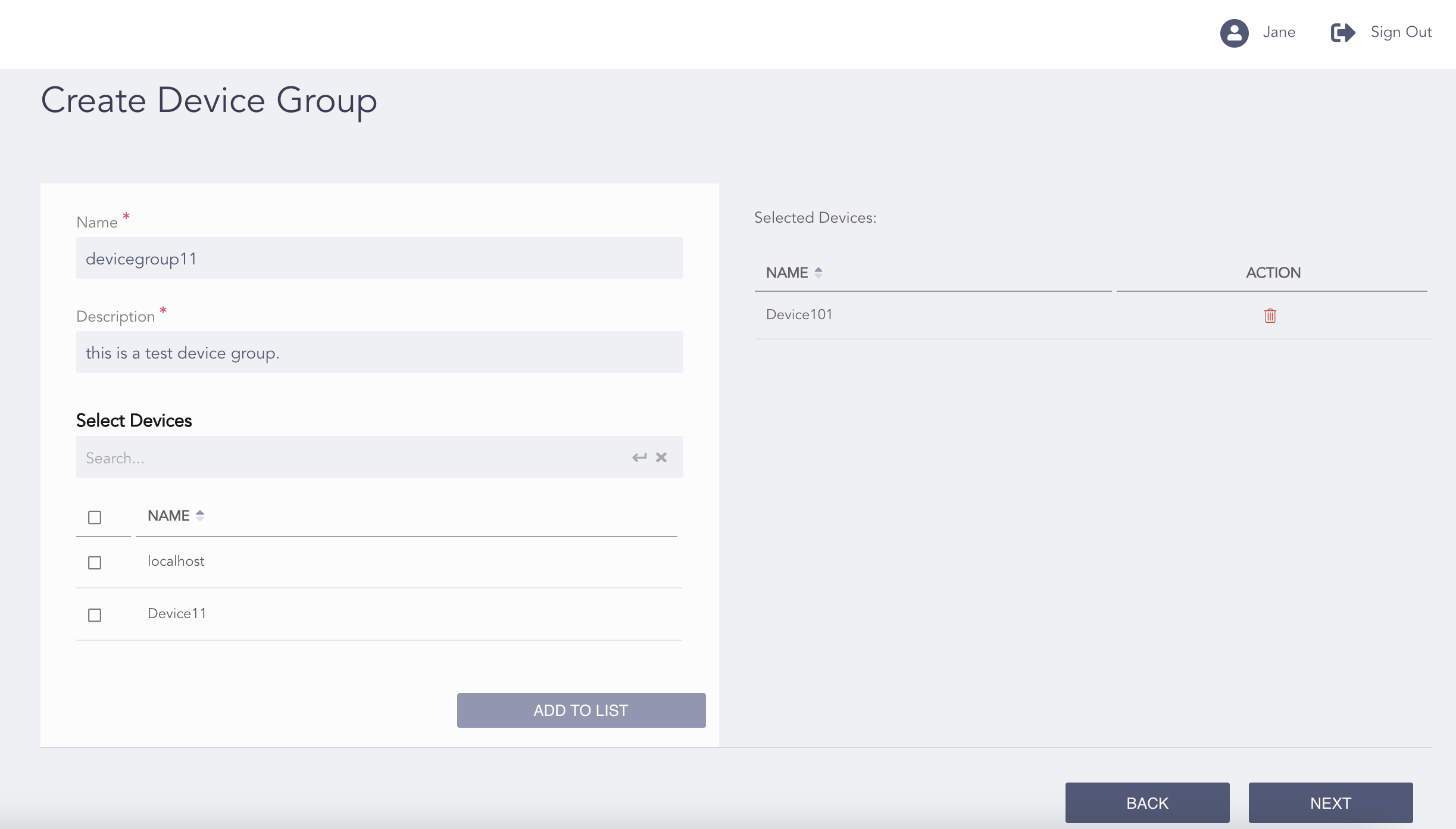
Configuring the Device Groups
Enter a Name and a Description of the device group.
Select the Devices to add to the device group.
Note
For multiple LogPoint instances, you can select the devices common to the selected LogPoint instances only.
Click Add to List. You can view the Selected Devices on the right side of the page.
Click Next.
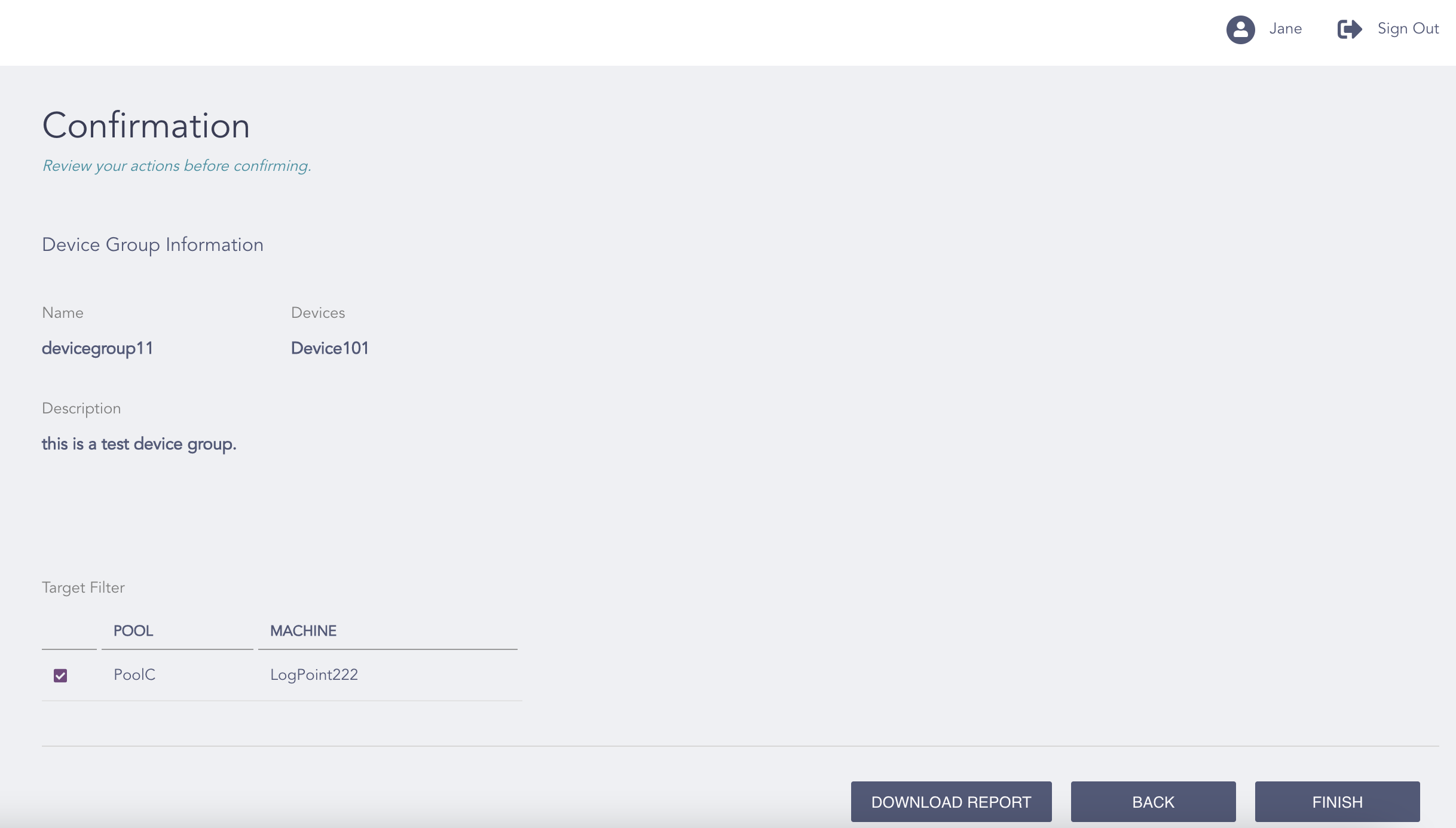
Confirming the Changes
Review your changes. You can go Back to make any changes if necessary.
Note
Click Download Report to save the summary of the task in PDF.
Click Finish.
Click OK.