
You can collect the flow packets forwarded to LogPoint using an SFlow collector. SFlow is a sampling technology used to monitor networks, wireless, and host devices. The sampled packets are called flow packets.
Go to Configure >> Built-in Collectors/Fetchers >> SFlow Collectors.
Select the LogPoint instances where you want to configure the SFlow collector.
Click Next.
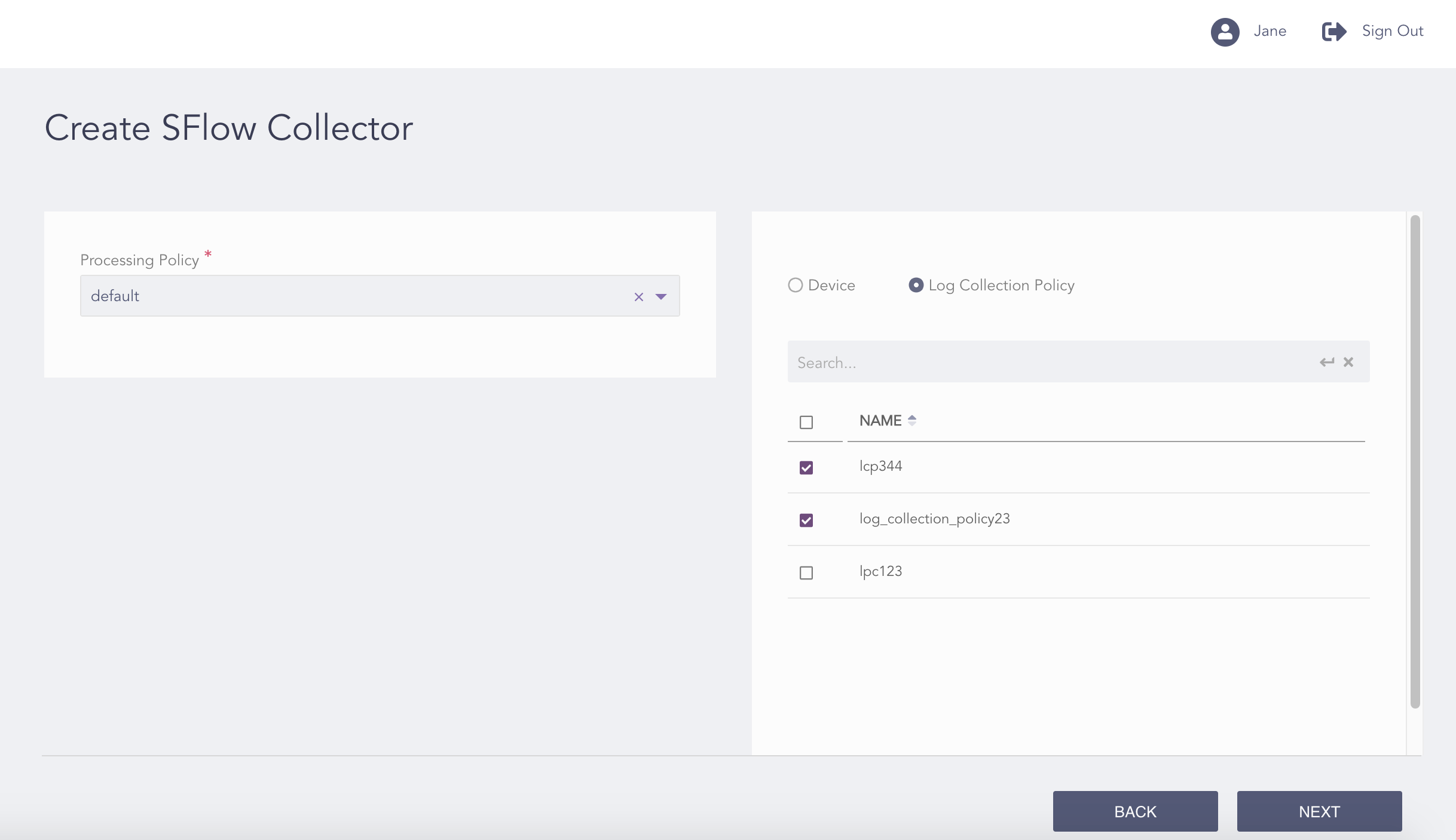
Configuring the SFlow Collector
Select a Processing Policy to apply to the logs.
You can either configure the SFlow collector to a device or a log collection policy.
If you select Device, select all the devices where you want to configure the collector.
Note
For multiple LogPoint instances, you can select the devices used by the selected LogPoint instances only.
If you select Log Collection Policy, select all the log collection policies where you want to configure the collector.
Click Next.
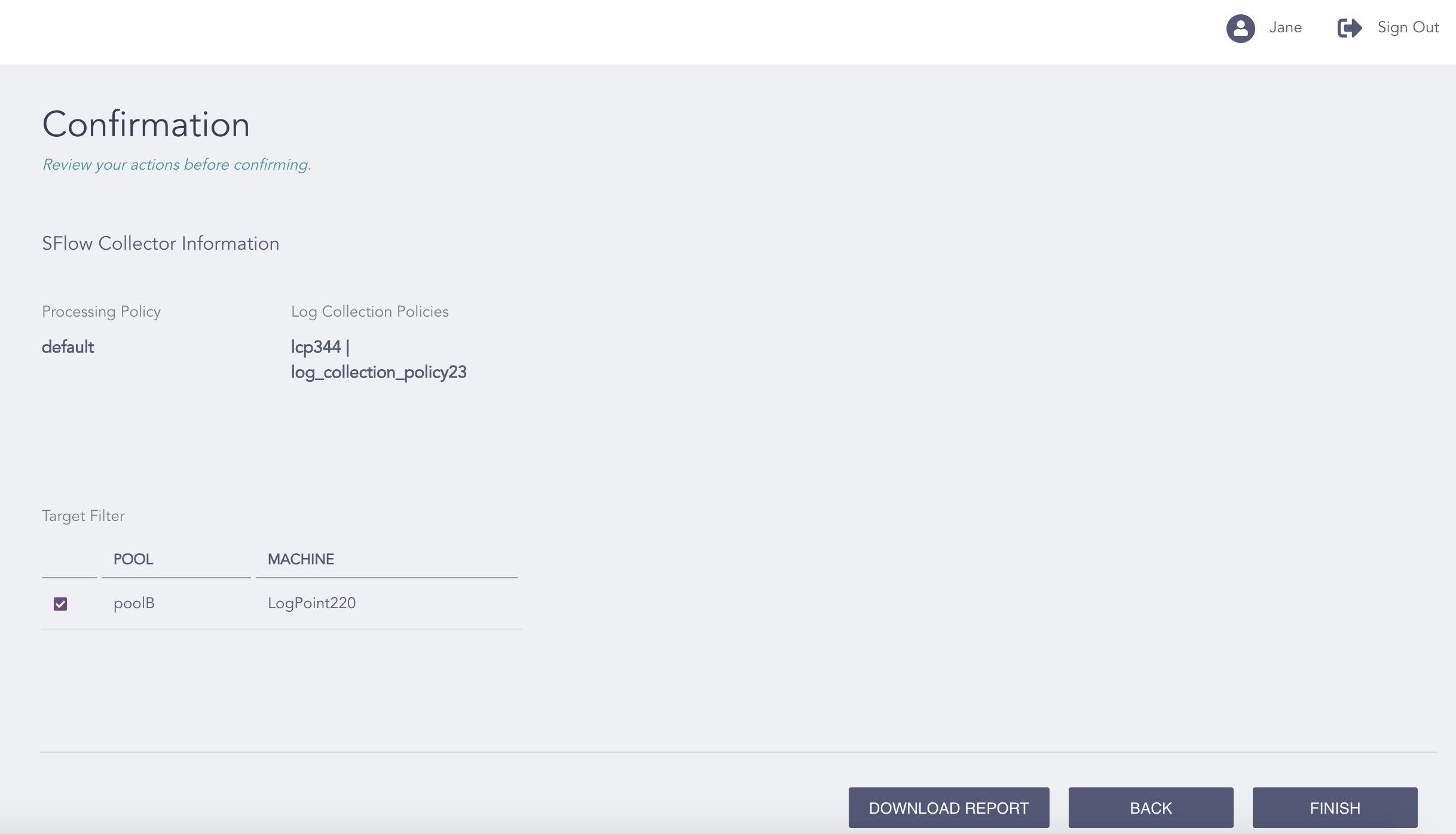
Confirming the Changes
Review your changes. You can go Back to make any changes if necessary.
Note
Click Download Report to save the summary of the task in PDF.
Click Finish.
Click OK.