
Products are the cyber security solutions or devices that are being used in your organization. LogPoint SOAR needs to identify the product and its request and response parameters to investigate incidents and automate actions in response to the incidents. You must configure the Vendor before adding a Product to perform actions from LogPoint SOAR.
Go to Settings >> SOAR Settings from the navigation bar and click Products to view all the products configured for LogPoint SOAR. From the Products page, you can add, configure, delete, and export products. You can also filter the products by Name.
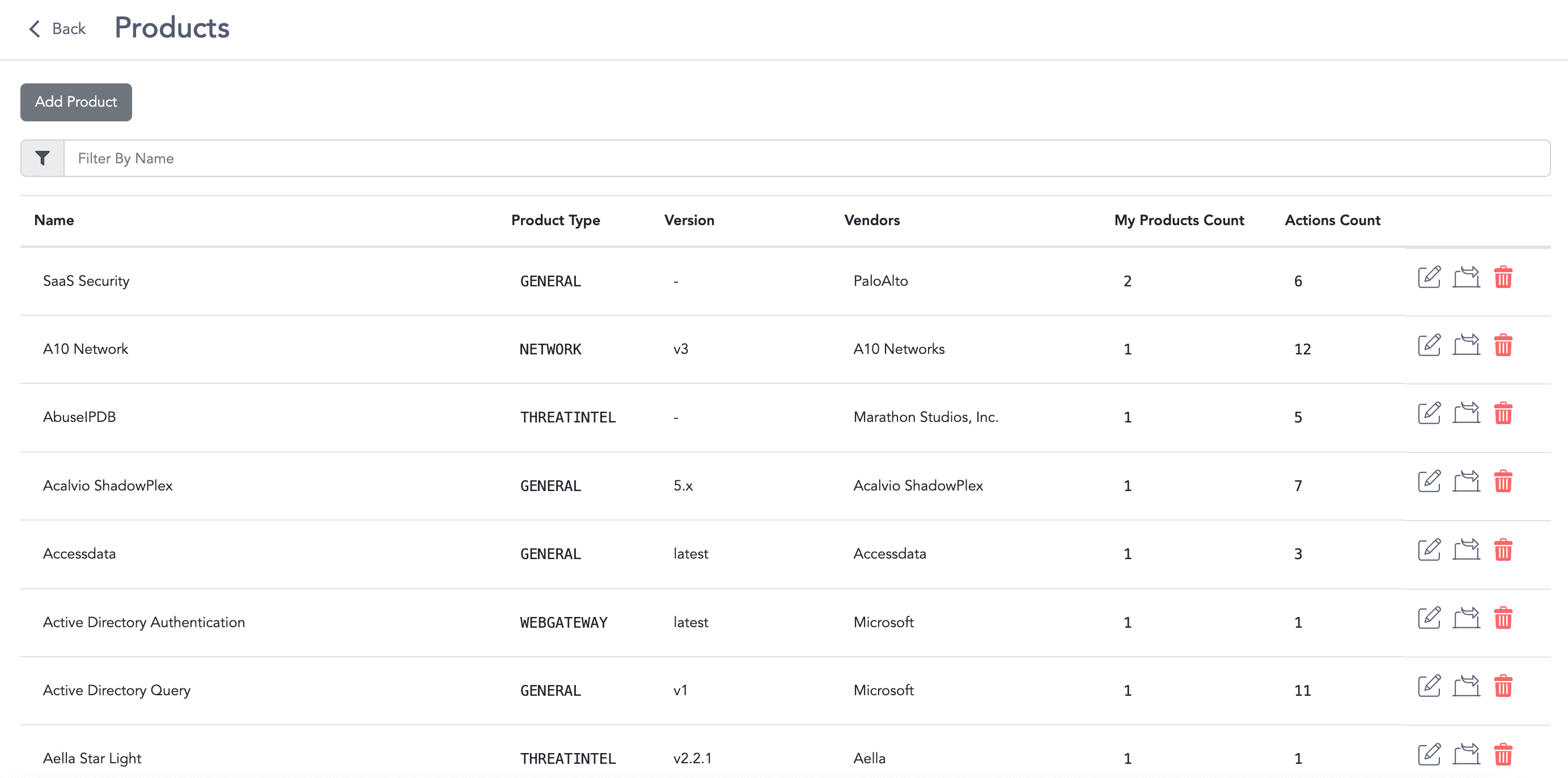
Products Page
Go to Settings >> SOAR Settings from the navigation bar and click Products.
Click Add Product.
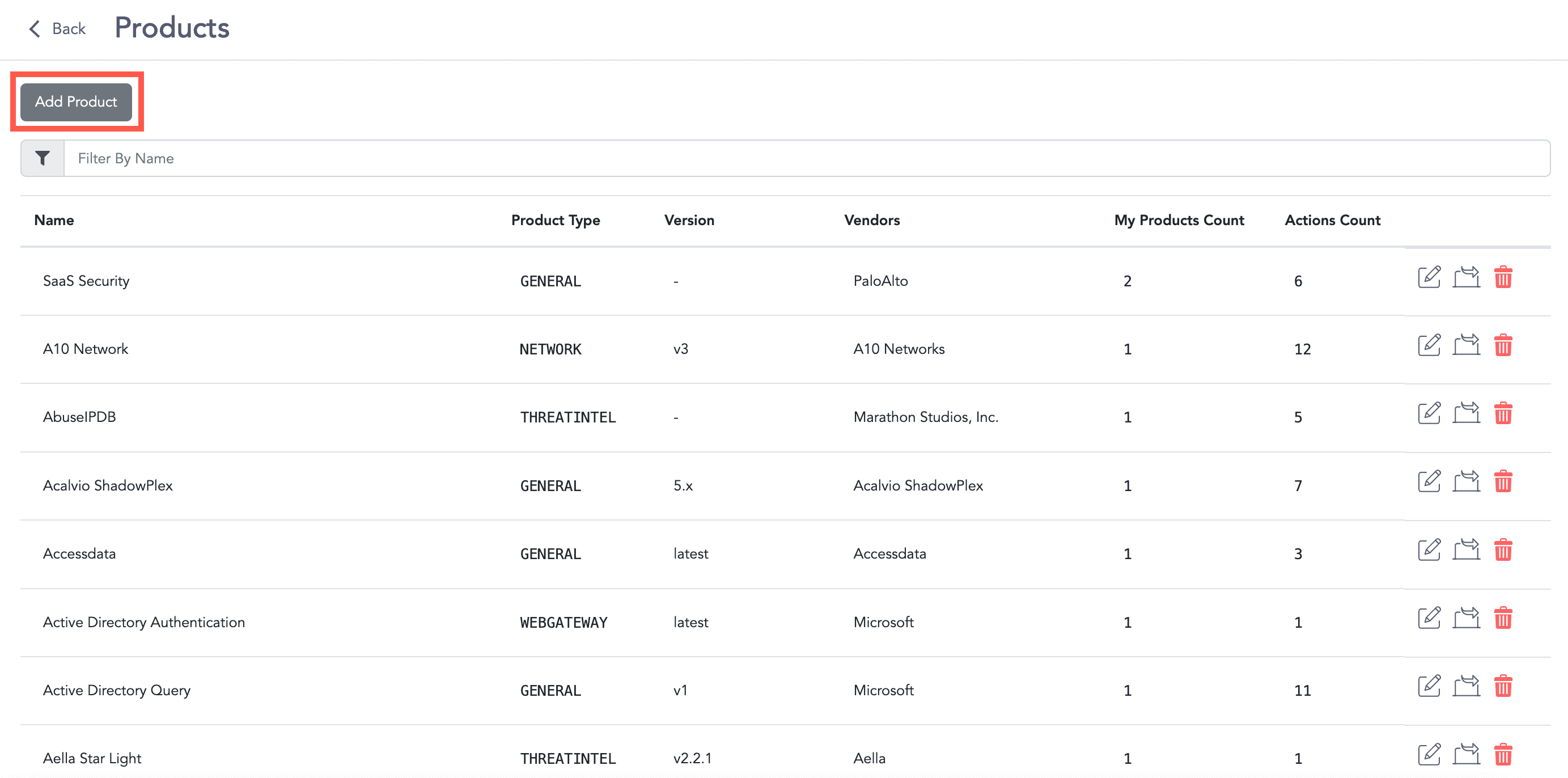
Adding a Product
Enter the product’s Name and Version.
Select the Vendor and Type.
Enter a Description.
Click Add to add parameters in the Params field.
6.1. Enter the parameter’s Name and Description.
6.2. Select the input Type.
6.3. Click Required if the parameter is required.
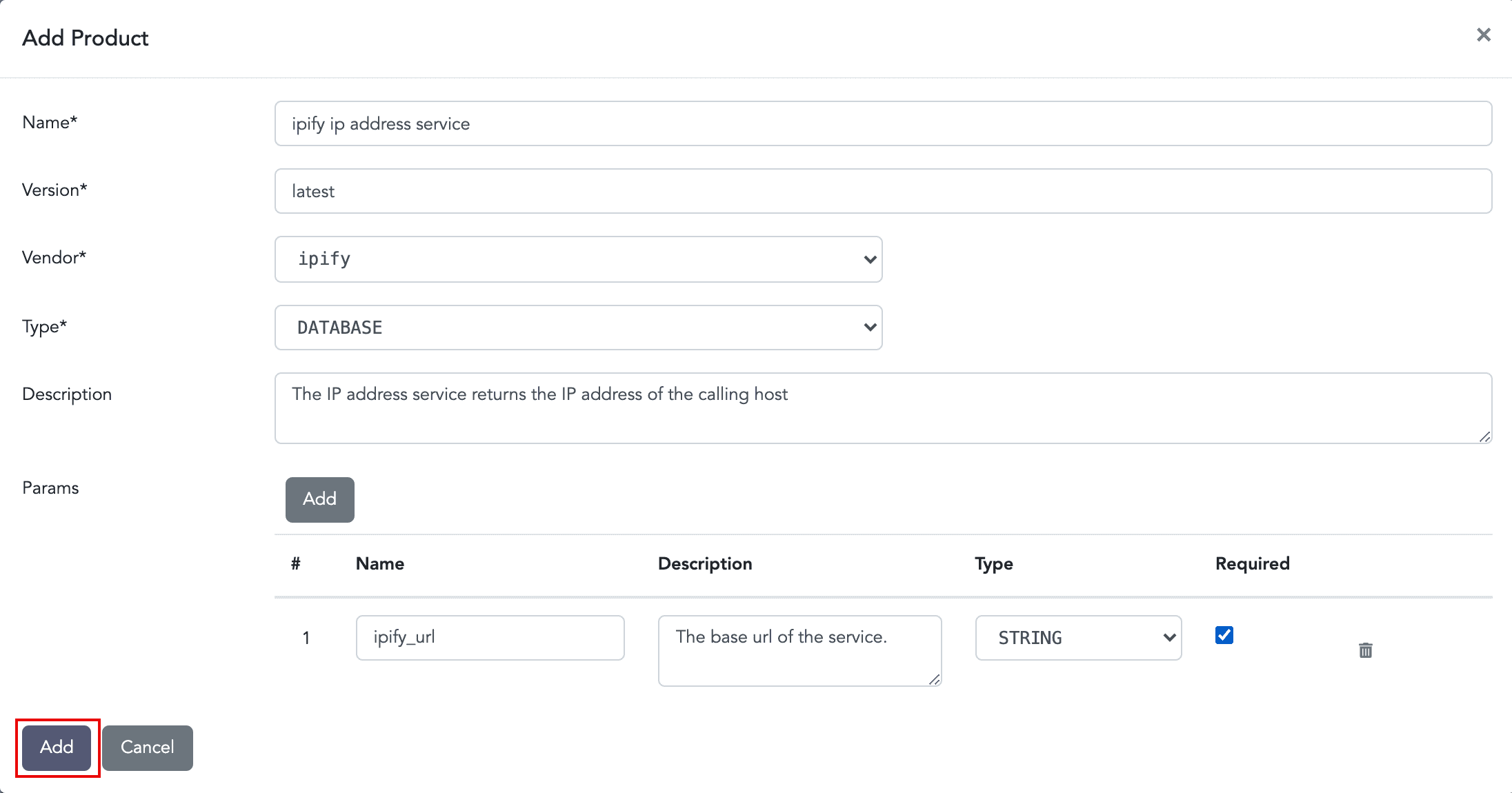
Adding a New Product
Click Add.
Go to Settings >> SOAR Settings from the navigation bar and click Products.
Click the Edit icon.
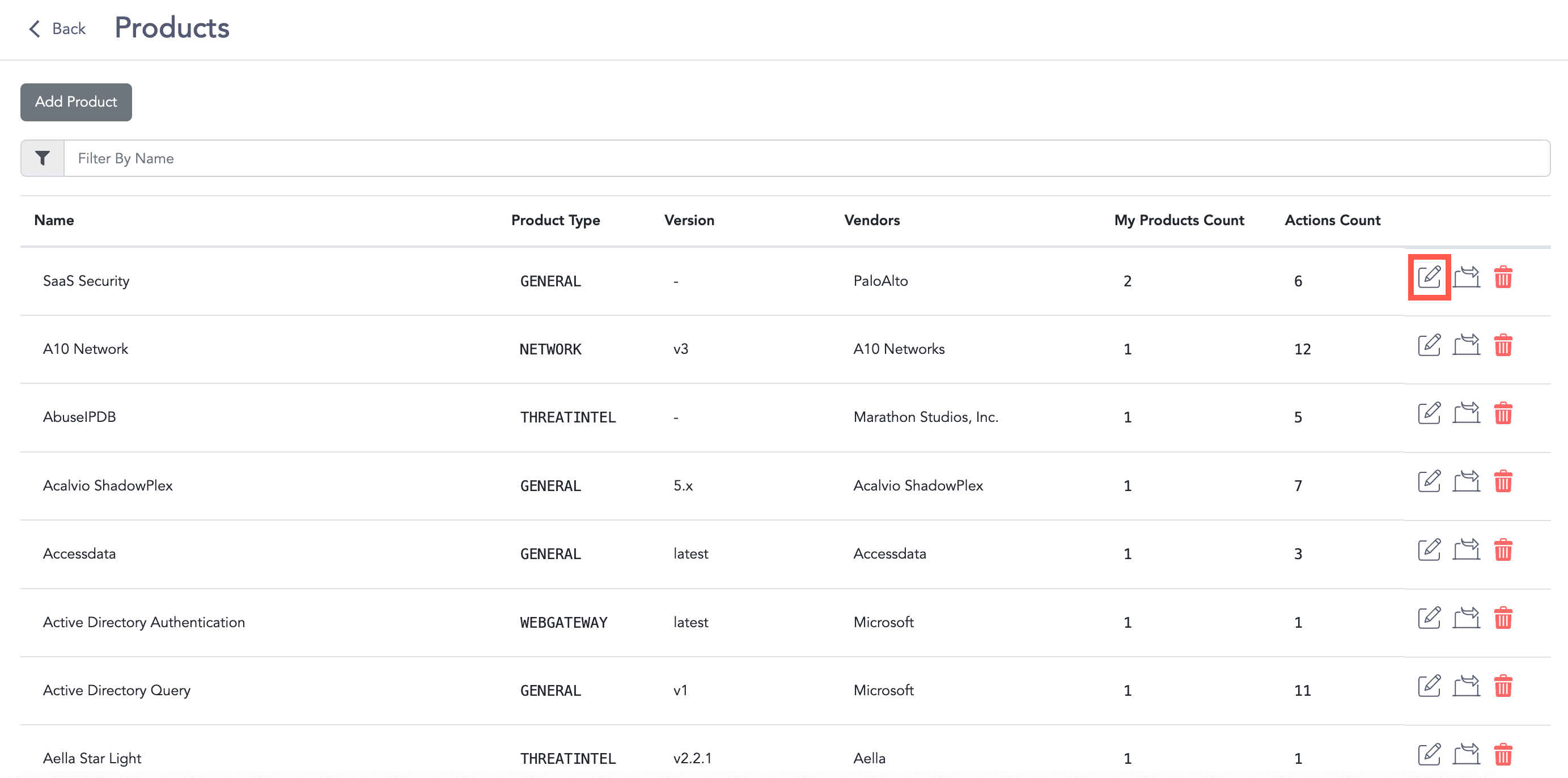
Editing a Product
Edit the information.
Click Update.
Go to Settings >> SOAR Settings from the navigation bar and click Products.
Click the Delete icon.
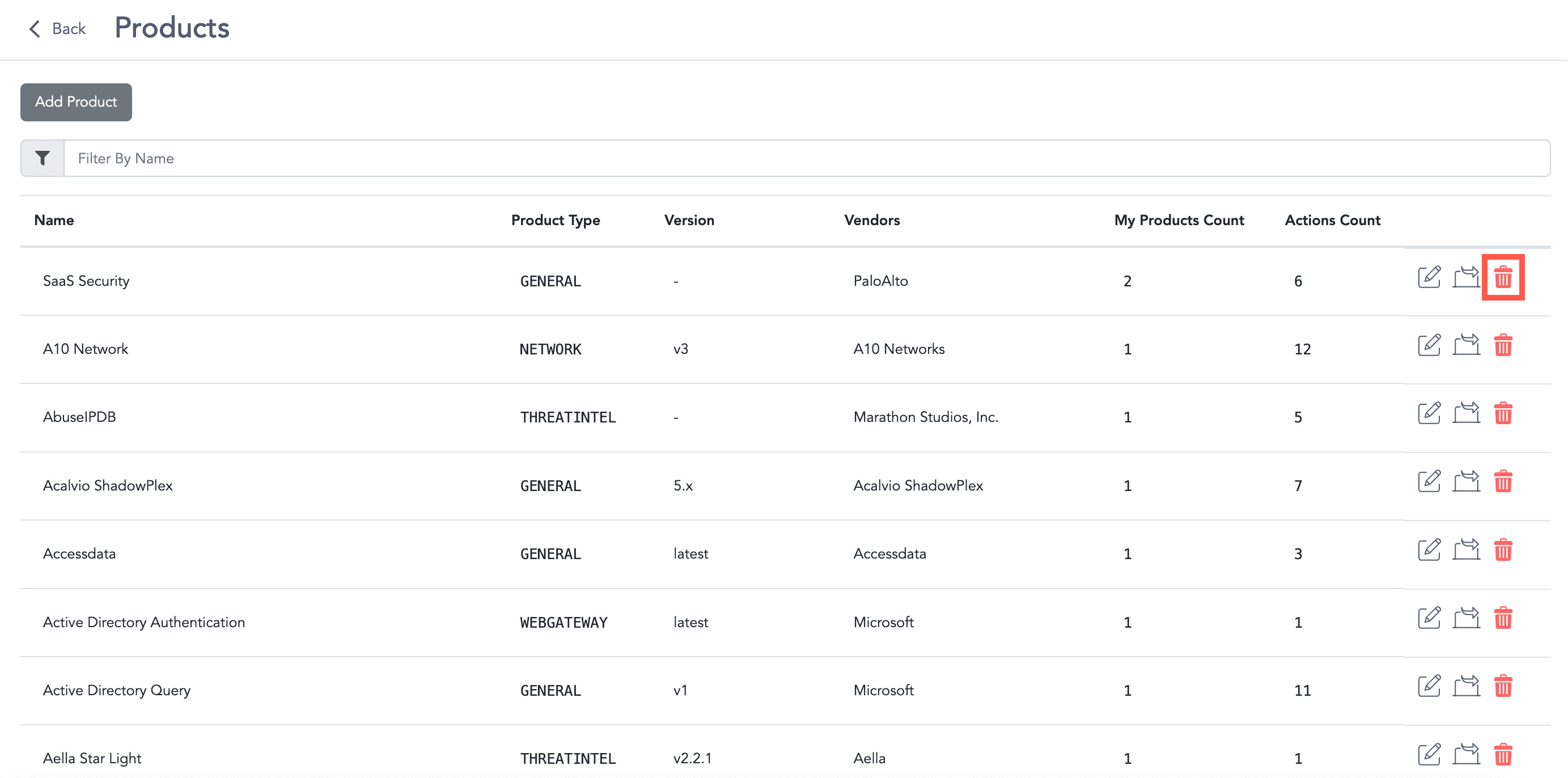
Deleting a Product
Click Delete.
Go to Settings >> SOAR Settings from the navigation bar and click Products.
Click the Export icon. The exported data is then downloaded in the .zip file format.
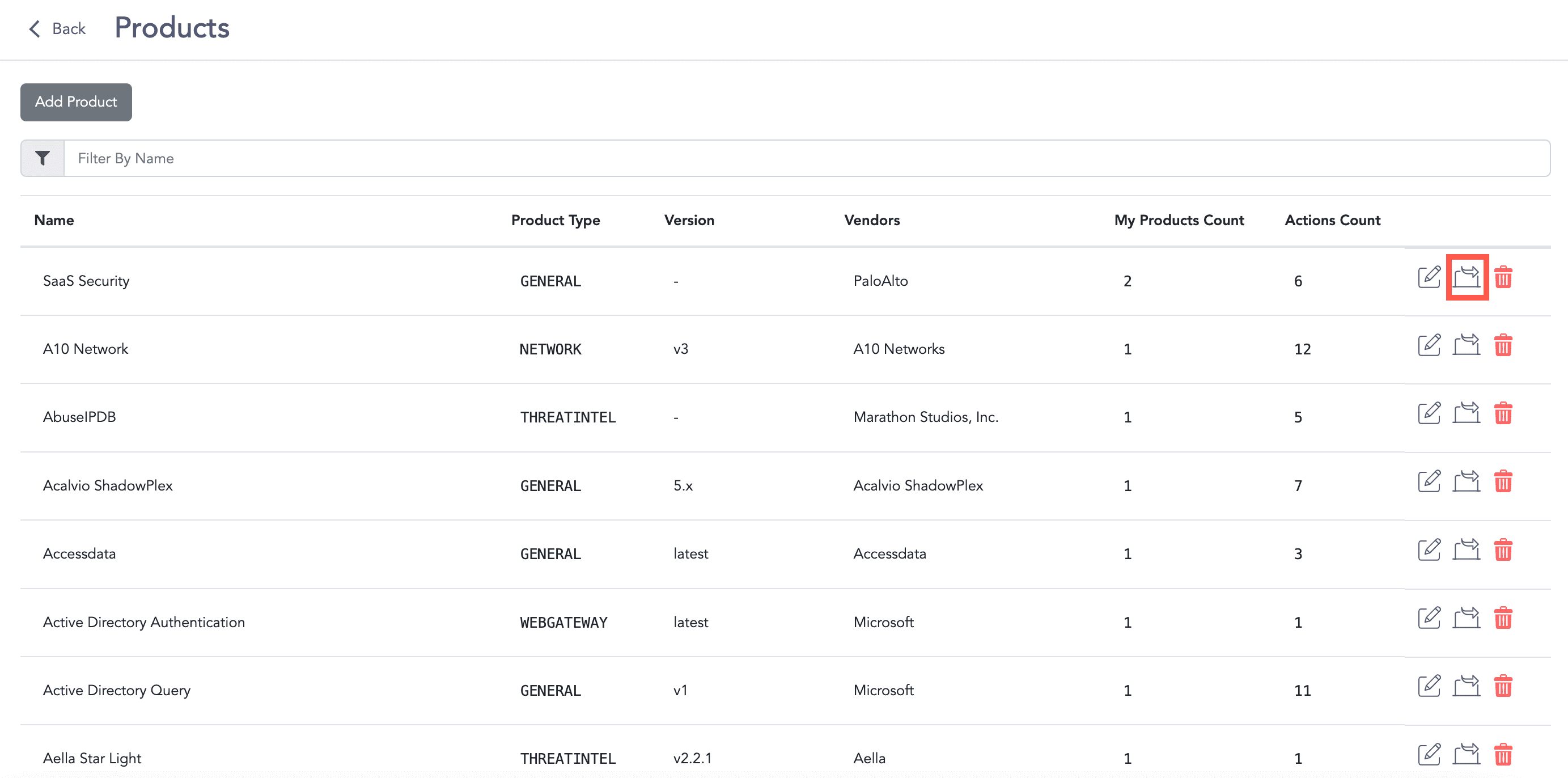
Exporting a Product
When exporting a product all the configuration associated with its product instances and actions are also exported.