Using SaaS
When you buy a SaaS subscription, Logpoint sends you an email with login details, including the Logpoint Portal URL, and initial access credentials. You are provided with a temporary password that you need to change on your first login. After you change your password, login with your email and new password.
All system settings, SMTP, NTP, SNMP, Syslog, Support Connection, Mode of Operation, SSH Key Pair for li-admin, and Lockout Policy, are pre-configured on the SaaS instances.
You will receive a temporary password in the welcome email. Change it at first login and then use your email and new password.
Log In
Access the portal
Go to: https://portal.logpoint.cloud/.
Enter credentials
Enter your access credentials provided in the welcome email.
Open an instance
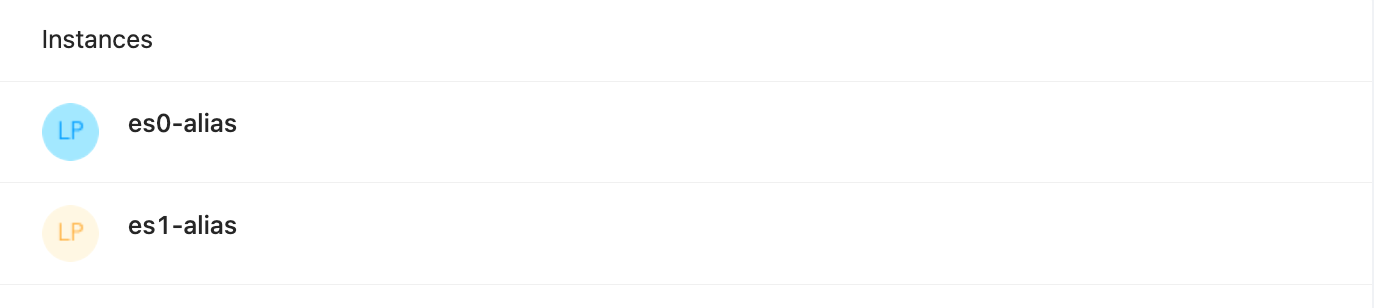
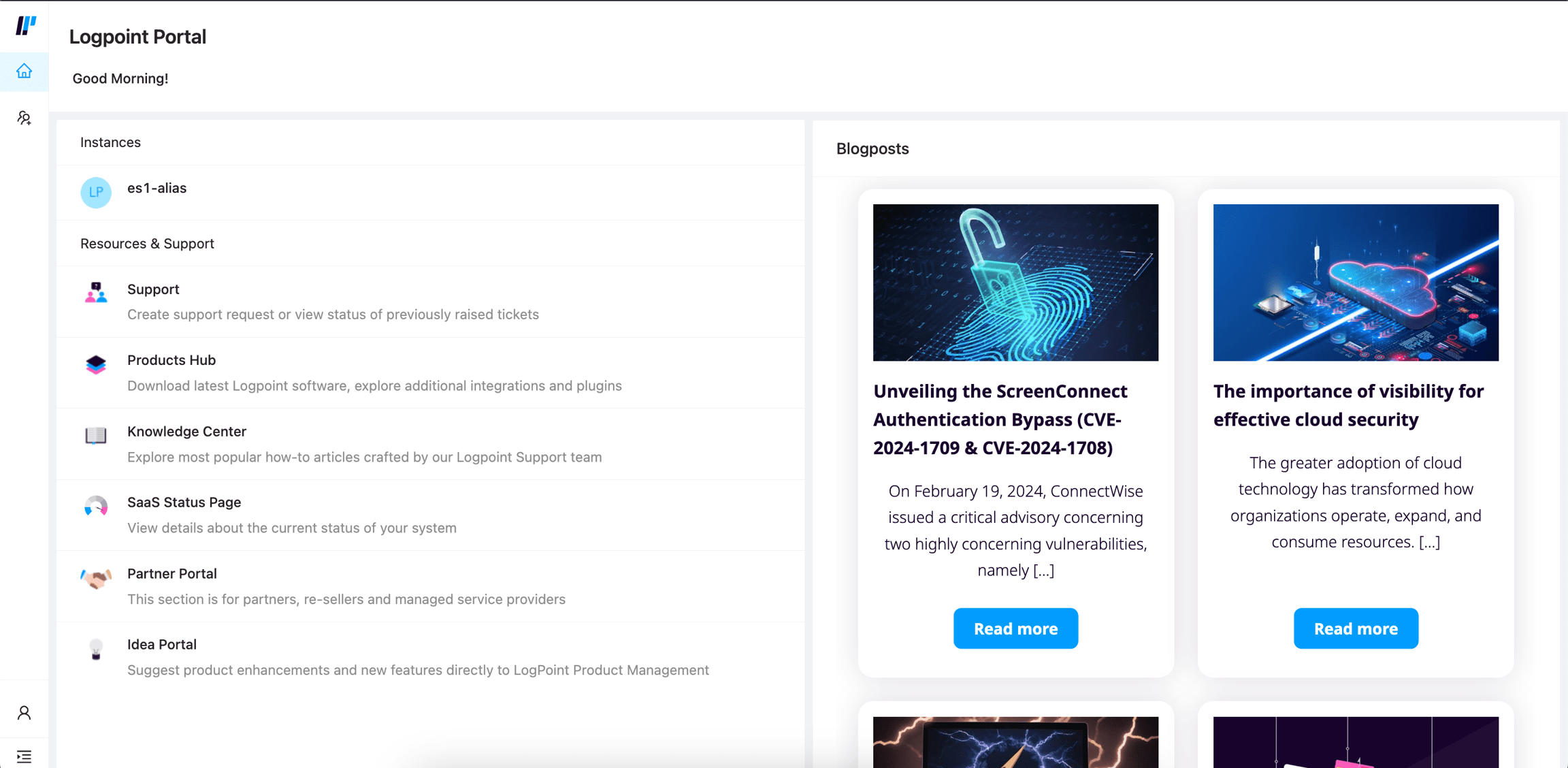
Access a Logpoint SaaS instance from Instances.
If you are a Logpoint user, click your SaaS instance name.
If you are an MSSP administrator, you will have access to all your Logpoint instances.
Get started using a SaaS instance
Respond to incidents.
Perform investigations and threat hunting with Search Templates and Search Packages.
Schedule, generate and review generated reports.
Was this helpful?