Audit Logs

Audit logs are records of events and activities that occur within Logpoint. Logpoint generates various audit logs related to different events for security purposes. Only authorized users can access audit logs.

User management

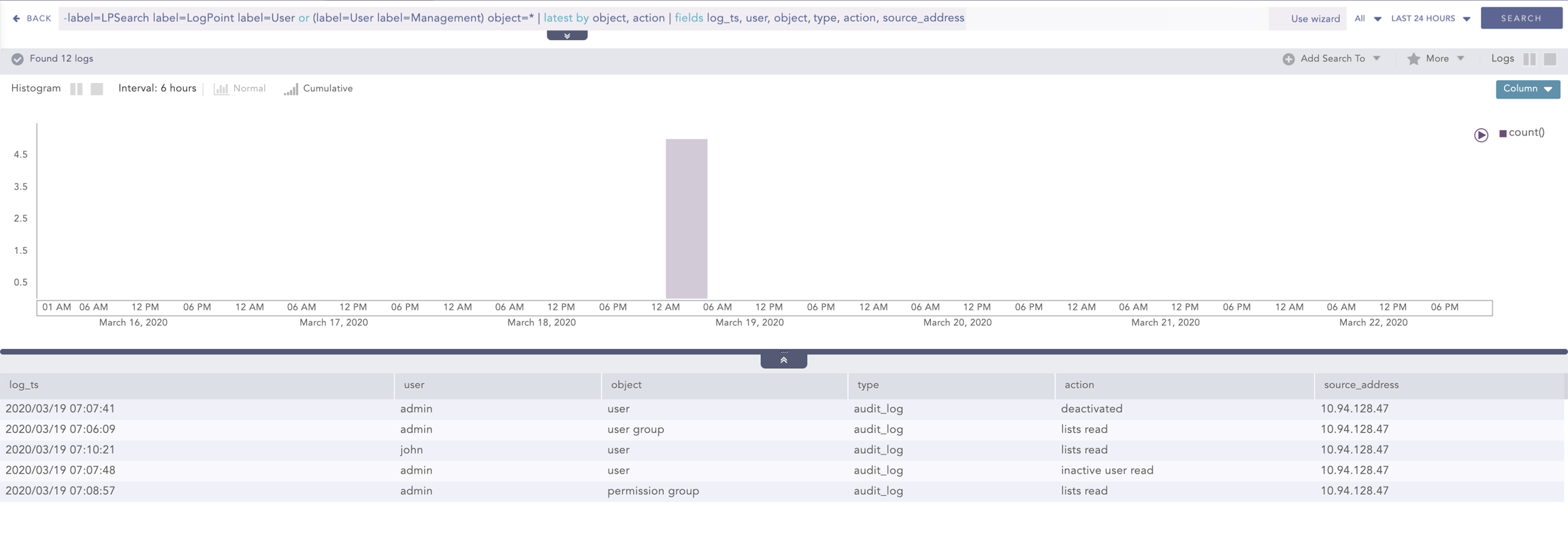
  • Audit logs are generated when you add, edit, or delete users, user groups, and permissions.

  • Sample query to view the logs:

User management query
-label=LPSearch label=Logpoint label=User or (label=User label=Management) object=* | latest by object, action | fields log_ts, user, object, type, action, source_address
Identification and authentication

  • Audit logs are generated for login attempts, login success, login failures, and user lock/unlock.

  • Sample query to view the logs:

User actions

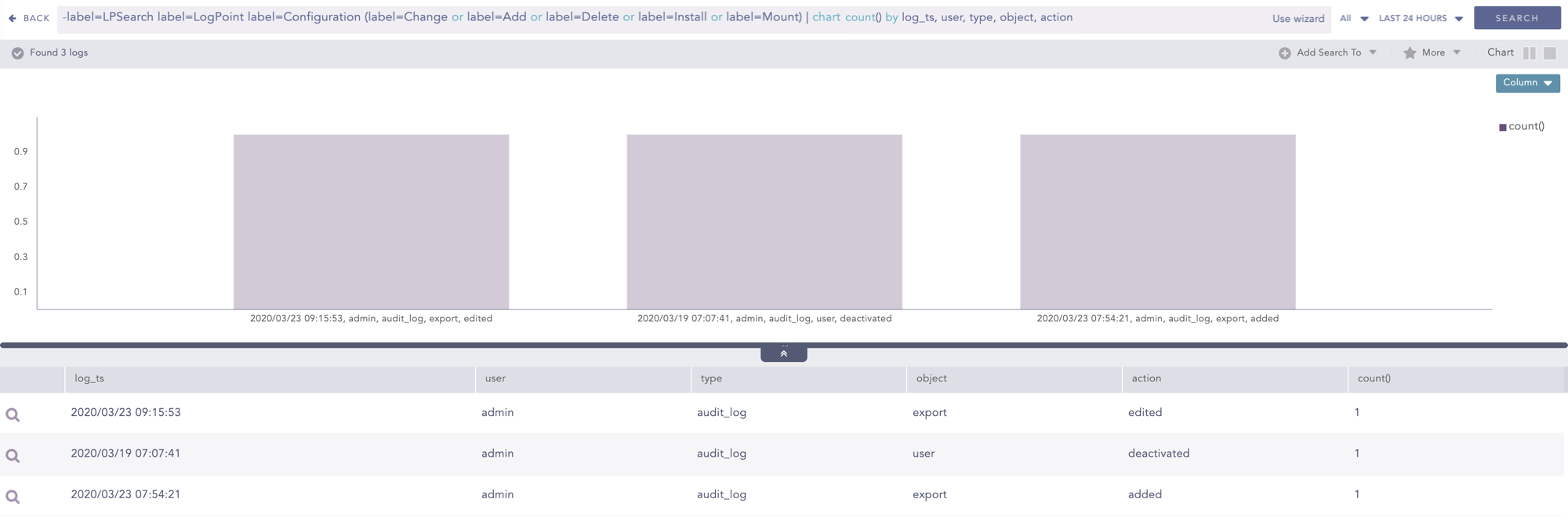
  • Audit logs are generated when you add, edit, or delete Knowledge Base items, Configuration items (Device, Device Group, Log Collection Policies, Repos, Distributed Logpoint), Search, Report, Dashboard, and Incident Management, and configure the UEBA Board.

  • Sample query to view the logs:

Inter-TSF trusted channel

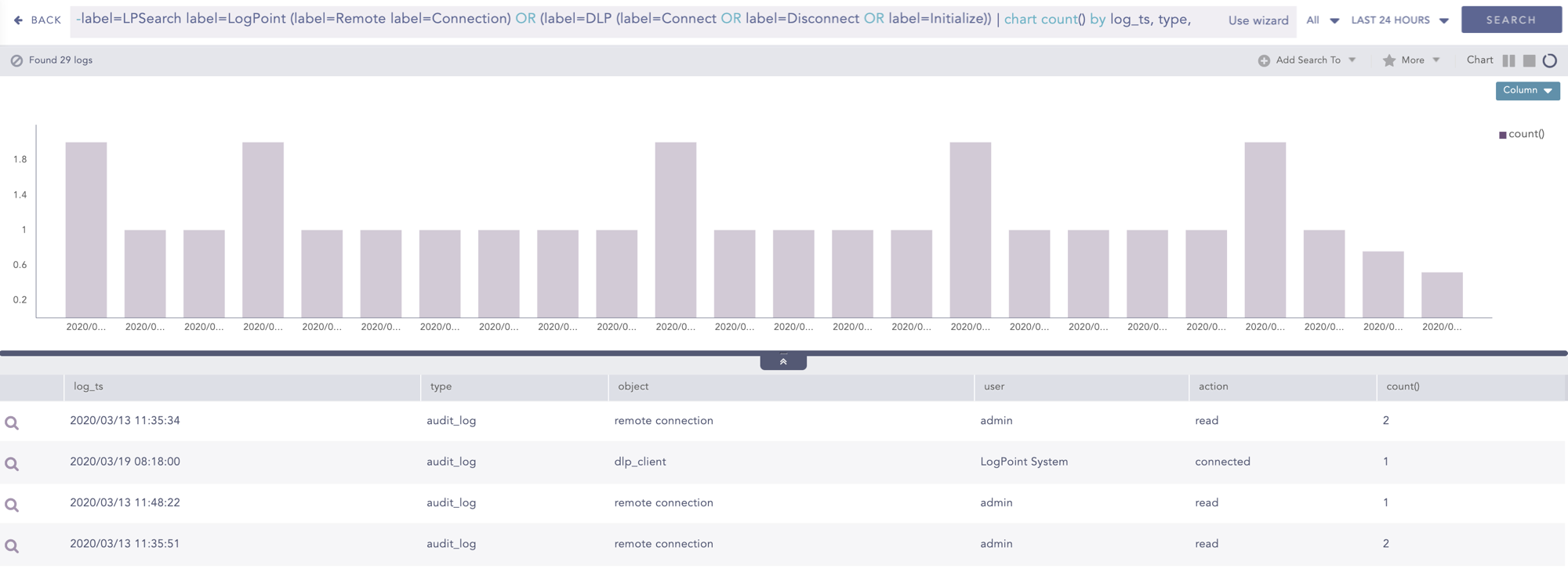
  • Audit logs are generated when attempts are made to connect or disconnect from another Logpoint.

  • Sample query to view the logs:

System

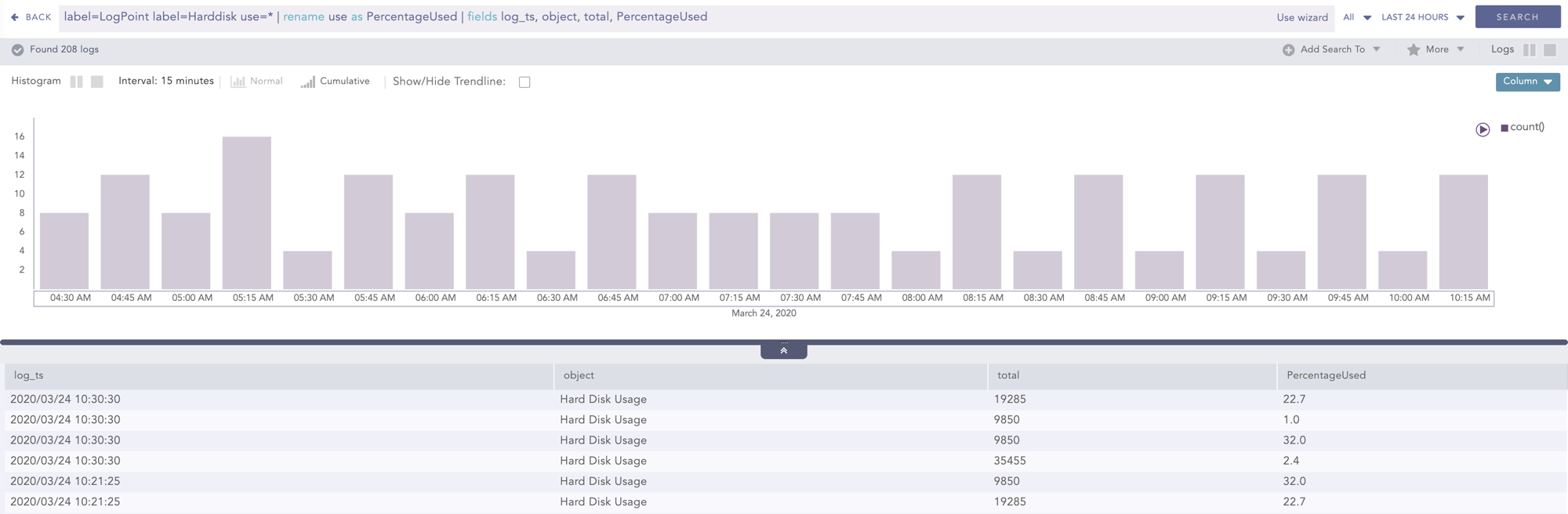
  • Audit logs are generated when disk usage exceeds the predefined limit. The predefined limit for notification is 90% by default, and it is user-configurable. Audit logs are generated every hour.

  • Sample query to view the logs:

Selectable Audit Logs

To sort event data, follow these steps:

1

After login

Click Search from the top horizontal menu.

2

Enter query

Enter a valid query in the search query bar.

3

Sort results

Click the column header of the results table to sort the logs.

Last updated

Was this helpful?