Sync
You can use sync to transfer configurations between Logpoints by exporting data from one instance and importing it into another. It exports the following configurations, from User Accounts, Configurations, and Knowledge Base in a .json file:
Users
User Groups
Permission Groups
Repos
Routing Policies
Normalization Policies
Enrichment Sources
Enrichment Policies
Processing Policies
Parsers
Log Collection Policies
Devices/ Log Sources
Device Groups
Normalization Packages
Label Packages
Search Packages
Search Templates
Alert Rules
Dashboards
Fields
List and Tables
Macros
Search Views
To export data:
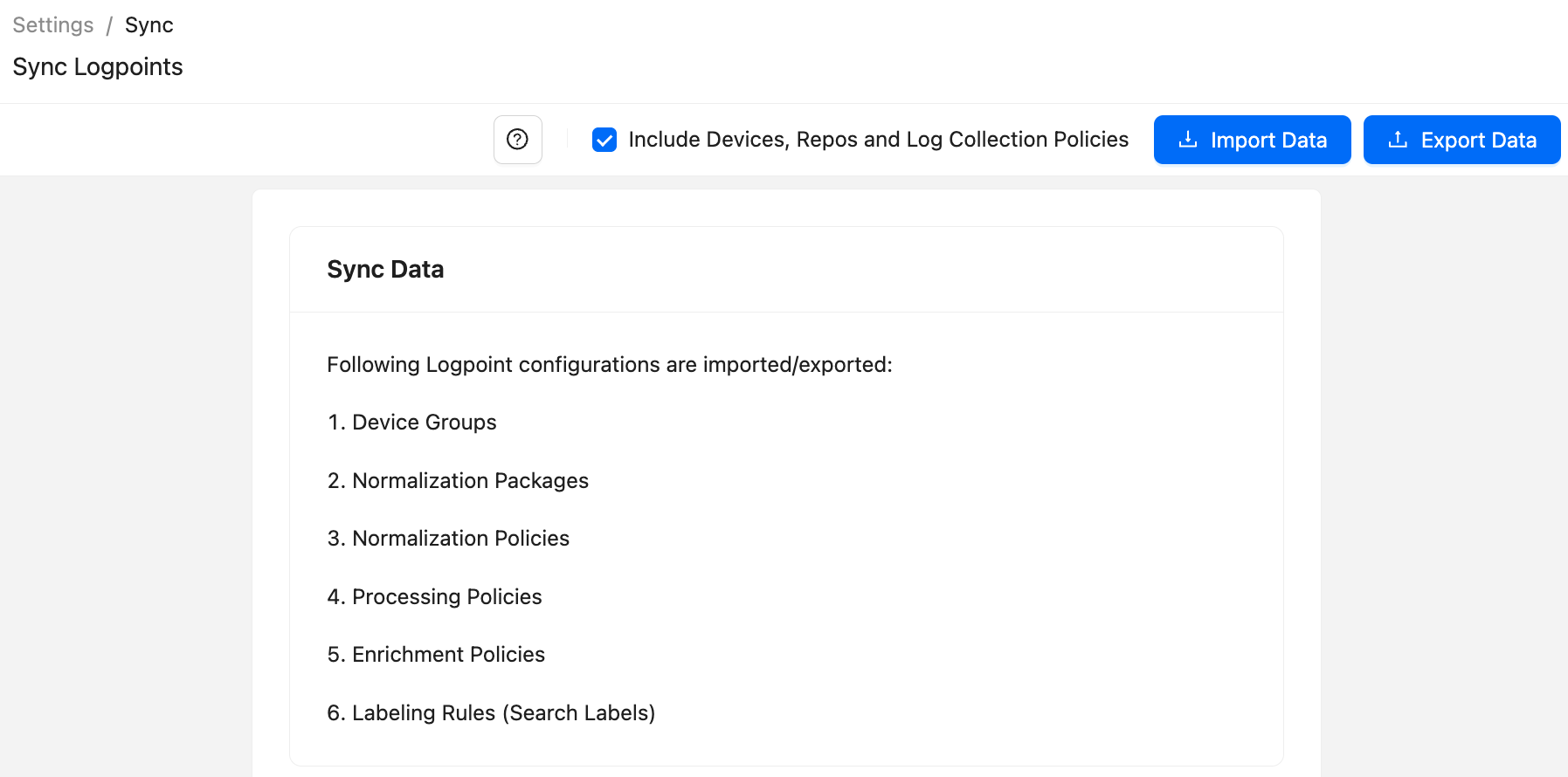
Go to Settings >> System Settings from the navigation bar and click Sync.
Select Include Devices, Repos, and Log Collection Policies.
Click Export Data. All the selected configurations are downloaded to your Logpoint in a .json file.
To import data:
When importing, if the configuration names are the same, the existing configuration is replaced by the new one.
Go to Settings >> System Settings from the navigation bar and click Sync.
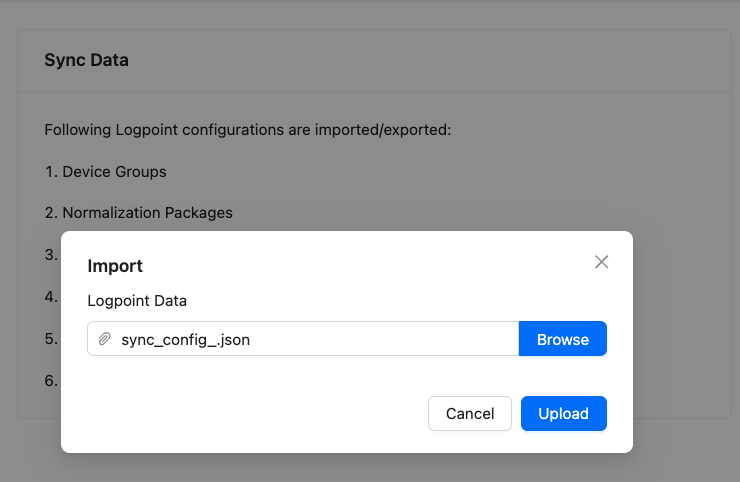
Click Import Data.
Browse for the JSON file and click Upload.
Was this helpful?